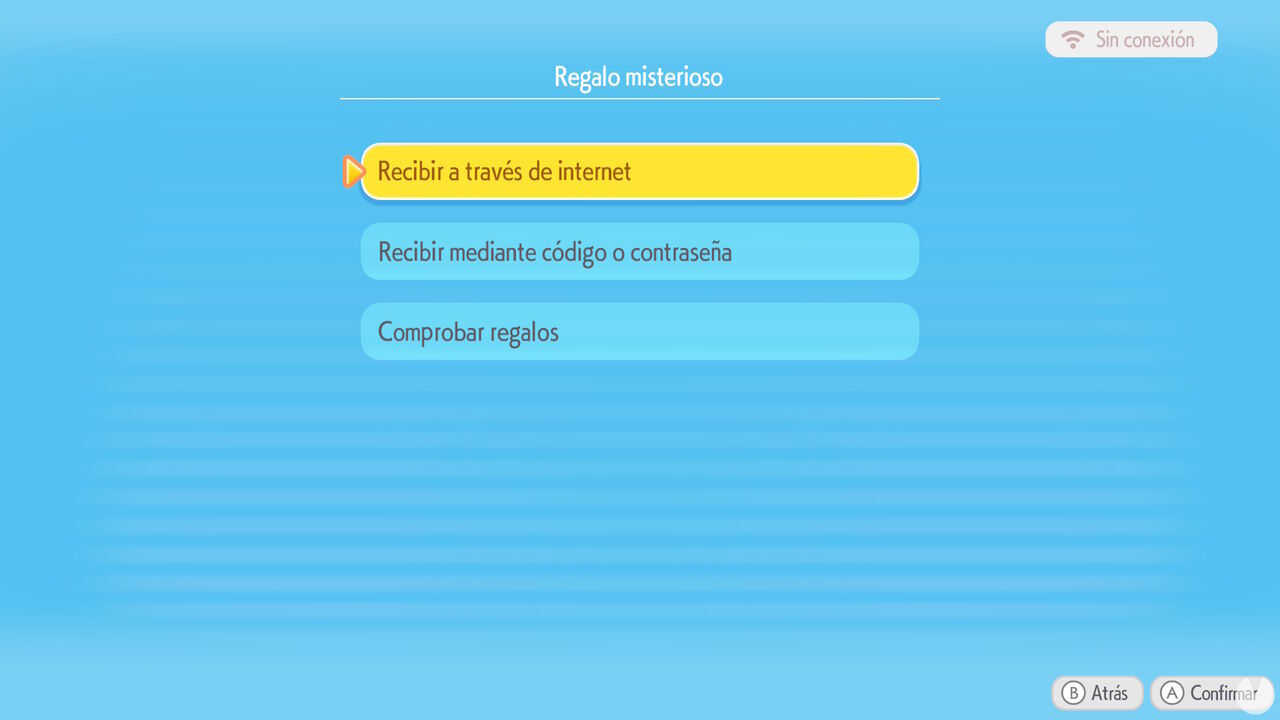
As has been the case with most recent games in Game Freak's franchise, Pokémon Pokopia includes the Mystery Gifts feature, which allows players to redeem rewards and codes online to obtain special gifts for their game. In this entry in our guide, we'll show you all the gifts and codes currently available for free so you don't miss the chance to redeem any of them and know exactly which rewards they unlock.
These are all the Mystery Gifts that can be obtained for free over the internet in Pokémon Pokopia without entering a specific password or code:
| Free gift | Reward | Validity period |
|---|---|---|
| Ditto Rug | You receive a rug inspired by Ditto's design that you can use as a decoration | From March 5, 2026, to January 31, 2027 |
| Dynamic Ditto print blocks and wallpaper | You receive the recipes for crafting Dynamic Ditto print blocks and wallpaper (only available if you purchase the Pokémon Pokopia Expansion Pass before August 31, 2027) | From June 9, 2026, to September 30, 2027 |
Remember that the gifts listed in this section are only available during the specified dates.
These are the free global Pokémon Pokopia codes that Nintendo and The Pokémon Company have publicly shared with players around the world so far.
| Global code | Reward | Validity period |
|---|---|---|
| P0K0P1AGARDENS | You receive 1 Chansey Plant | Available from March 31, 2026, to October 7, 2026 |
Bear in mind that these codes can only be used during their respective availability periods. Once the specified dates have passed, you will no longer be able to claim their rewards.
These are the rewards available through unique Mystery Gift codes that can be redeemed online in Pokémon Pokopia. Remember that each of these codes is unique and can only be obtained through special promotions, such as purchasing the game from participating retailers. This means we cannot share the codes themselves here.
| Code type | Reward | How do you get the code? | Validity period |
|---|---|---|---|
| Flat Leaf Plant | You receive a Flat Leaf Plant to use as a decoration | By purchasing the game from Amazon US or Japan | From March 5, 2026, to February 10, 2027 |
| Rare Pokémetal ingots | You receive 30 rare Pokémetal ingots | By purchasing the Pokémon Pokopia Expansion Pass DLC from Nintendo eShop before August 31, 2027 | From June 9, 2026, to September 30, 2027 |
If you own one of these codes, bear in mind that each one can only be used once per account. You will also be unable to redeem its reward once the availability period has ended, so make sure you use it in time.
Pokémon Pokopia's multiplayer mode allows us to create and visit Cloud Islands for up to four players and customize them however we like. If you have a Nintendo Switch Online subscription and have obtained the Mysterious Goggles, an item available from the PC Shop, you can use them to enter addresses that let you virtually visit specific Cloud Islands.
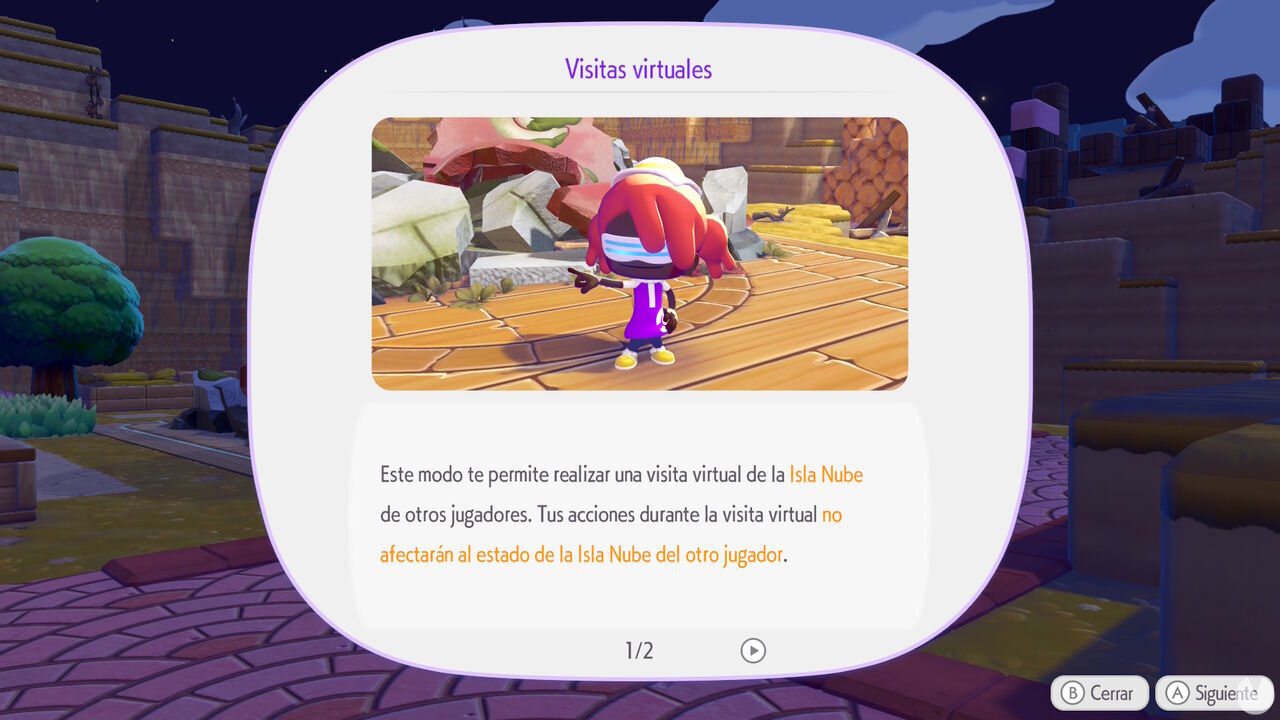
There are countless addresses for visiting Cloud Islands, but below you'll find the official addresses shared online for virtually exploring Cloud Islands created by Pokopia's developers or by employees and collaborators of The Pokémon Company:
Don't forget that while visiting these islands, you can use your camera to take pictures of the items and other features you find and then duplicate them on your island with the 3D printer. This is a great way to obtain items you don't have yet.
If you're wondering how it works, you'll first need to meet a fairly simple requirement to unlock the Mystery Gifts feature in Pokémon Pokopia:
Once you have access to the first PC terminal and Challenges, you'll see an option called "Get Items" in its menu. From this point in the game, you can open this menu to access the "Mystery Gifts" feature:
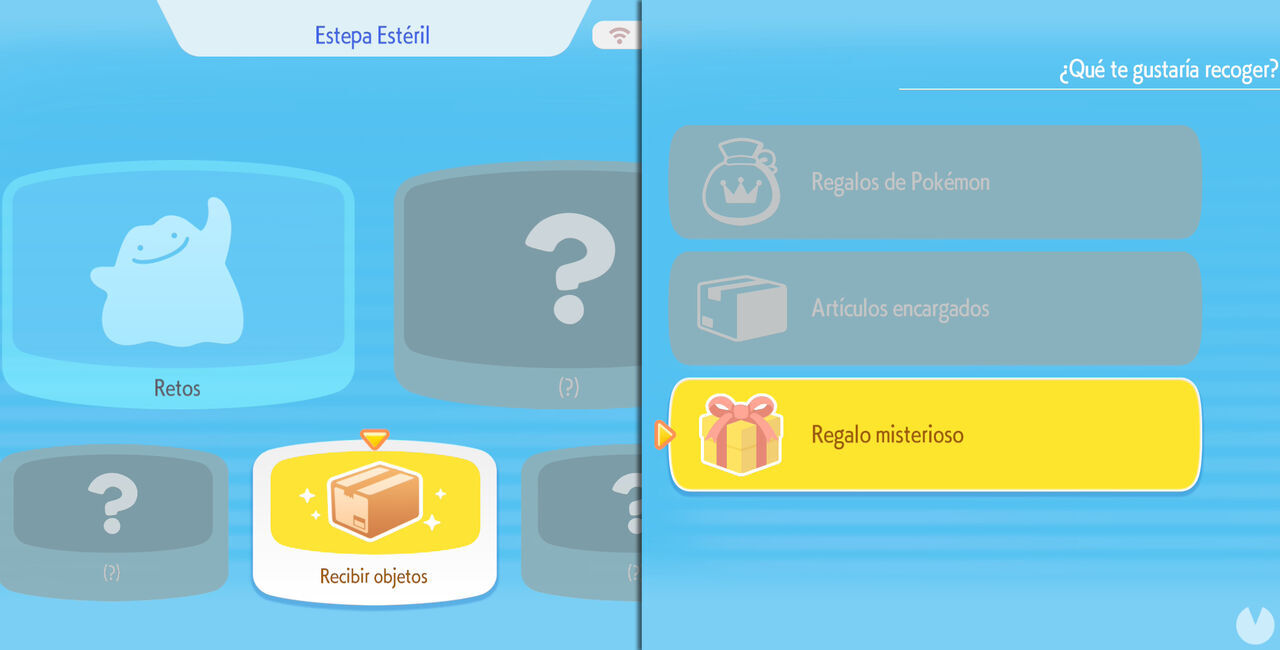
From then on, you'll be able to claim any available gifts. Remember that you need a stable internet connection to use the Mystery Gifts feature, although an active Nintendo Switch Online subscription is not required.
When you open the Mystery Gifts menu, you'll see that, just like in other games in the series, it contains the following three options, each serving a different purpose: