

Among the many things you can do in Pokémon Pokopia is the ability to grow vegetables in the soil and plant different types of seeds. This can eventually become important for obtaining certain foods or making your homes look prettier by adding shrubs and flowers, which can also help you create certain habitats throughout the world.
If you're new to the game or have any questions, this entry of our guide explains everything you need to know about growing crops, including what you need to get started, how to make your seeds grow faster, where to get them, and other useful tips and tricks.
The main thing you need to know about growing crops in Pokémon Pokopia is that you don't need to carry a shovel to dig into the ground. Instead, you'll need to unlock the Rototiller special move.
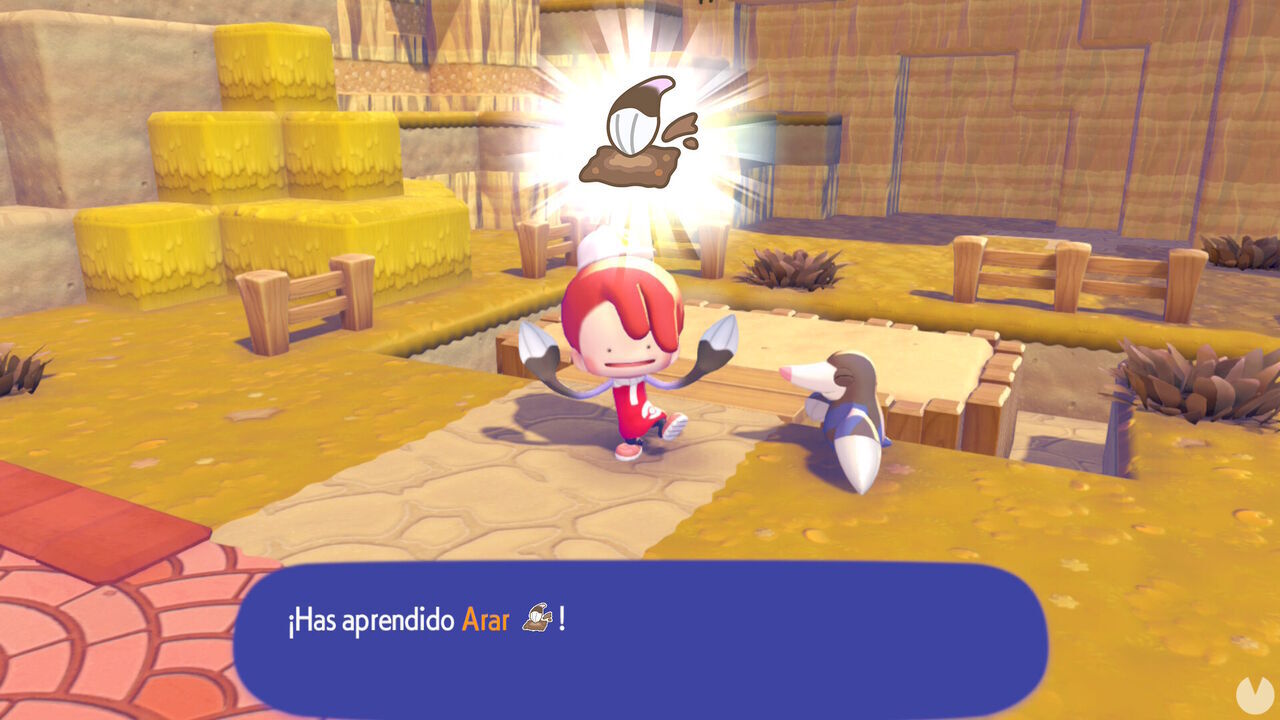
You can obtain this move by finding Drilbur and registering it in the Pokédex for the first time, which can be done fairly early in the adventure. Once you've unlocked Rock Smash in the Withered Wastelands, destroy the wall of blocks to the right of the ruined Pokémon Center. This will reveal a path where you'll find a Drilbur wandering around. Speak to it and it will teach you the move, allowing you to use it whenever you like from then on.
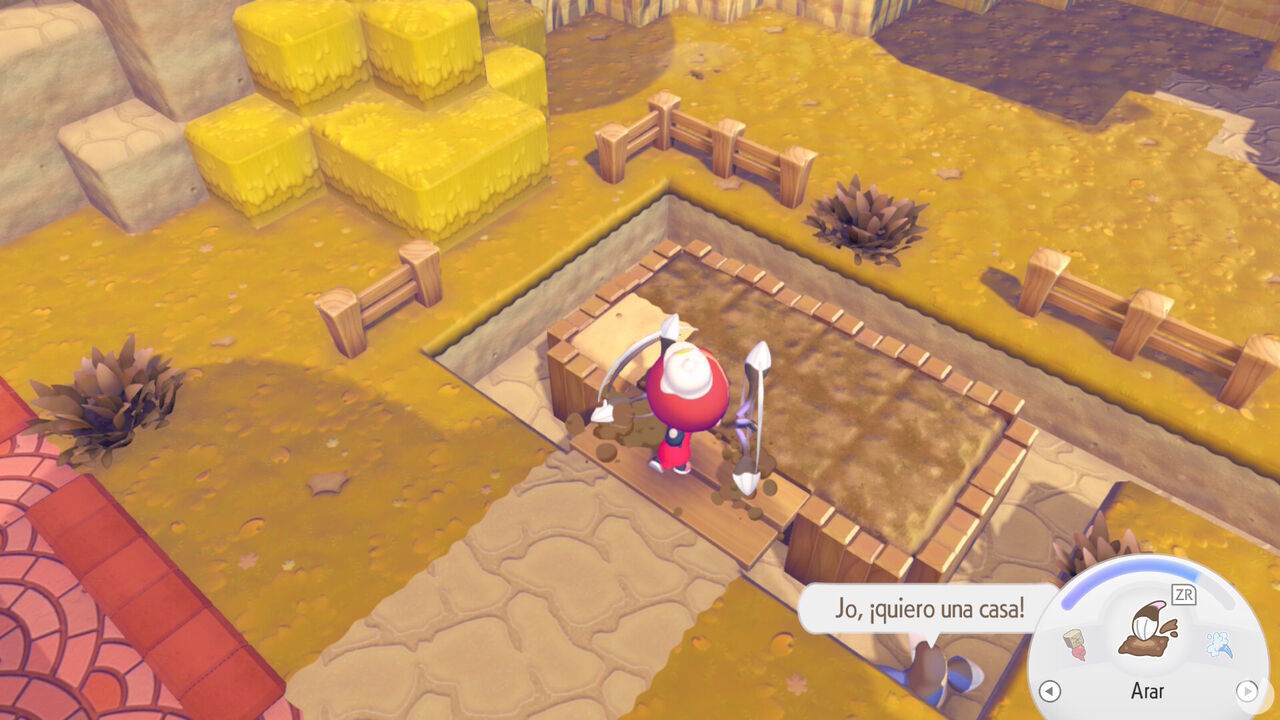
Once you've unlocked Rototiller, you can head to any patch of fertile ground to start growing crops. Look for ground made from grass, turf, or soil in general. Stand in front of a suitable patch, aim at it, and press the ZR Button to till it.
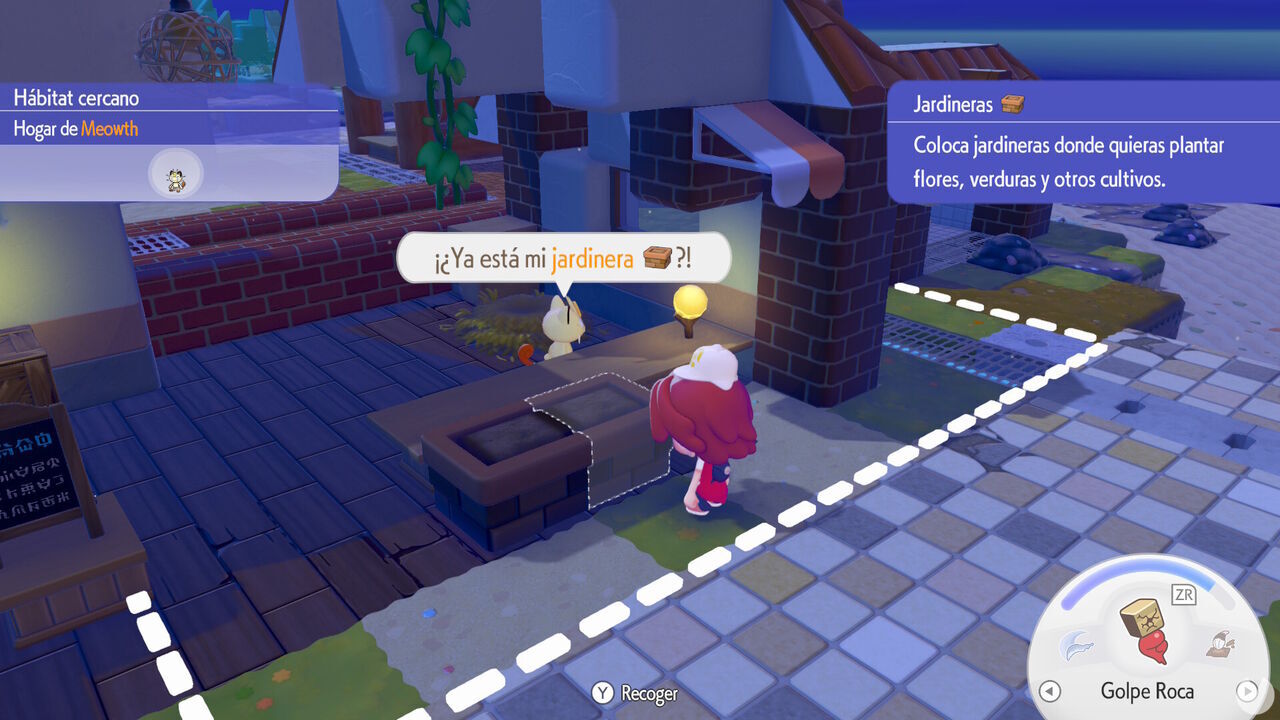
Bear in mind that you can also obtain planters, which serve the same purpose as tilled soil. You can unlock them in Bleak Beach by completing one of Meowth's requests.
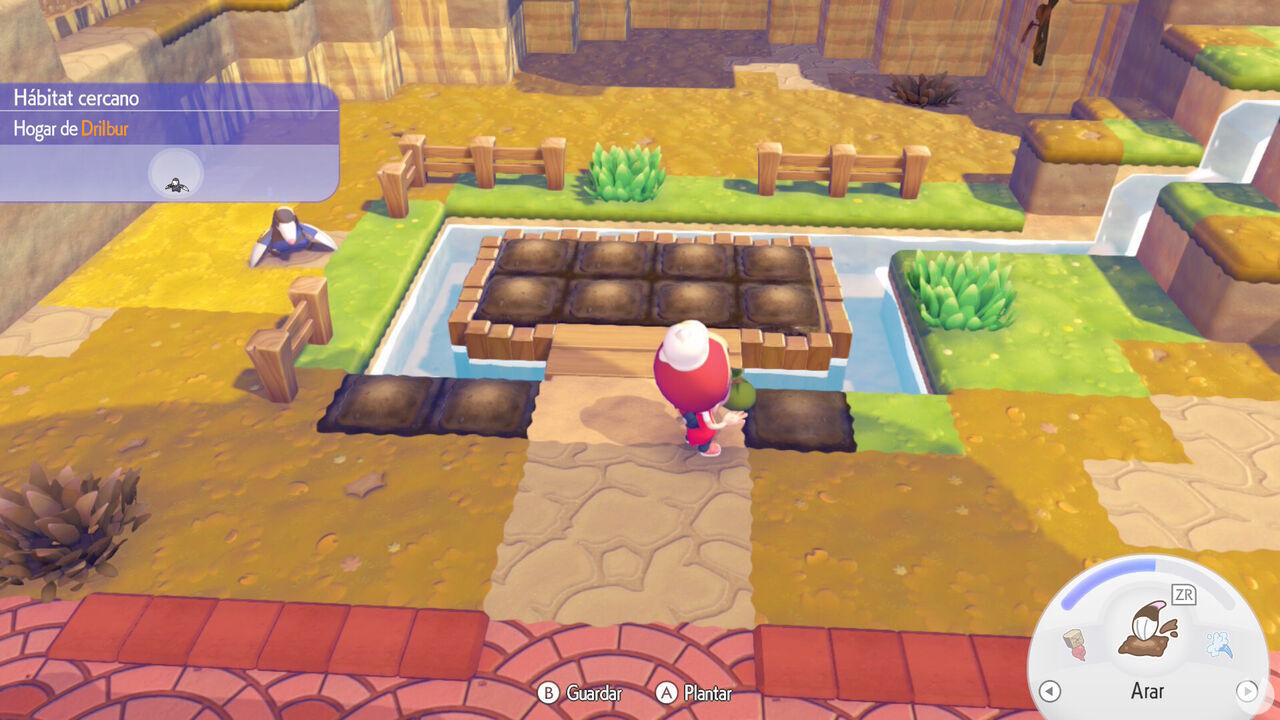
After you till a tile of soil, it will turn brown, indicating that the ground is ready for planting. You can use these patches to plant seeds for food and vegetables, such as Berries, as well as seeds for plants, flowers, shrubs, and trees.
Simply select a seed from your inventory and press the A Button while aiming at the patch of soil to plant it.
As in real life, most crops in Pokopia need water to grow properly. You should water them at least once per day to prevent them from drying out.
You can use Water Gun to water your planted crops yourself. Alternatively, you can bring along a Pokémon with the Water specialty to help with the job, provided it has a full Water basin nearby. When a patch of farm soil is watered, it will turn a darker color and the seeds will begin to sparkle.
As a useful tip, you can also plant crops right beside a body of water. Since they'll always remain moist, you won't need to water them manually. You can also change the weather to rain, allowing the rain to water every patch of soil in the area for you.
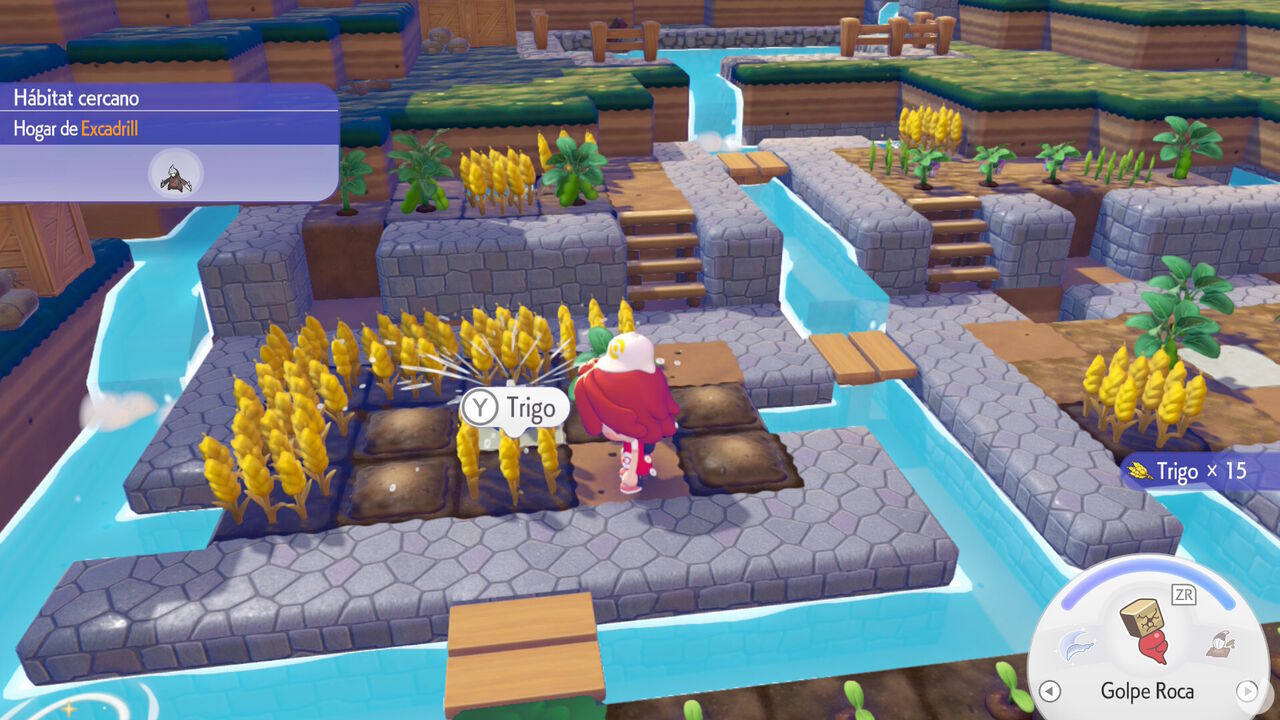
Later in the game, you can also obtain irrigation devices such as sprinklers, making it easier to speed up and automate the entire process. For example, you can find a sprinkler near the Pokémon Center in Rocky Ridges. Take a photo of it with your camera and you'll be able to print additional sprinklers using the 3D Printers inside Pokémon Centers.
As real time passes, crops in Pokopia will gradually grow. Every type of seed takes some time to become fully grown, sometimes even more than a day. However, you can make any crop grow much faster than usual if you have a Pokémon with the Grow specialty. Most Grass-type Pokémon, including Bulbasaur, are experts at this.
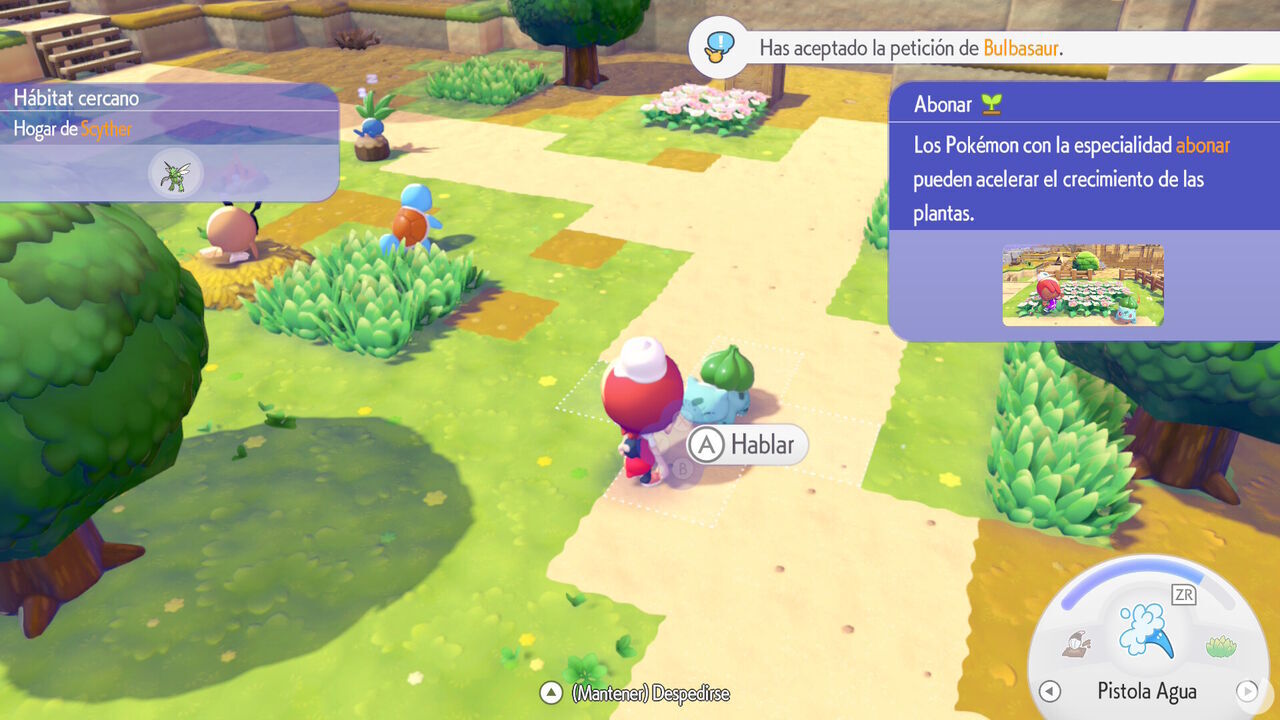
Ask one of these Pokémon to follow you and take it to where you've planted your crops. It will immediately apply a growth-boosting effect, greatly reducing the time you have to wait before enjoying whatever you've planted. This allows you to skip what could otherwise be an entire day's wait in just a few seconds.
When food crops such as wheat, beans, and tomatoes are fully grown, you can approach them and collect each ingredient individually with the Y Button. However, you can also charge Cut from a distance to quickly harvest an entire group of crops. You'll be able to do this after increasing the move's power by eating Bread.
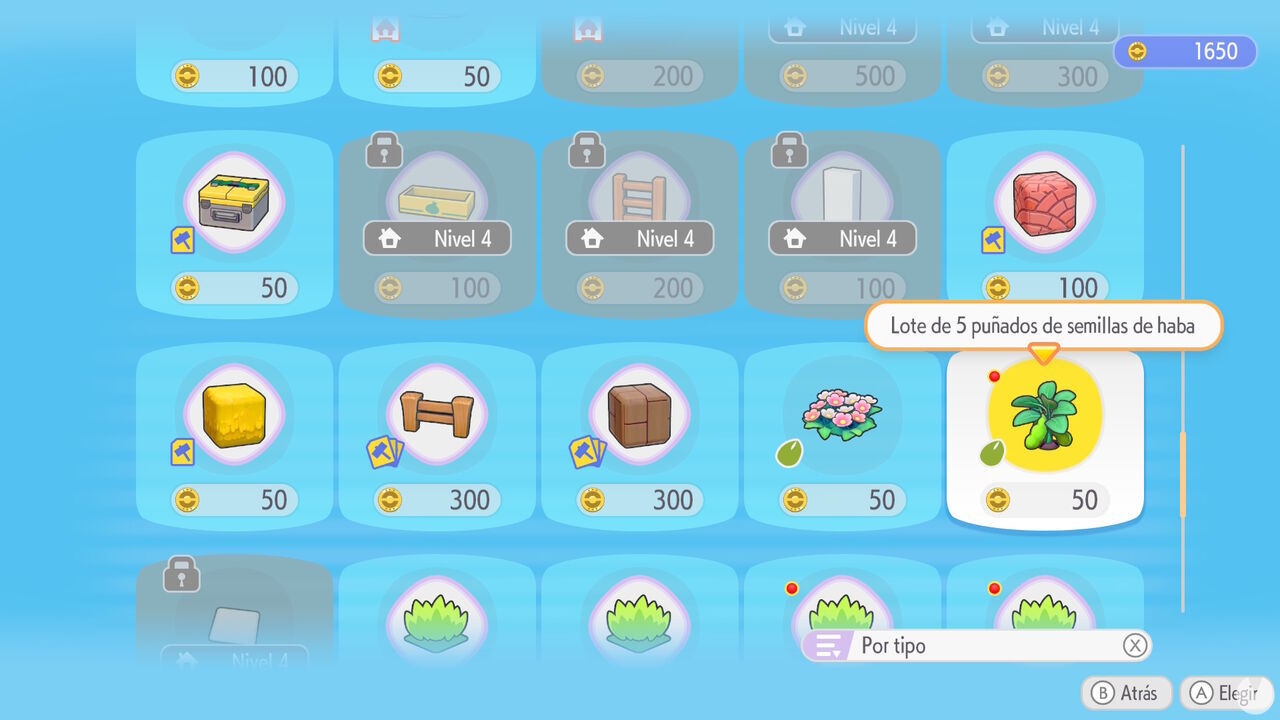
There are at least three different ways to obtain seeds for growing crops in Pokémon Pokopia. Here's a quick overview of the main methods:
