
In Pokémon Pokopia, you'll spend a great deal of time using the game's crafting mechanics, constructing buildings and other structures to create the world of your dreams. At some point, you may therefore wonder how to relocate houses you've already built or how to demolish an entire building to free up the space it occupies. If you're unsure, this entry of our guide explains how to do both.
To move a building to a different location in Pokémon Pokopia, you first need to purchase a special item from the PC Shop at any Pokémon Center. This item is the Relocation kit (prepare). It costs just 10 Life Coins and is available in unlimited quantities:
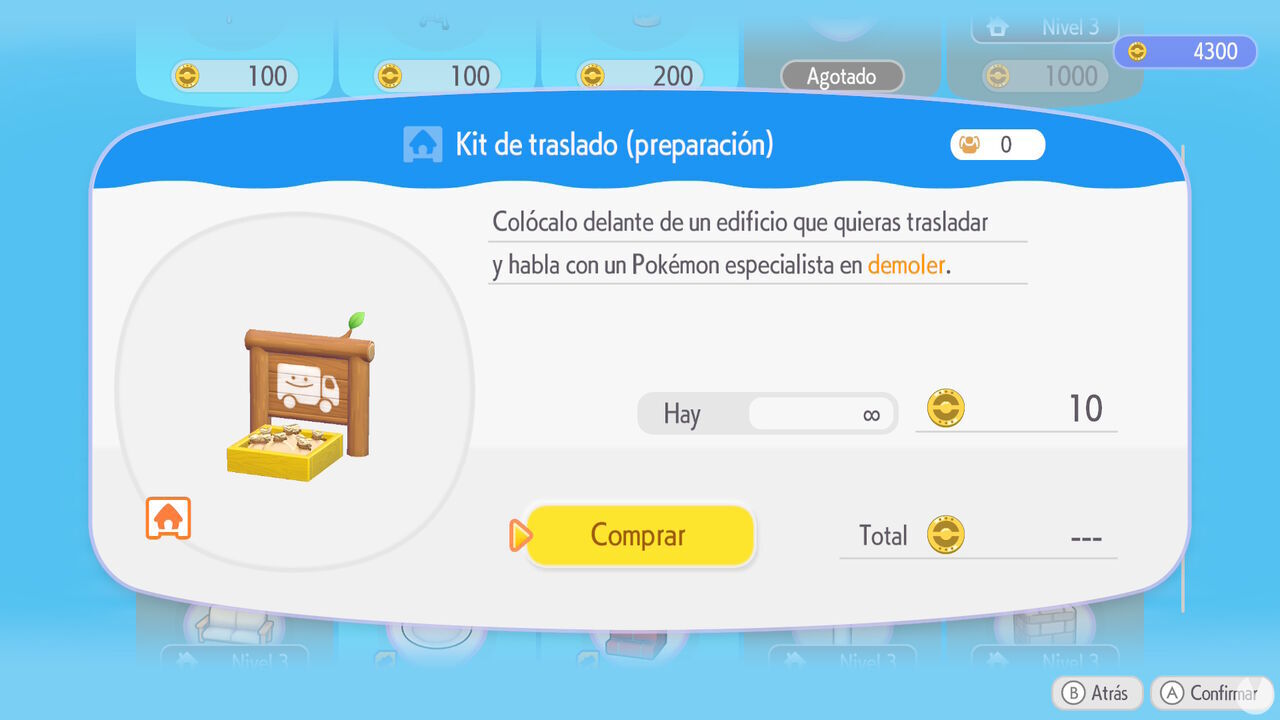
After purchasing this kit, head to the building you want to relocate and place it directly in front of the structure. Bear in mind, however, that buildings can only be relocated if they were originally constructed using kits.
In other words, you cannot use this kit to relocate houses you've built by hand from individual blocks. Unfortunately, player-made houses can only be moved by destroying the entire structure and rebuilding it elsewhere. If Ditto lives in a house constructed from a kit, make sure to remove its flag before attempting to relocate it.
After placing the Relocation kit in front of the building, bring along at least one Pokémon with the Bulldoze specialty and assign it to the task so it can begin preparing the structure for relocation.
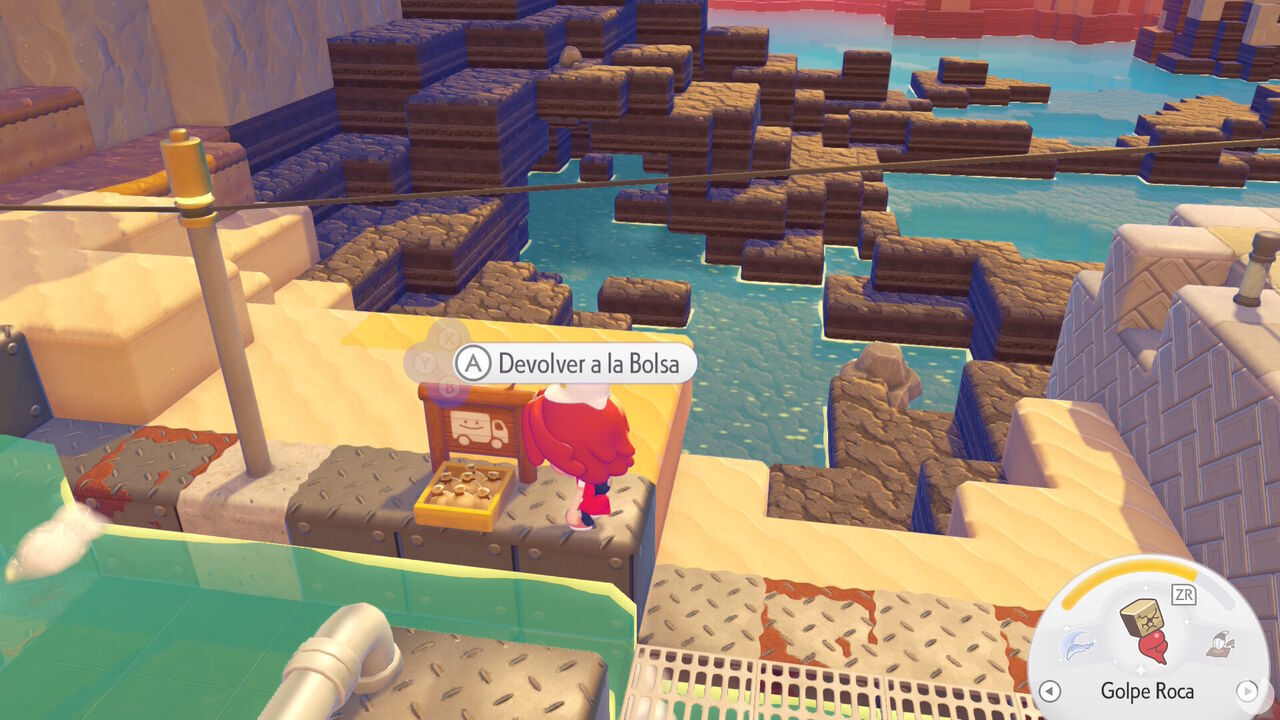
Once enough time has passed, you can return the building to your Bag and take it to wherever you want to rebuild it. You'll once again need the help of several Pokémon to construct it in its new location, but you won't have to spend the materials you originally used to build it.
The method for demolishing buildings in Pokémon Pokopia is similar to relocating them, as explained above. This time, you first need to purchase an item called a Demolition kit from a PC Shop. It costs 10 Life Coins and is available in unlimited quantities:
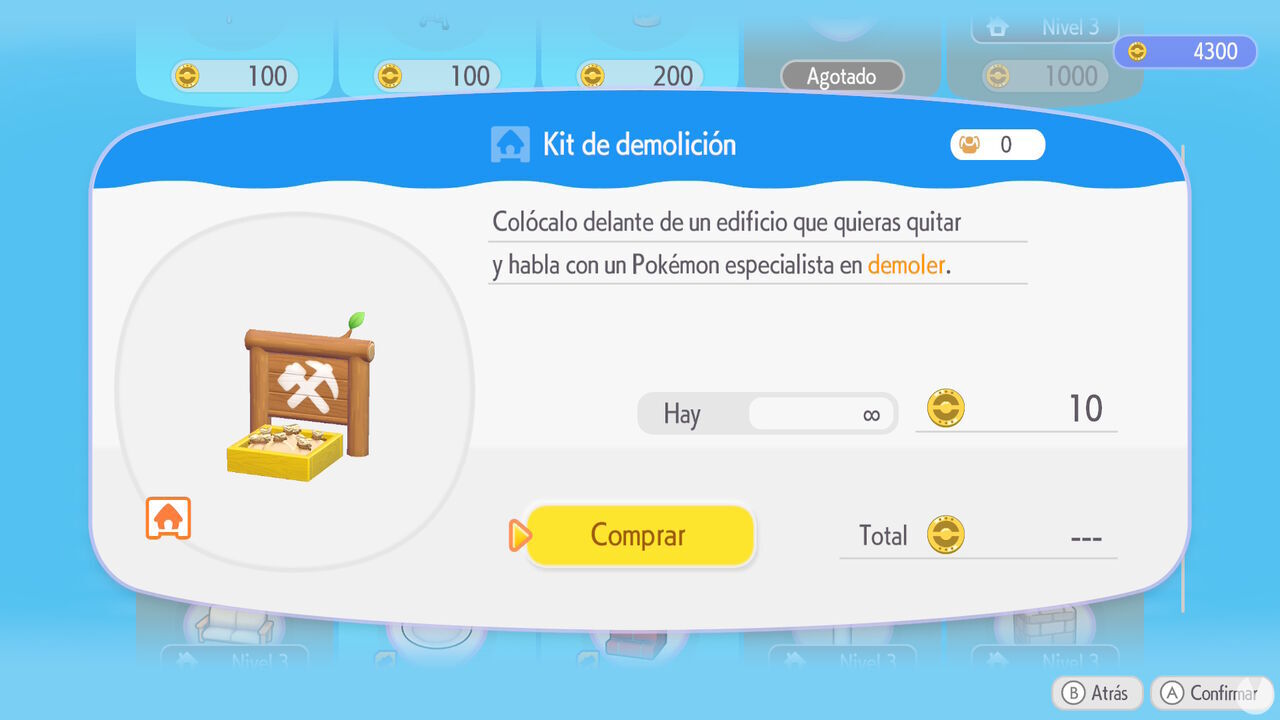
Place the kit in front of the building you want to destroy and bring along a Pokémon with the Bulldoze specialty so it can begin the demolition work. If any Pokémon live inside the building, you must first move them to another house or habitat. You'll also need to remove all the furniture from inside.
Be aware that this kit only works on structures constructed using kits. Buildings made by hand from individual blocks cannot be demolished this way.
Therefore, if you have any handmade houses you no longer want, you'll need to use Rock Smash to break every block and demolish them yourself. You'll recover the materials used to build them in the process.
