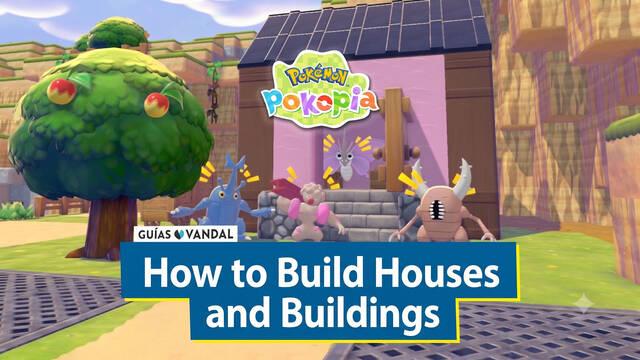
One of the things the crafting system in Pokémon Pokopia allows you to do is build houses and other buildings that you can either move into yourself or use as homes for the Pokémon you befriend as you discover them in different habitats. Building houses isn't purely cosmetic, either, as it helps you raise your Pokémon's Comfy Level more quickly.
That's why this entry of our guide explains the basics of building houses in Pokopia, how to move into the homes you've built, and how to move different Pokémon into them so they can live there happily.
When building houses and other structures in Pokémon Pokopia, the game gives you two different methods depending on how involved you want to be in the process. We'll explain both of them below:
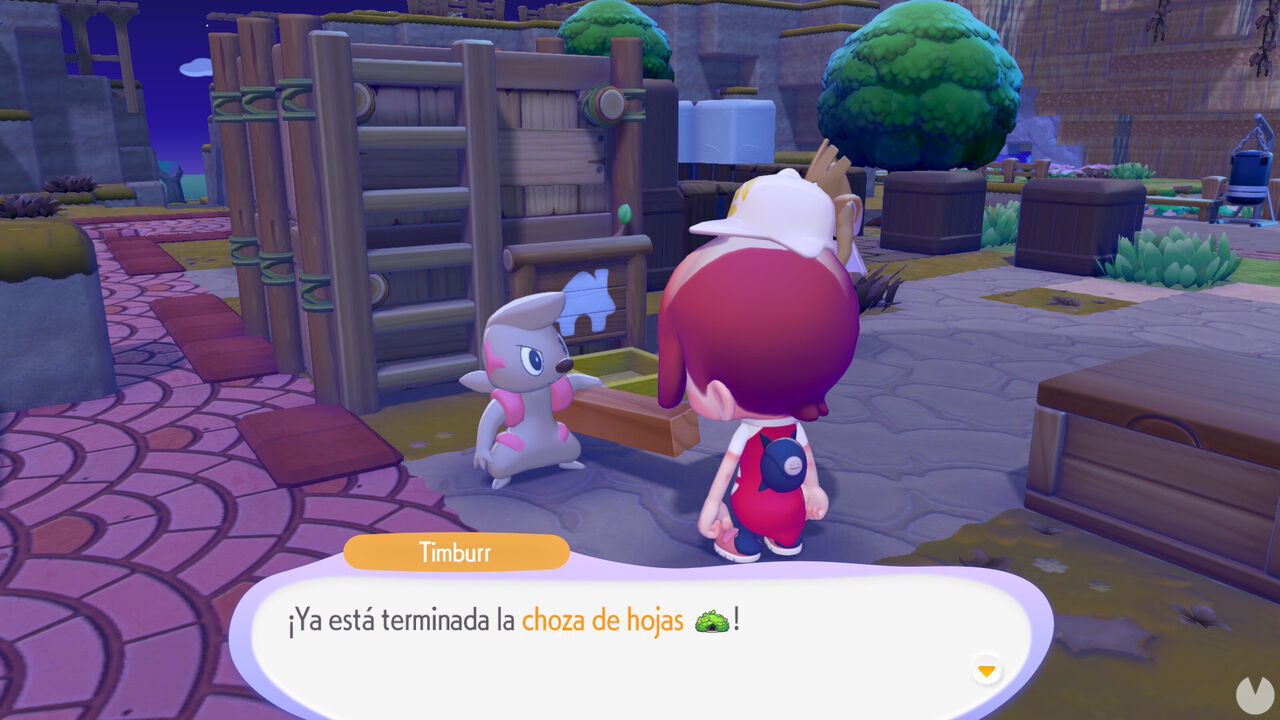
If you don't want to build a house entirely by yourself in Pokémon Pokopia, there's a simple alternative: using the prefab house kits already available and designed by the game's developers.
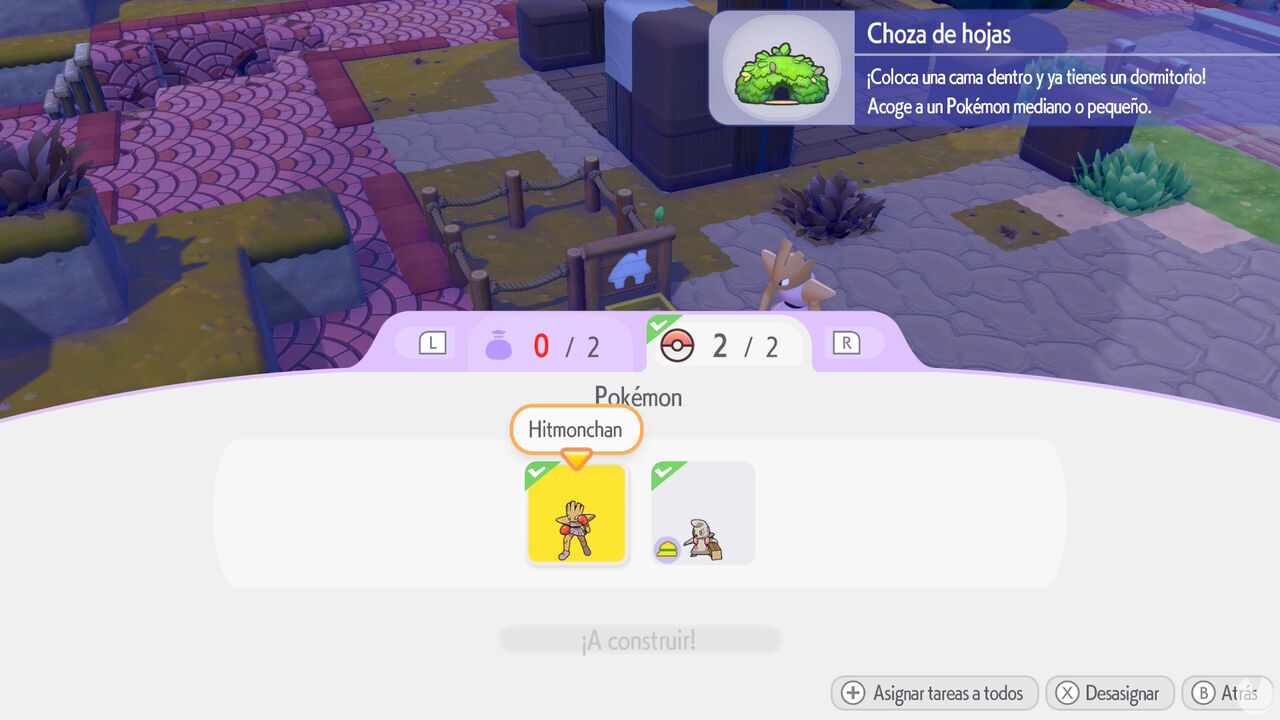
Naturally, both the Pokémon and materials required vary depending on the building's type and size. The construction time also varies, ranging from a few minutes to several hours or even an entire day.
In any case, you should know that you'll always need a Pokémon with the Build specialty, such as Heracross, Timburr, Makuhita, or Machoke. These Pokémon lead building projects and are required to get construction underway. Certain types of buildings may also require Pokémon with other specific specialties.
Once the required time has passed, speak to the project leader to complete construction. You'll then have a new home ready to use without having to build it by hand.
The more creative alternative, if you don't want to use prefab houses in Pokémon Pokopia, is to build one yourself. In other words, you can create a house however you like, using any size and materials you prefer.
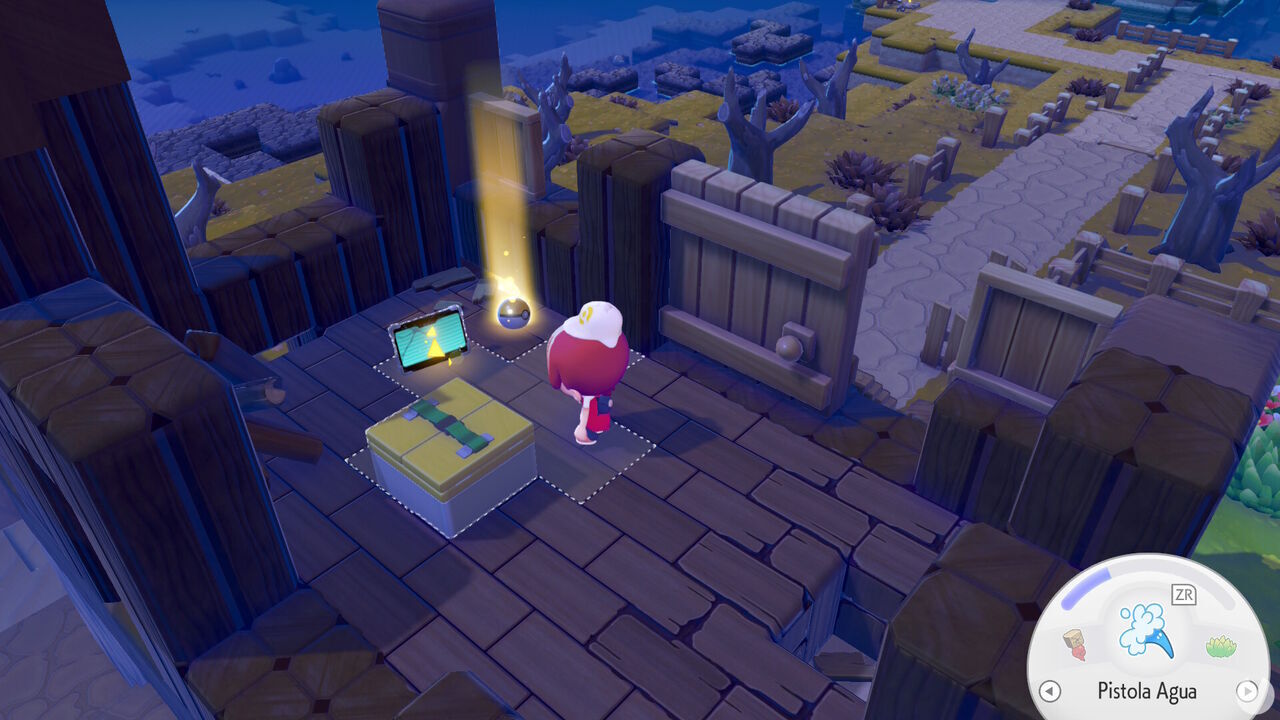
To do this, the game establishes a few rules and requirements that determine what counts as a house. If you want to build one yourself, you'll need to meet the following conditions:
As long as you follow these rules, you can build virtually any house you can imagine. The only limit is your creativity. You can even stack houses on top of one another or create habitats inside your custom-built homes.
Just bear in mind that a maximum of 4 Pokémon can live in a house you've built yourself.
Naturally, after building a house in Pokémon Pokopia, you can make it your own personal home—in other words, Ditto's house. This is especially useful for fast traveling back home whenever you're far away.
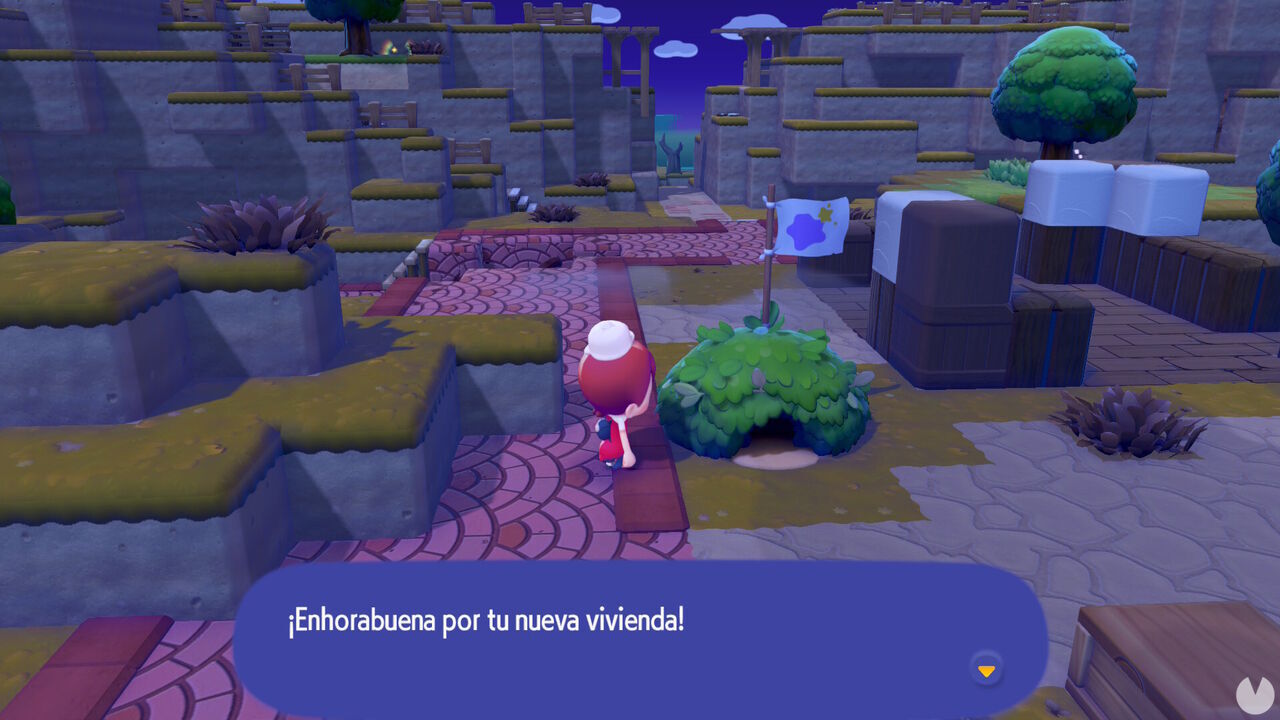
After you build a house, it will be marked as "unoccupied." To give it an owner—and specifically claim it as your own—you need to place an item called a Ditto Flag outside, inside, or near the structure.
You'll automatically obtain your first flag during the main story in the Withered Wasteland, after building your first house and asking Professor Tangrowth how you can live in it. You'll then unlock the recipe for crafting more Ditto Flags at a workbench using 1 Sturdy Stick, 1 Twine, and 1 Leppa Berry.
Once you have a Ditto Flag, place it inside, near, or on top of the building you want to claim as your home. You can make any house your own, even one already occupied by other Pokémon, meaning you can live alongside your favorites. If you want to move somewhere else later, simply pick up the flag and place it beside another house.
After building a house, whether from a kit or from scratch, you can invite different Pokémon to live there. The number of residents it can accommodate depends on the size of the building. However, you'll always need to place at least 3 pieces of furniture inside before the game considers it habitable.
Until you've placed 3 pieces of furniture, you won't be able to move into the house yourself or invite any Pokémon to live there. Once you've added the furniture you want, approach any Pokémon and speak to it to ask it to follow you. Lead it to the front of the house and speak to it again. A new dialogue option will appear asking: "Would you like to move here?"
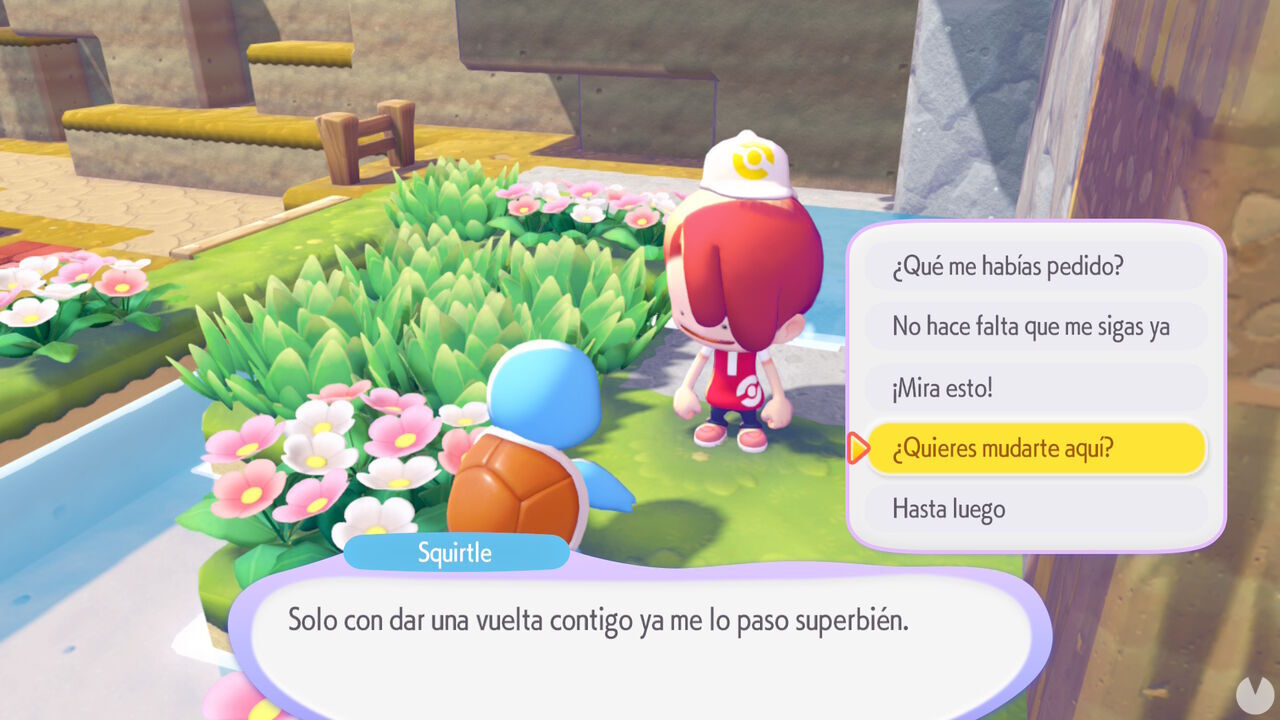
Select this option to invite the Pokémon to live in that house. It will immediately be delighted by your offer and move into its new home, provided there's enough room. If you later want it to move to another house or a different habitat, simply repeat the same process.