
Pokémon Pokopia offers players a huge range of possibilities, including an interesting decoration and crafting feature that allows you to customize and recolor all kinds of furniture, giving each item a unique or themed look that suits your tastes. This is all made possible by Smearguru, a truly distinctive artist, and the use of different Paints...
In this entry of our guide, we'll explain everything from how to meet Smearguru to which types of Paint are available, how to change the colors of items, and all the other details related to this mechanic.
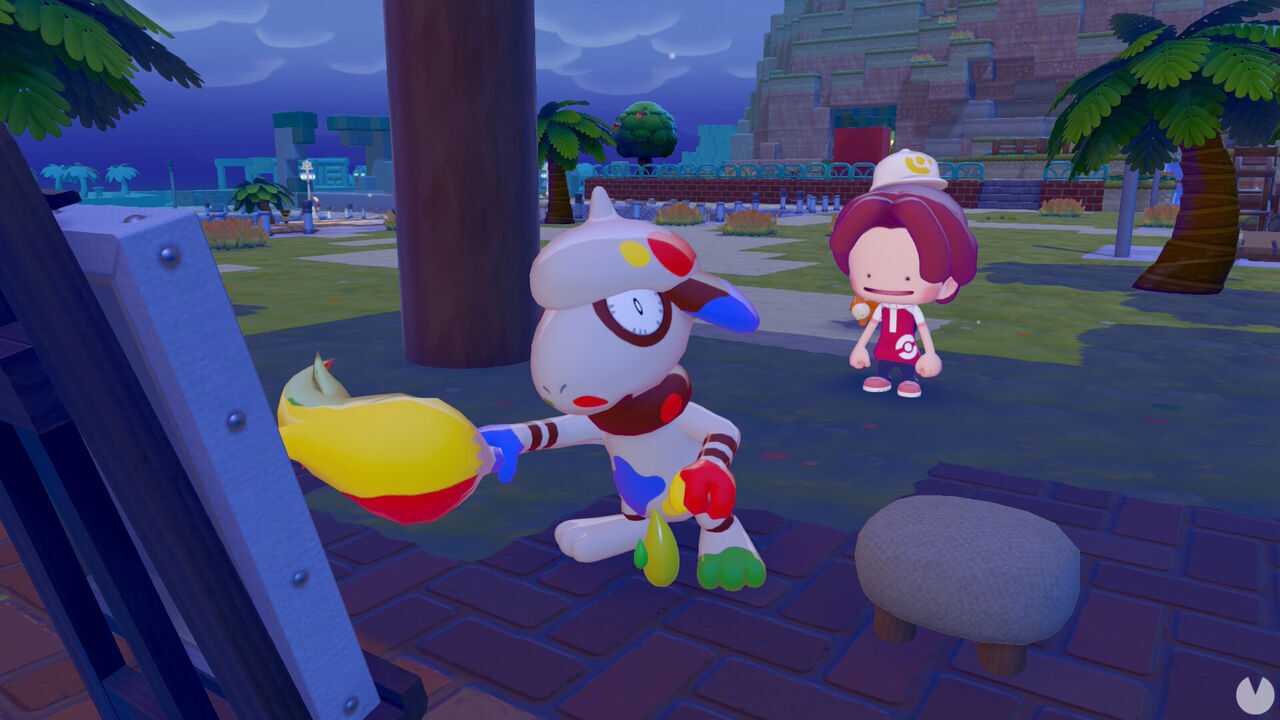
Smearguru is the Pokémon responsible for painting and recoloring items in Pokémon Pokopia, as it is the only Pokémon in the game with the Paint specialty. If you want to customize your items, you'll first need to meet it, befriend it, and register it in the Pokédex. However, you'll need to make some progress through the main story first, as Smearguru can only be found in Bleak Beach.
You can open the passage leading to Bleak Beach from the Withered Wastelands after completing the Important Request "Yawn Up a Storm!", which raises your Trainer Rank to Great.
Once you reach the beach area, rebuild the path to the left of the ruined Pokémon Center and head toward a beach in the distance. You'll eventually reach an open area with a small wooden shelter, where you'll see Smearguru painting on a canvas. It's difficult to miss, as it also has a speech bubble above its head that can be seen from a distance.
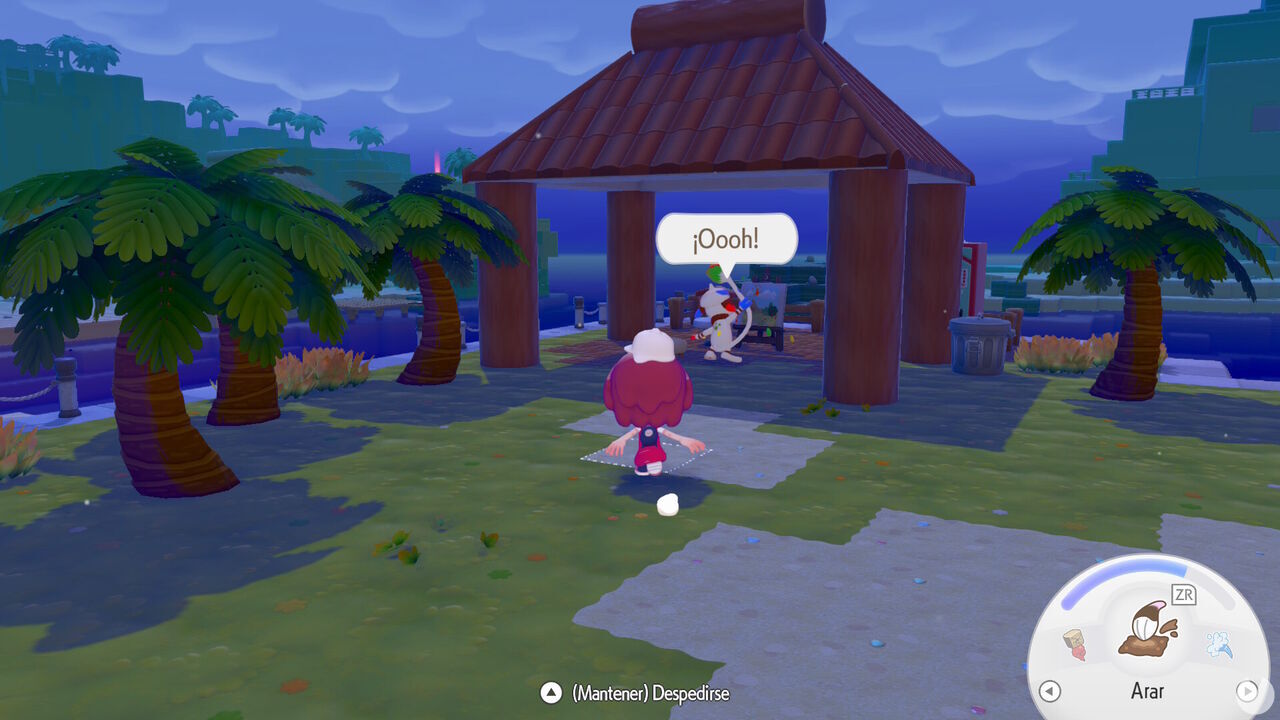
After speaking to Smearguru for the first time, you'll be able to register it in the Pokédex. It will then begin giving you a series of regular requests that serve as a tutorial for the item-painting mechanics. Don't forget that you can invite it to live in a house to make it more comfortable. If you don't, it will always remain somewhere around the area described above.
Painting items in Pokopia requires Paints of different colors. You can obtain them primarily by giving certain foods to a Pokémon with the Crush specialty, allowing it to turn them into Paint. Later in the game, you'll also be able to purchase some types of Paint from PC Shops.
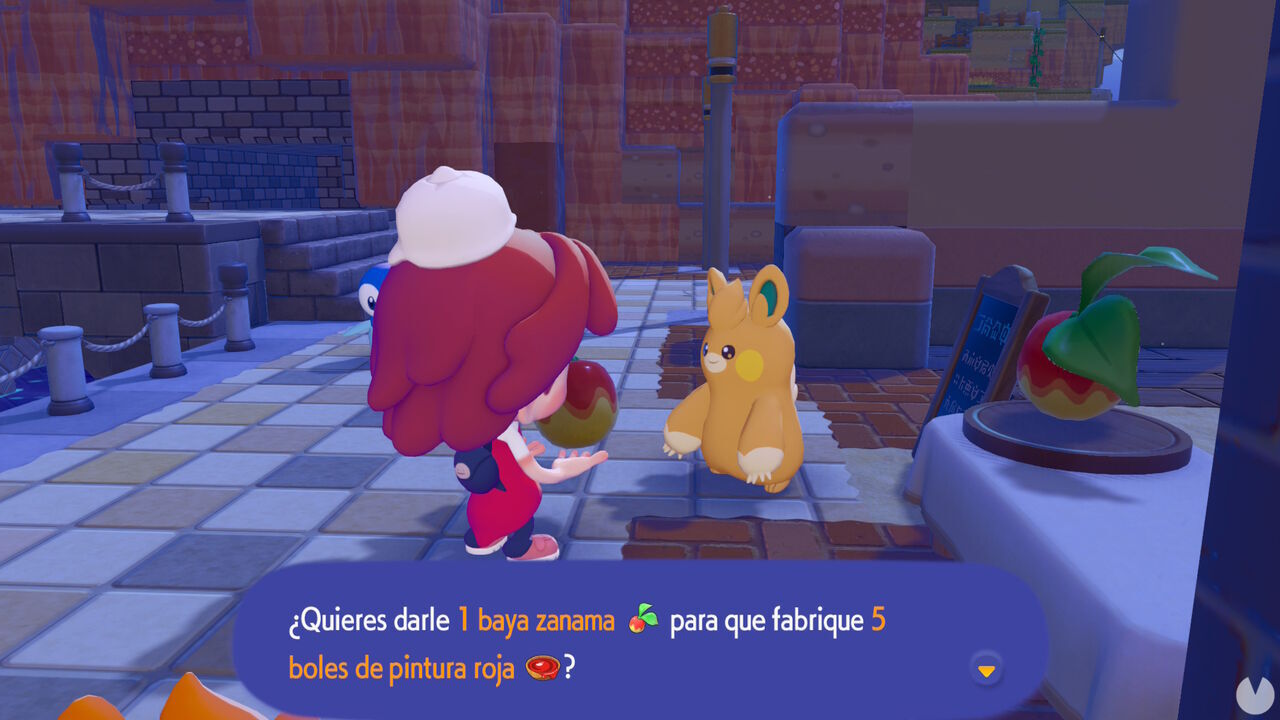
Pokémon such as Onix, Pawmo, Geodude, and Larvitar, to name just a few Crush experts, can crush a Leppa Berry and turn it into Red Paint. Simply speak to one of them and select the "I need paint" dialogue option to have it carry out the task.
If you give them a Pecha Berry instead of a Leppa Berry, you'll receive Pink Paint after it has been crushed. As you can probably imagine, other resources produce different results... Don't forget that you can consult our materials guide to learn how to obtain every type of Paint.
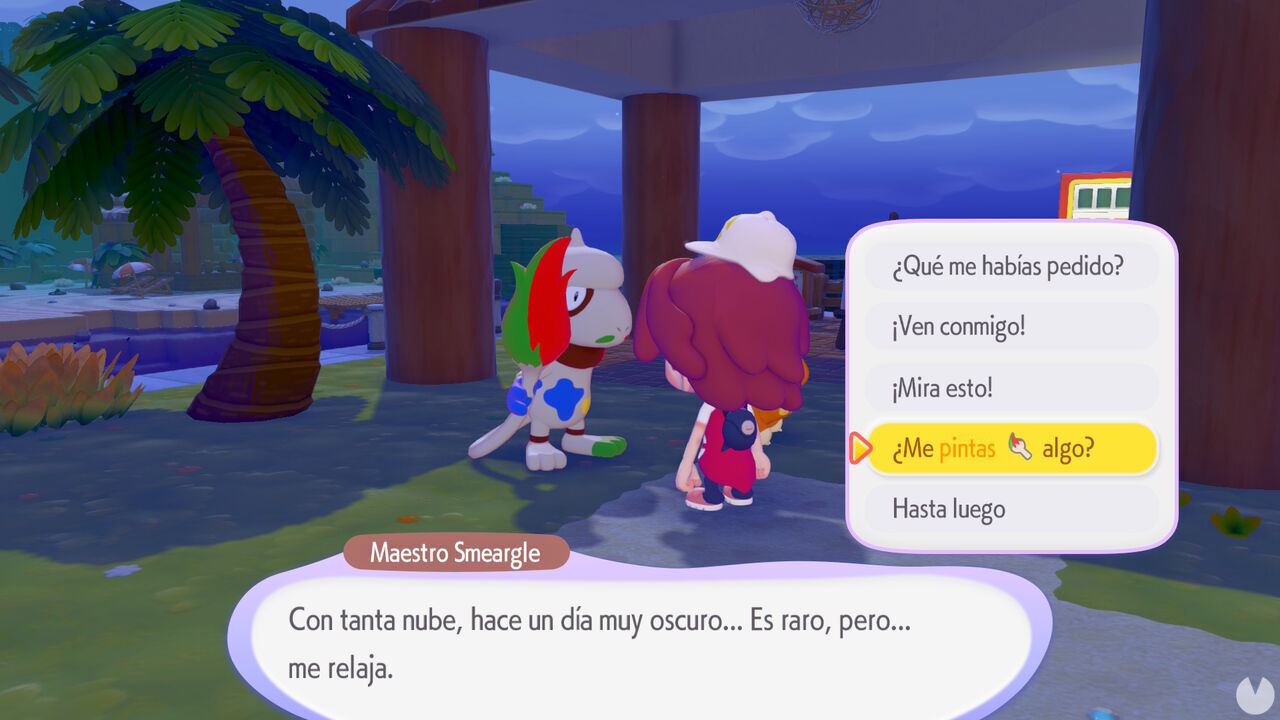
Once you have some Paint in your inventory, visit Smearguru and speak to it to select the "Could you paint something for me?" dialogue option, marked with a paintbrush icon.
You'll then be able to choose a piece of furniture or another item to paint. Be aware, however, that not every item in the game can be customized this way. Only a limited selection of objects can be painted: specifically, items with a paintbrush icon beside them. Keep this in mind. Some objects can also be customized with up to two different colors.
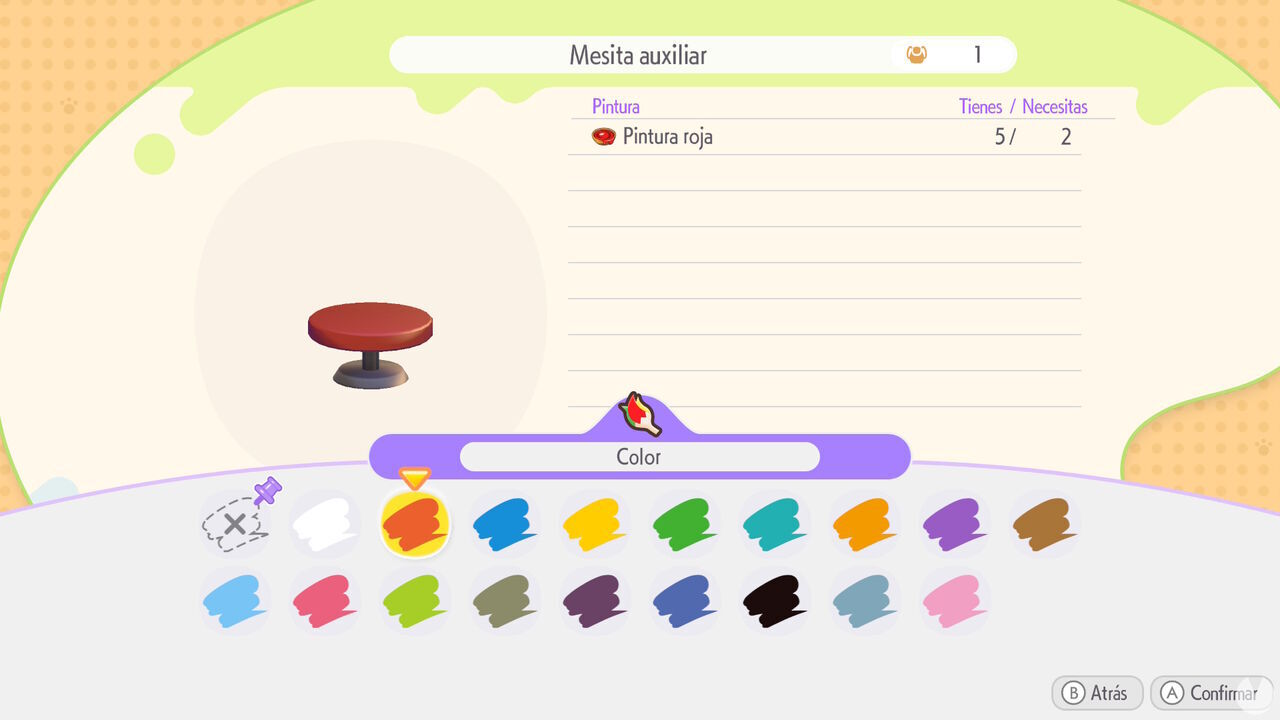
You can also bring Smearguru to a house you've built and ask it to change the colors of the structure, making the process much quicker.
Finally, it's worth knowing that special design patterns are also available for Smearguru to paint onto certain objects. Several designs are available by default, but you can also randomly unlock more by visiting Dream Islands with Drifloon.
In addition to everything above, you can also mix the Paints you obtain and use a Workbench to craft Paint Balloons in even more colors.
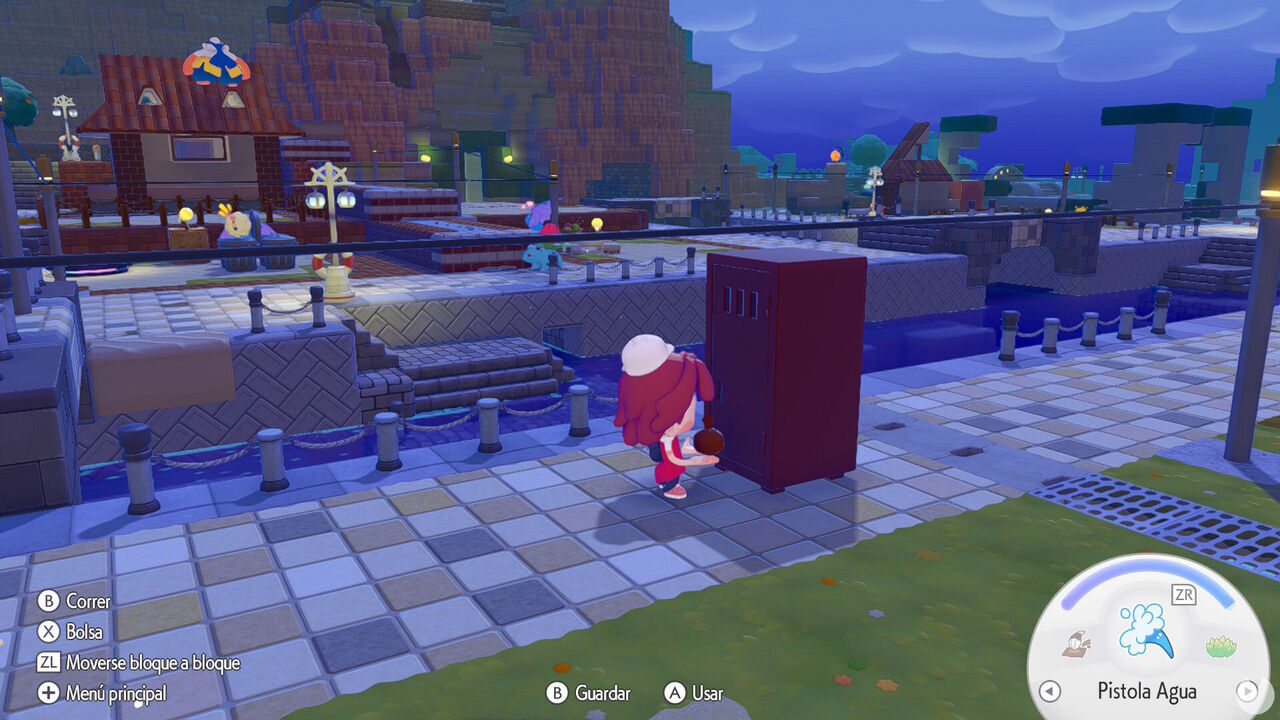
Paint Balloons give you access to a total of 18 different colors. These are all the available options and the two Paints you need to combine to craft each one:
You can equip these balloons and throw them at an object to instantly paint it your desired color. This means you won't have to remove an item from its current location and take it all the way to Smearguru.
