
One of the features in Pokémon Pokopia that is sure to delight music lovers is the ability to collect a whole range of music CDs from across the Pokémon series, allowing you to play and enjoy many iconic tracks. However, if you have just started playing, you may be wondering how to obtain music CDs, how many there are in total, or how to use them to listen to their music whenever you like. In this entry in our guide, we explain everything in detail.
There are 43 music CDs in total to collect in Pokémon Pokopia, although unfortunately there is no quick and guaranteed way to obtain them all. The only ways to acquire new music CDs are through these two methods:
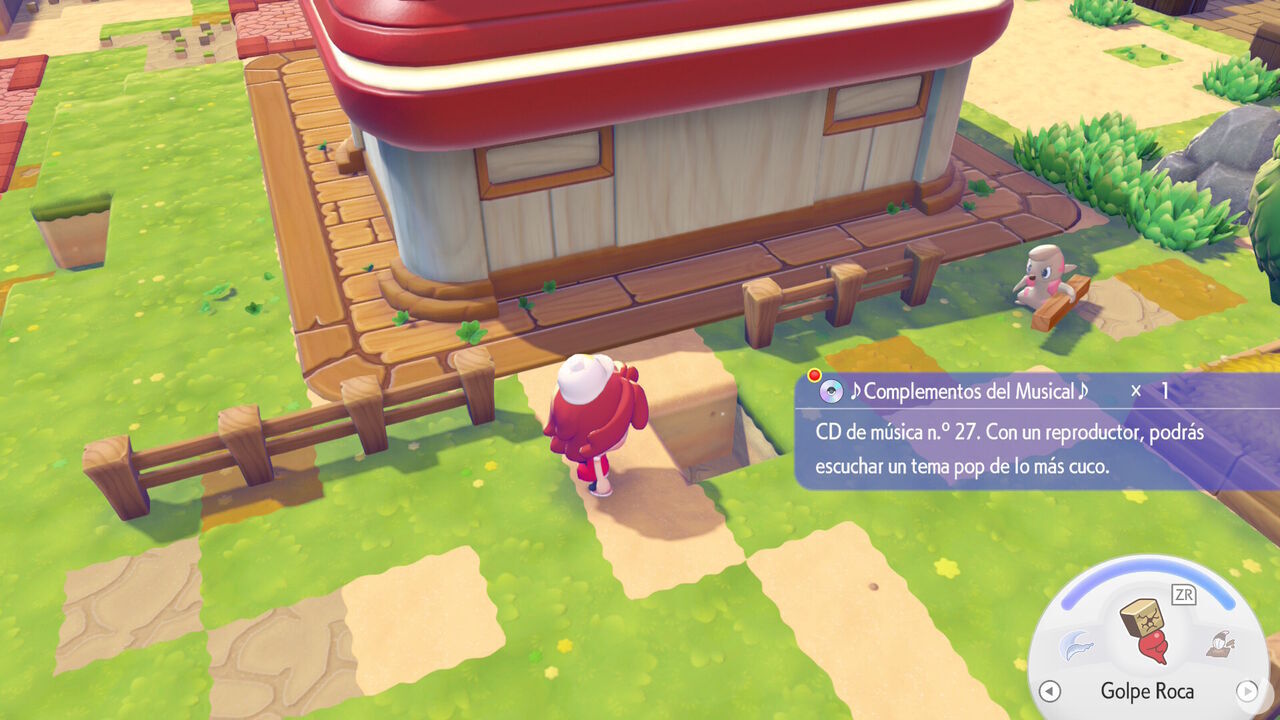
Aside from the handful of CDs found in specific racks while exploring the different areas and biomes, such as the one shown in the screenshot below, the main way to expand your collection is by randomly obtaining CDs from glowing blocks, just like other treasures such as fossils and relics.
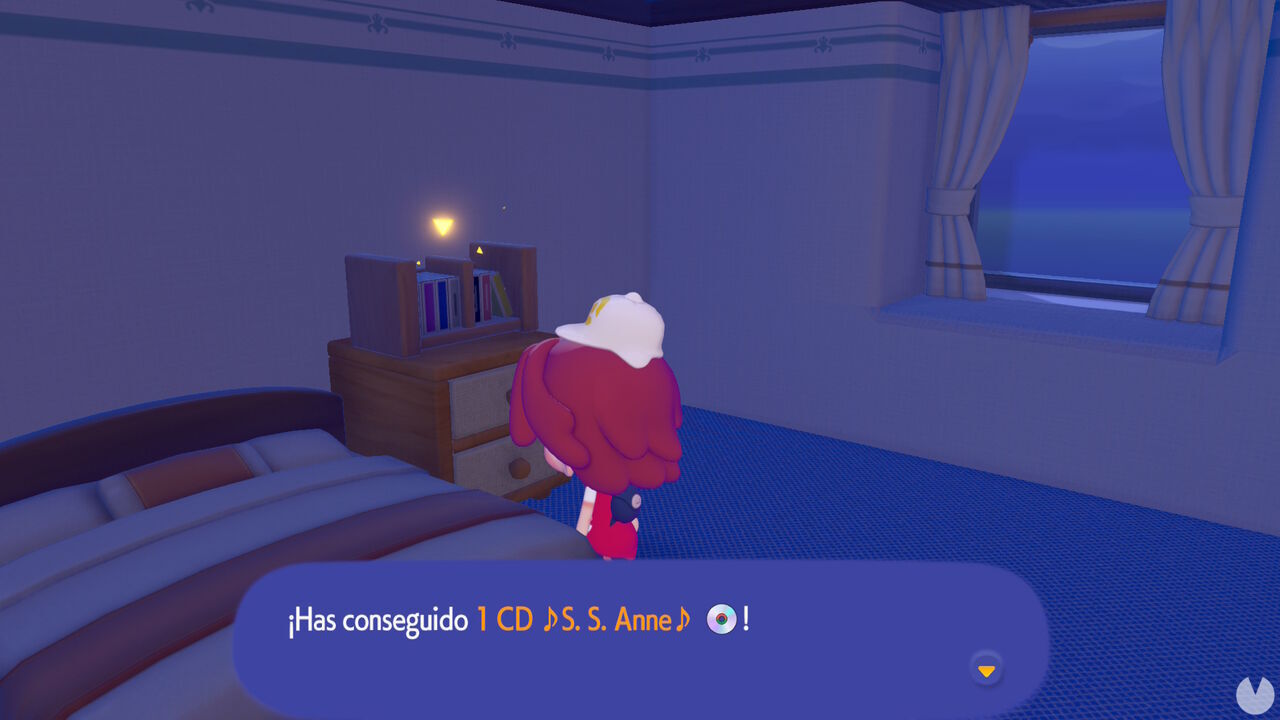
Unfortunately, as mentioned above, this means that you never know when you are going to find a CD. Even when you do find one, there is no guarantee that it will be a CD you are still missing, as you can obtain duplicates.
As you can see, CDs cannot be purchased from the PC shop or obtained through any methods other than those described above. The best way to speed up your search is to take advantage of days when your luck is high and more glowing blocks appear on the ground. You can also use the Dowsing Machine while accompanied by a Pokémon with the Search Specialty to locate buried treasure more often.
Be patient and take your time. If you play regularly, you will gradually obtain more and more CDs until you eventually complete your collection.
Once you have obtained some music CDs, you can play them in two different ways. The simplest and most direct option is to obtain a CD Player, an item that can be found in certain parts of the world, such as the Sparkling Skylands. You will also eventually be able to purchase one from a shop or craft one at a Workbench after unlocking its recipe.
If you have a CD Player, simply select the CD you want to hear from your inventory and insert it into the device. As mentioned, this is the easiest way to listen to your CDs. However, there is an even better alternative: befriending the special Pokémon DJ Rotom.
DJ Rotom can be found after gaining access to the Rocky Ridges area. In this biome, immediately to the right of the ruined Pokémon Center, you will initially find a large pile of ash-covered rocks that you can smash apart. After destroying them, you will reveal the entrance to a tunnel illuminated by streetlights that leads into a cave, as shown below:
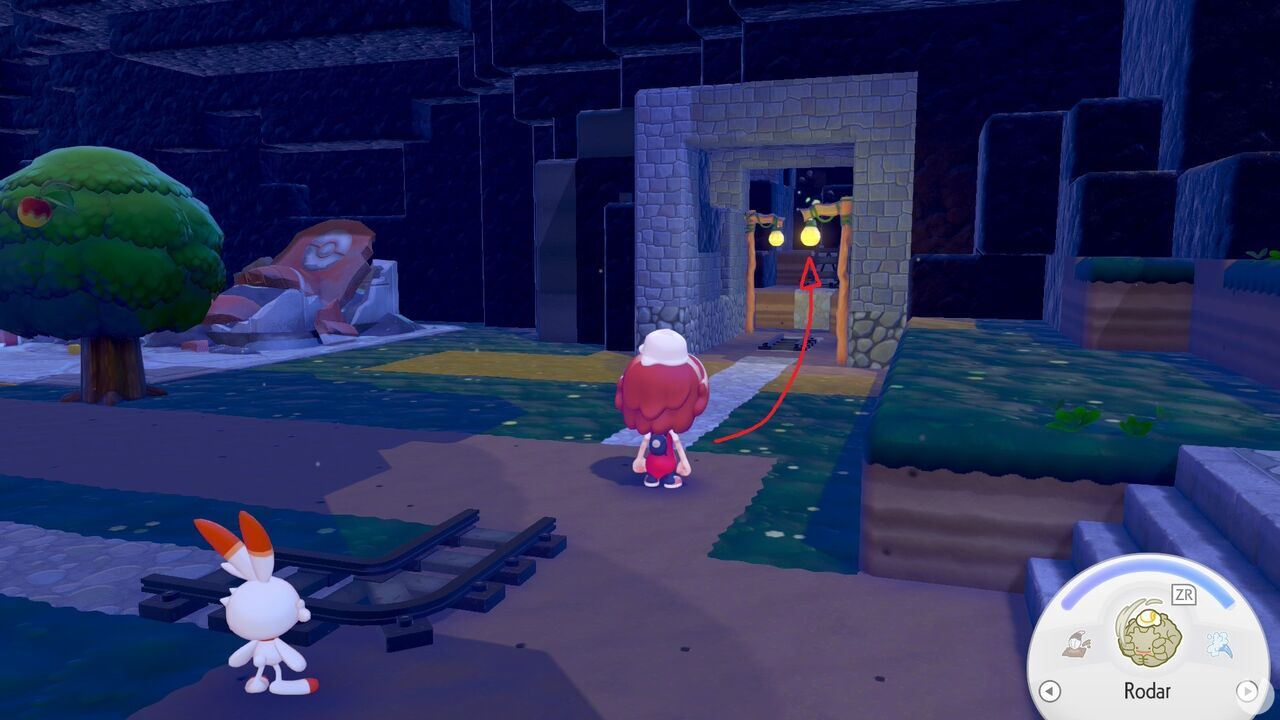
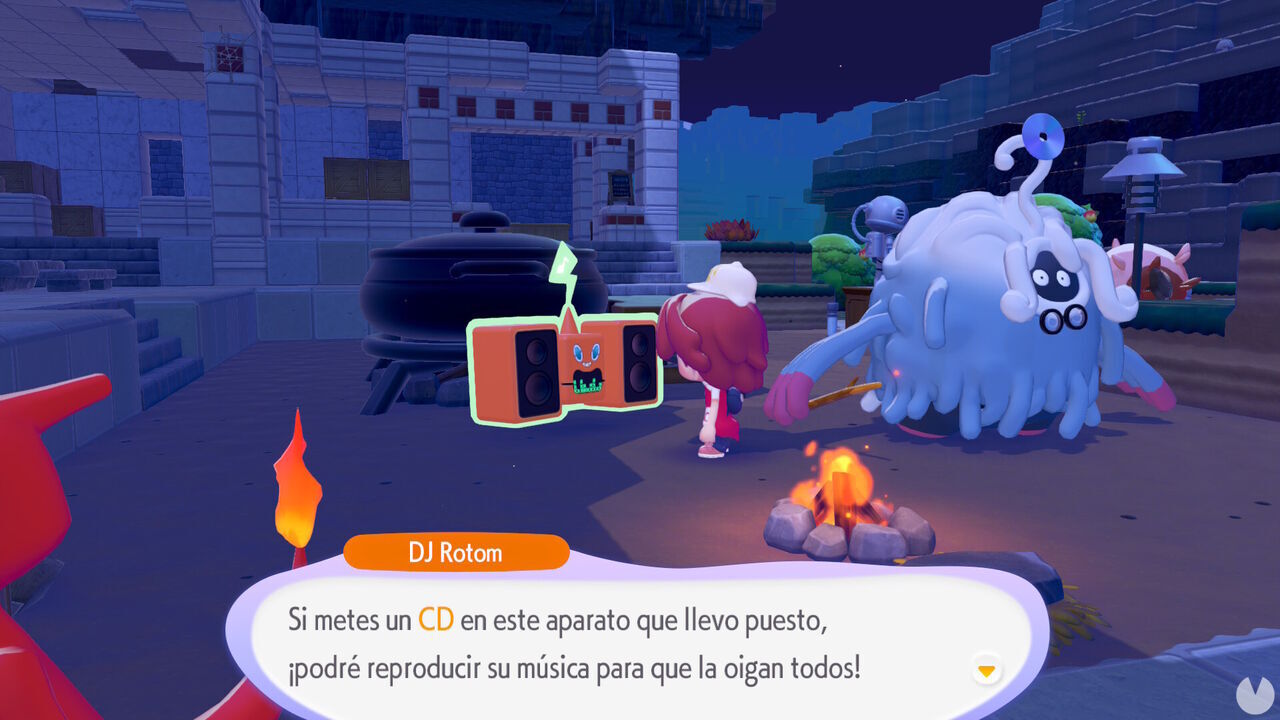
Head inside the tunnel and you will soon encounter DJ Rotom. Talking to it for the first time will register it in your Pokédex. From then on, you can speak to DJ Rotom whenever you like to place music CDs inside it and have it play them on a loop.
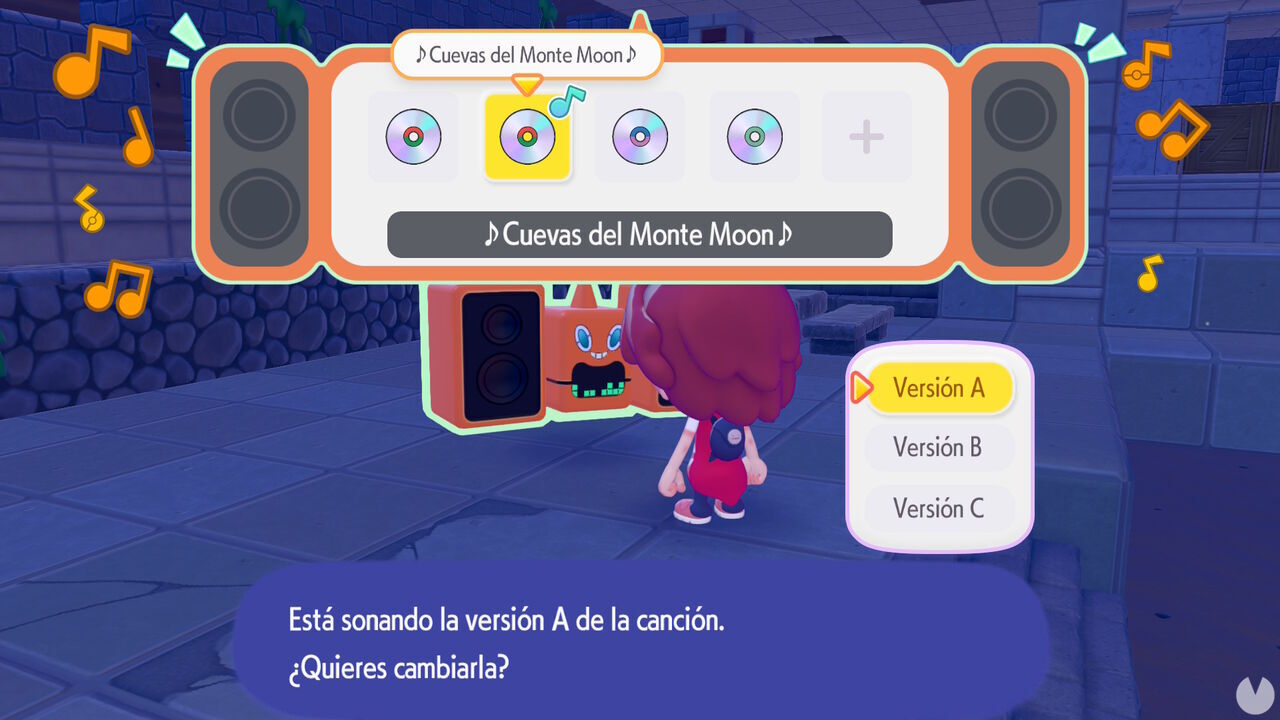
DJ Rotom can store up to five different CDs at the same time and will continuously play their music wherever it goes. You can also alter the CDs to hear different arrangements, including retro-style and orchestral versions. It is a fantastic little feature!
