
In Pokémon Pokopia, you will often find yourself dealing with all kinds of items and resources that are useful for different purposes. However, Ditto's inventory space is limited, as is usually the case in this type of game. It therefore probably won't be long before you start wondering how to expand your Bag and gain more storage slots.
In this entry in our guide, we explain how to expand your inventory and create storage boxes to keep even more items in your game, along with a few other useful tips.
There are two different ways to increase the size of your Bag in Pokémon Pokopia and add more slots for storing items. The first and most important is to purchase an item called Packing Tips: Rookie, which is available from the PC shop at Pokémon Centers.
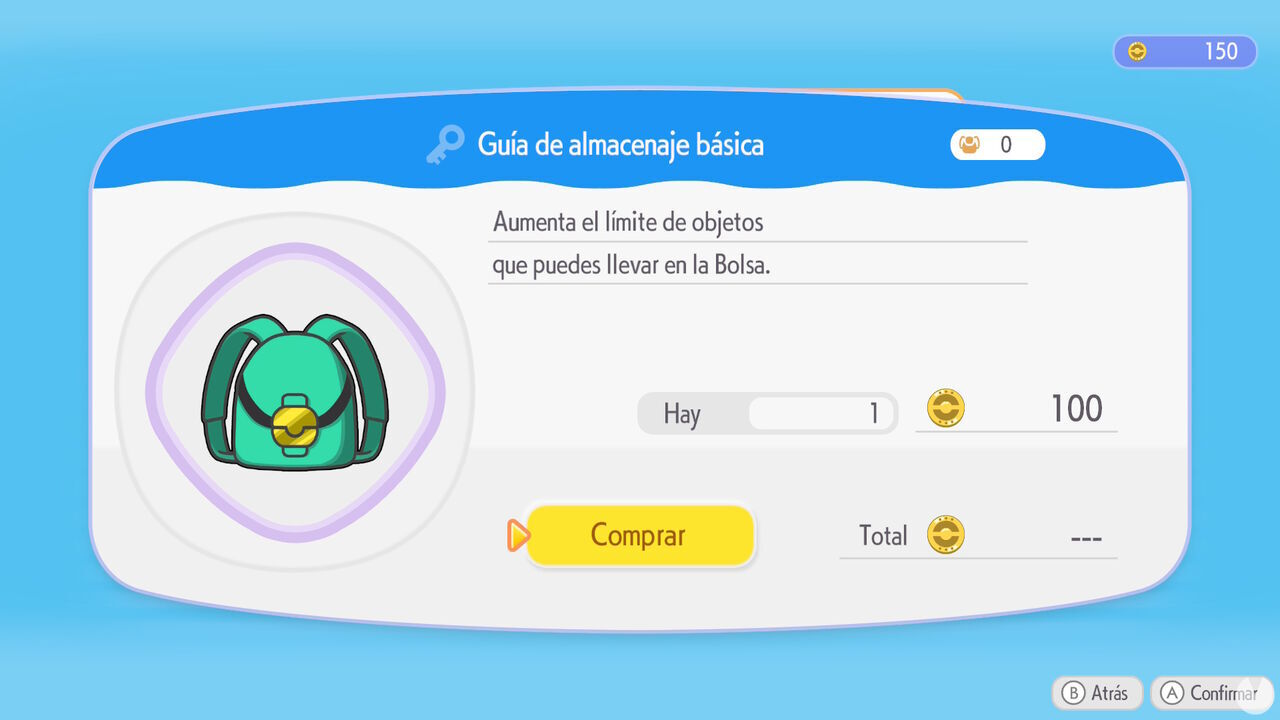
Bear in mind that Packing Tips come in four different versions or upgrades, each of which becomes available for purchase as you progress through the main story.
These are the four Packing Tips upgrades that expand your Bag:
In addition, you can purchase the Handy Bag for 500 Life Coins from the first PC terminal at the Pokémon Center in the Withered Wasteland after reaching Environment Level 2 in this biome. We recommend getting it as soon as possible, as it permanently unlocks 10 additional slots in your Bag.
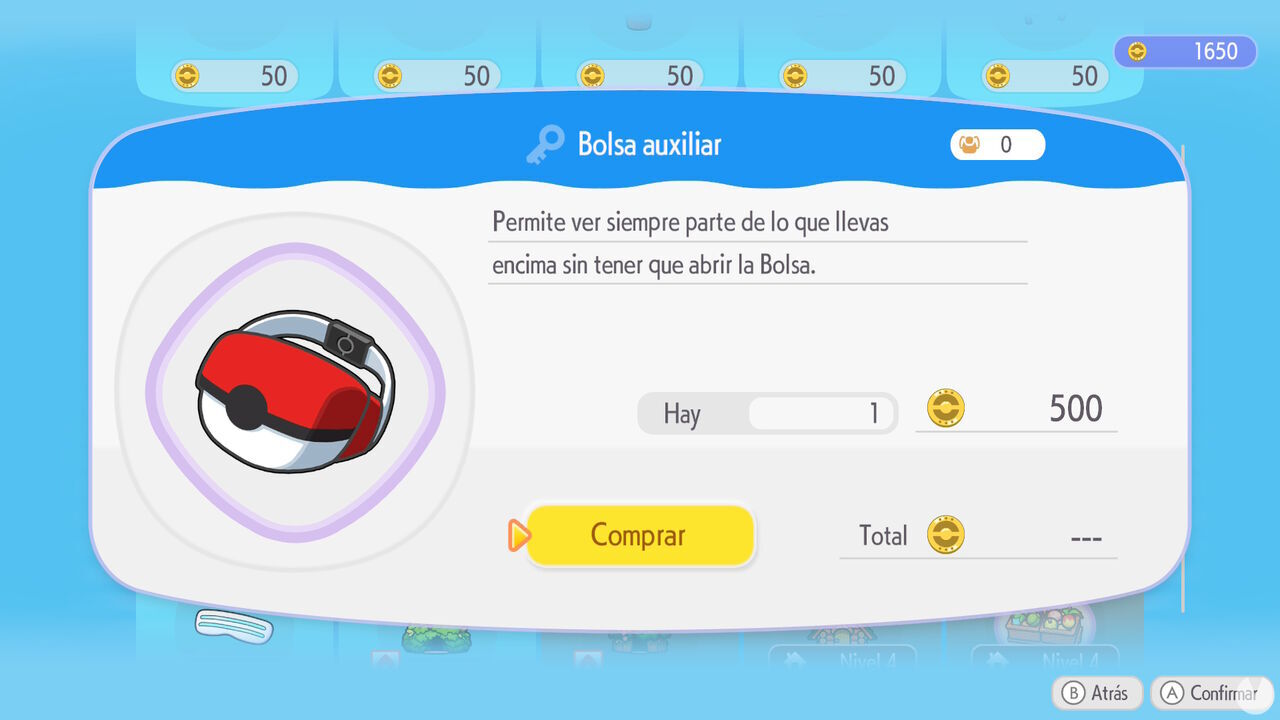
The Handy Bag also has another useful feature: you can display it in the bottom-right corner of the screen while playing to quickly access any item stored inside it. To do this, simply hold down the right stick while highlighting an item inside the Bag.
The Bag upgrades described above are obviously very useful, but if you want to have virtually unlimited storage space in Pokémon Pokopia, you will need to create storage boxes. These containers can be crafted at a Workbench and come in two different types:
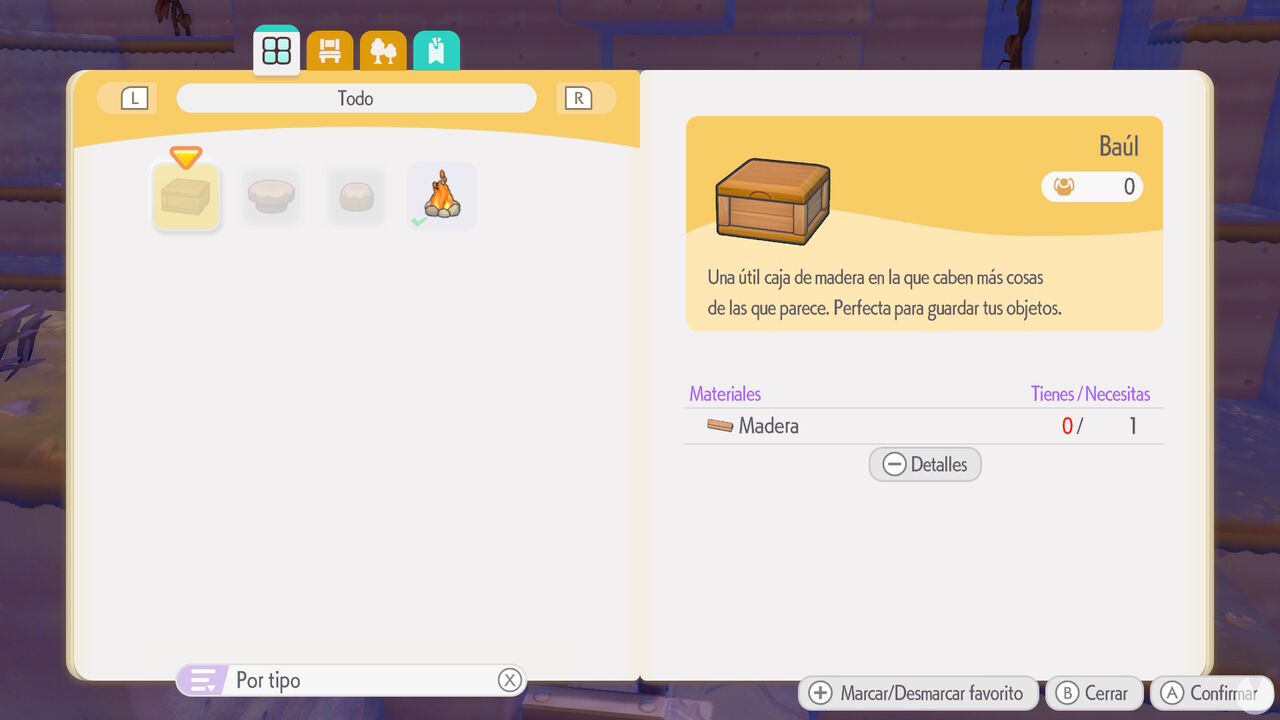
After creating either type of box, you can place it wherever you like and store anything you want inside it. Need somewhere to keep all the items you cannot carry in your inventory? No problem: create as many storage boxes as you need, and your problem is solved.
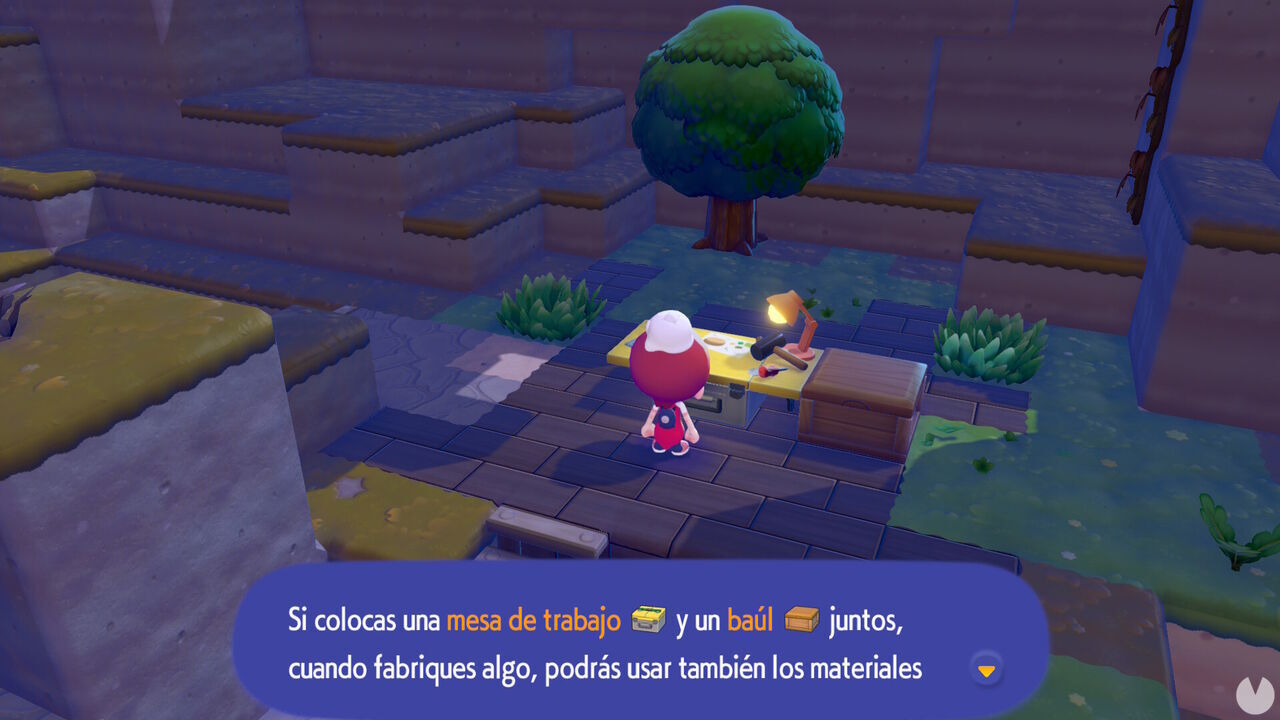
As an additional tip, remember that if you place storage boxes beside a Workbench, you can quickly and automatically use any materials stored inside them when crafting new items at that Workbench. This speeds up the process and makes it much easier to work on projects without having to carry all the required materials in your inventory.
Finally, there is one more useful tip to keep in mind when you need additional storage space in Pokémon Pokopia. You can take advantage of Pokémon such as Gulpin that have the Specialty known as Storage.
These Pokémon can carry up to 20 items inside their bodies, effectively acting like Storage Boxes. To use this ability, simply talk to the Pokémon and select the dialogue option related to storing items.
Therefore, if you do not want to create storage boxes or need a walking storage chest that can follow you wherever you go, you can make use of this unusual Specialty.
