
One of the features that undoubtedly adds the most fun to Pokémon Pokopia is its co-op multiplayer mode. As well as enjoying the adventure on your own, the game lets you share memorable moments with other players, either online or locally. You can complete missions with friends, customize the world together, or work as a group to fill out the Pokédex. If you have any questions, this entry in our guide provides a general overview of how Pokopia's multiplayer features work.
First, let's clear up this common question.
However, you can still play local co-op for free with a friend over the same Wi-Fi network thanks to GameShare. You only need one copy of the game and two Switch consoles. The second player can even join using an original Nintendo Switch, and neither player needs a Nintendo Switch Online membership in this case.
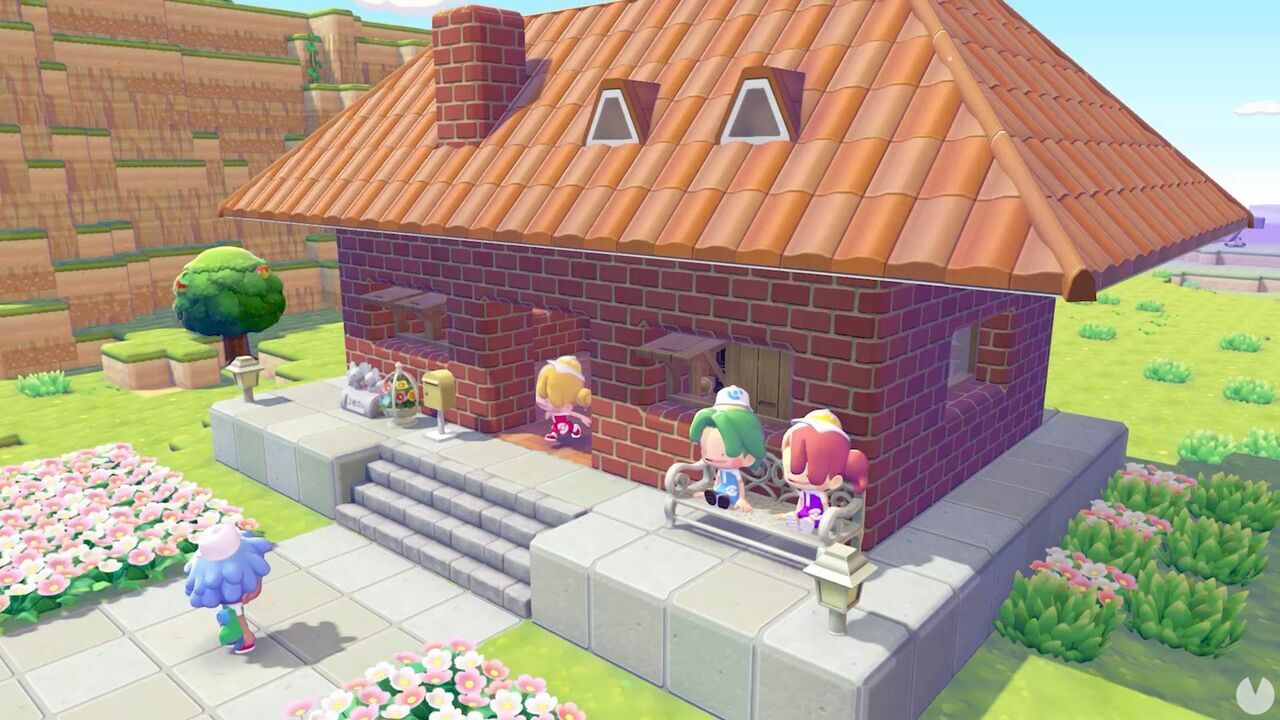
Pokémon Pokopia's online multiplayer mode allows up to four players to share the same game world simultaneously in real time.
However, when playing in a local GameShare co-op session, the maximum is two players at a time for as long as the session remains active. No additional local or online players can join this session: it is limited to the host and one guest.
As mentioned above, the game's main online mode supports up to four players, although everyone needs their own copy of the game, their own console, and an active Nintendo Switch Online membership to play together this way.
Multiplayer isn't available from the very beginning of Pokémon Pokopia, but it can be unlocked easily shortly after you start playing. Simply progress through the opening stages of the adventure and complete the initial tasks that make up the game's tutorial.
Once you raise the Withered Wasteland's Environment Level to 2, which may take approximately one hour of playtime, you'll unlock the Link Play menu on the PC beside the Pokémon Center:
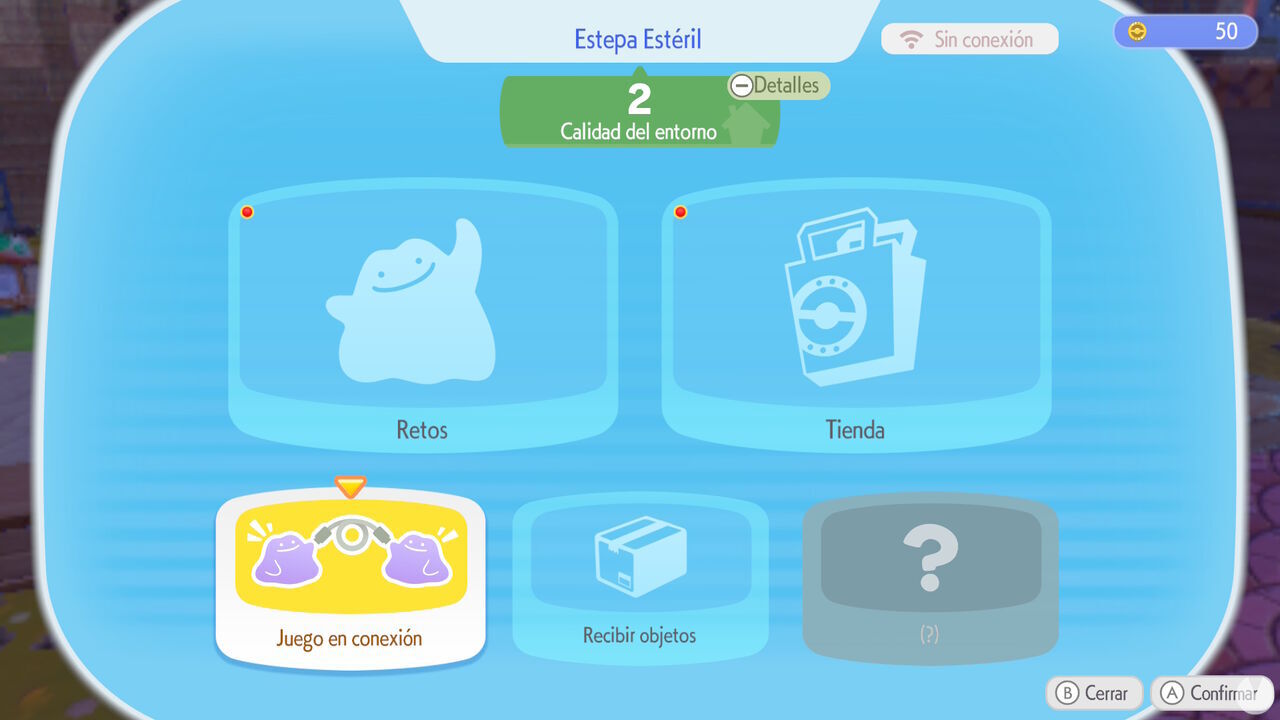
Open this menu to find several multiplayer options, including:
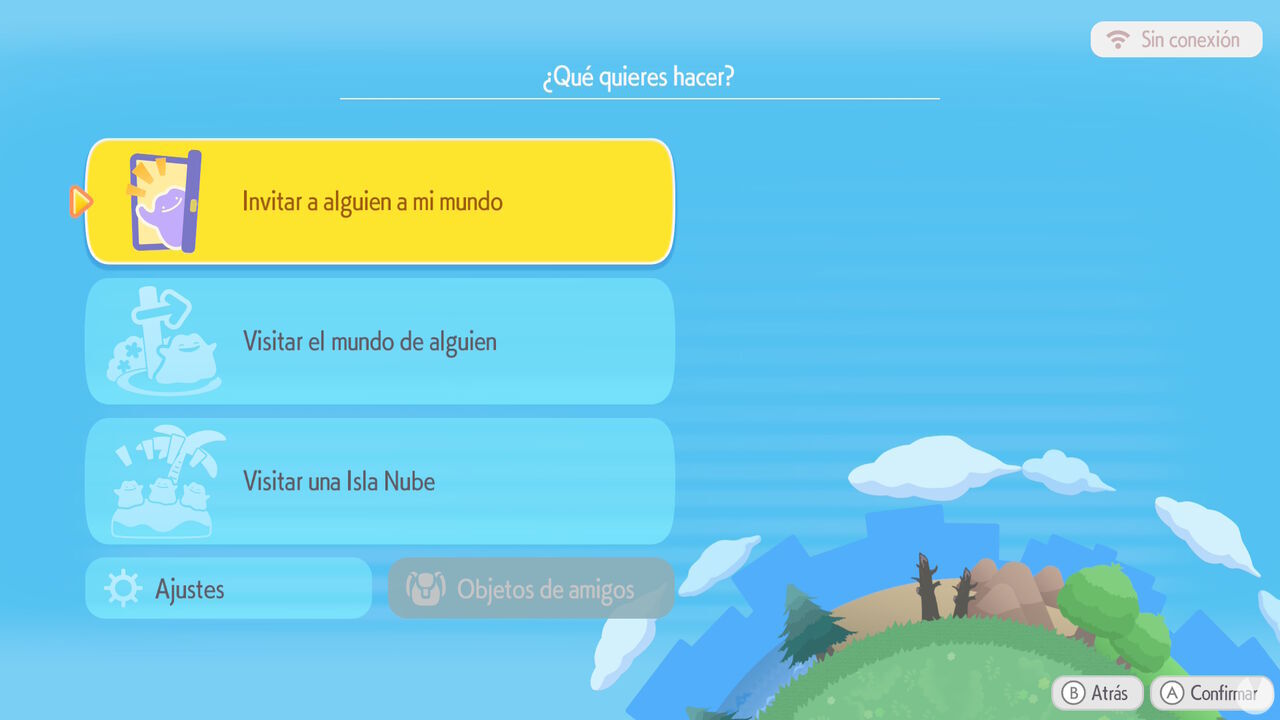
We'll explain below how these features work and what the differences are between them.
Pokémon Pokopia's multiplayer features are mainly divided into two distinct modes, each with its own characteristics and restrictions. Here are the details:
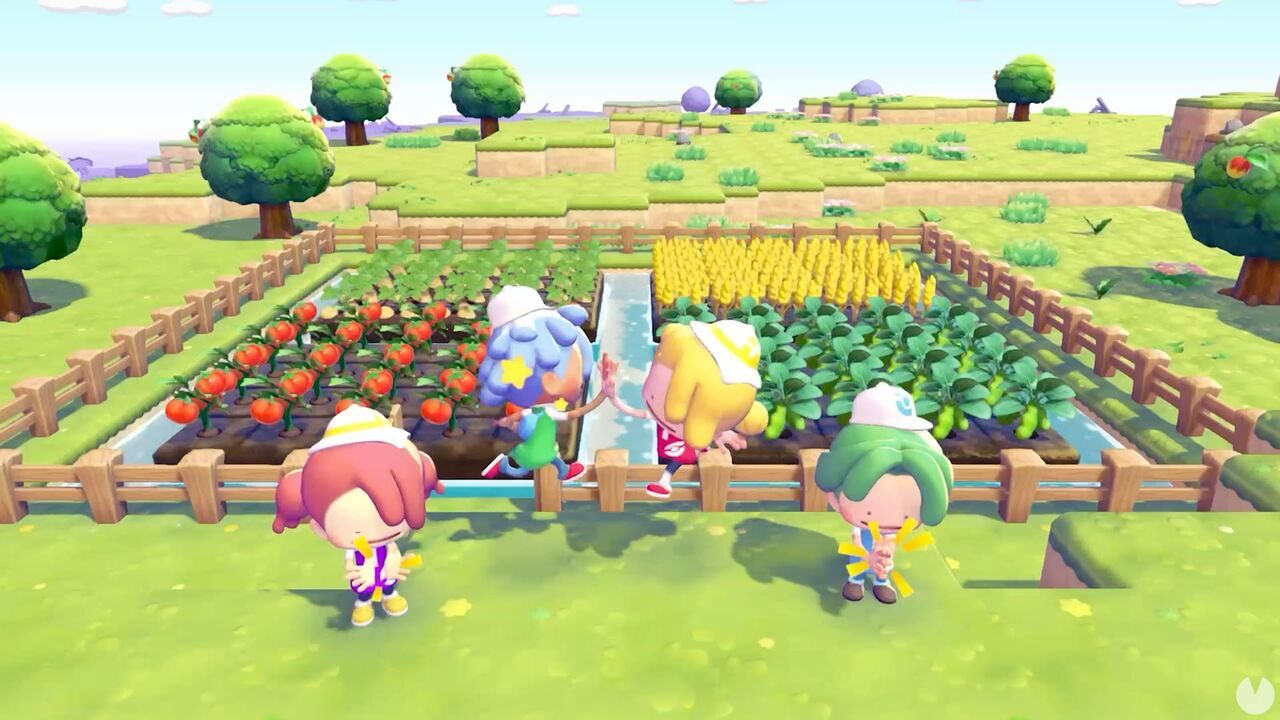
The standard multiplayer mode revolves around one main player who hosts the session. The host can invite up to three other players to visit either their customized world or the biome known as Palette Town, an empty island where everyone can start building from scratch.
This mode is separate from the main story's progression and remains tied to the session's host at all times. For example, created habitats will only appear if the host has already unlocked them, while any new Pokémon registered in the Pokédex will only count toward the host's progress.
The group can still play minigames, travel across the sea to other islands, and enjoy many other activities together. However, bear in mind that guests won't keep the progress they make during these sessions. They can also visit the host's world with only one of their Pokémon and are always dependent on the host continuing to play so the session remains open.
Alternatively, Pokémon Pokopia also lets players enjoy online multiplayer on a Cloud Island. This is a completely separate island that doesn't require its owner to be online for a session to take place.
In other words, a Cloud Island works like a private server, similar to the servers found in games such as Minecraft. Up to four different players can join the island at different times and gradually make progress in its world by completing missions, registering new Pokémon, and much more.
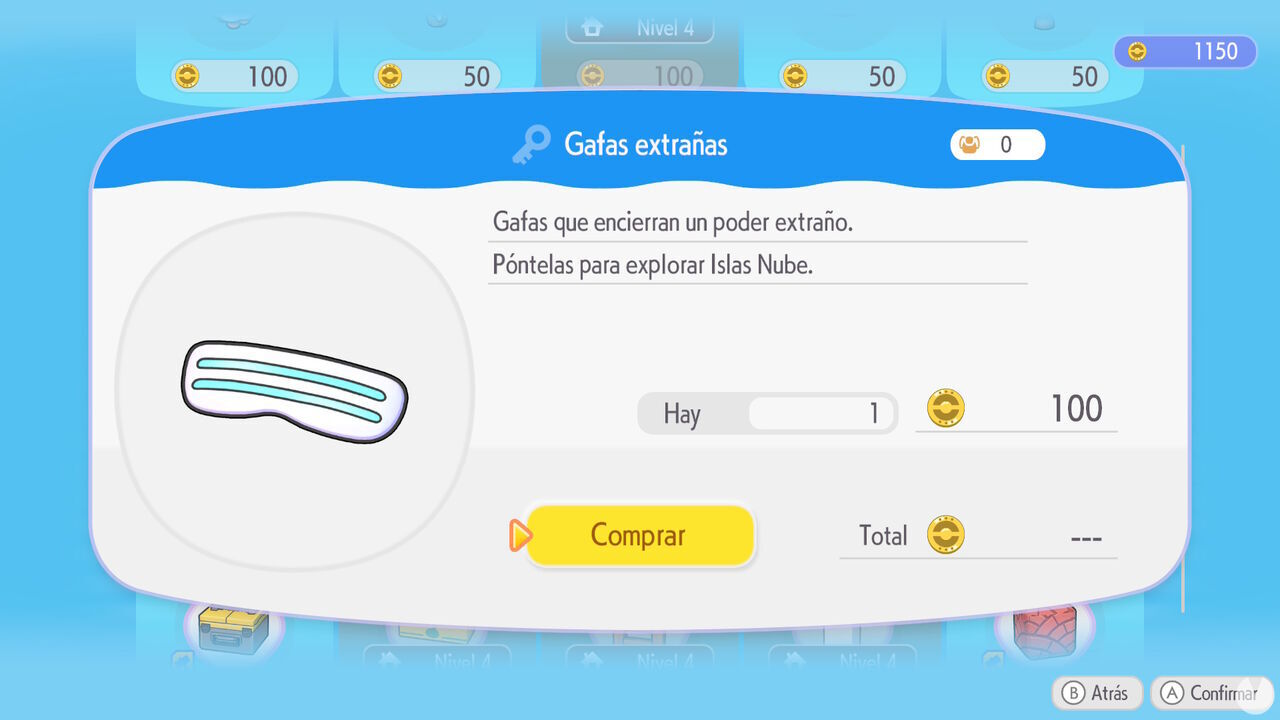
You can also purchase an item called the Mysterious Goggles for 100 Life Coins from the PC Shop after raising the Withered Wasteland's Environment Level to 3. Wearing these special goggles allows you to visit virtual versions of other players' Cloud Islands. Your actions in Virtual Mode won't affect the actual state of the islands:
Ultimately, if you want to play with friends without relying on a particular host and while keeping the progress made toward your unlocks, Cloud Island multiplayer is the ideal option in Pokopia.
