

One of the original Black Flag mechanics related to the ship is known as Kenway's Fleet. As you'd expect, in Assassin's Creed Black Flag Resynced, we'll once again build up our own fleet of ships and send them on missions across the Caribbean. However, doing so isn't quite as straightforward as it might seem, so it's worth explaining the core mechanics of this fleet management minigame.
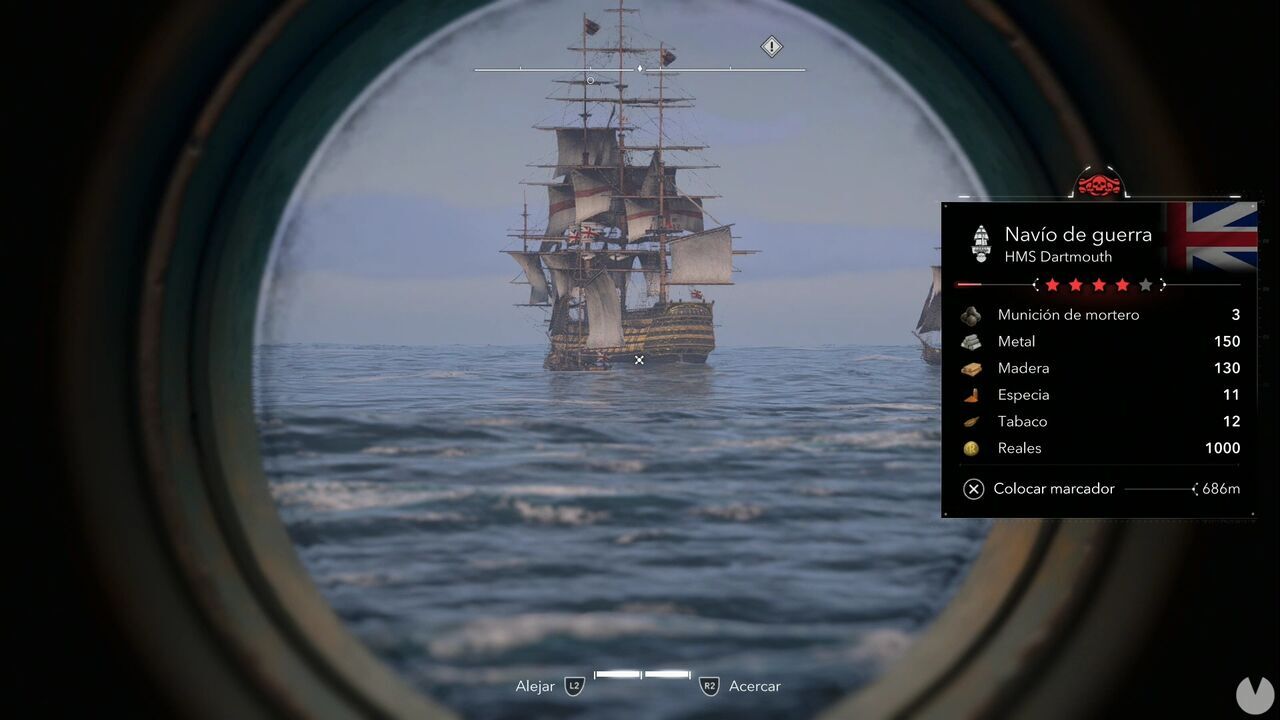
The first thing you need to do to start building your fleet is capture a ship. When you spot an enemy vessel, use the spyglass to see its type and level. In the example below, you can see a four-star Man O' War called the HMS Dartmouth.
Now that you've identified your target, you'll need to weaken it. To do so, you must deal enough damage to completely drain the ship's health bar. At that point, the bar will turn red and a grappling hook icon will appear next to the ship.
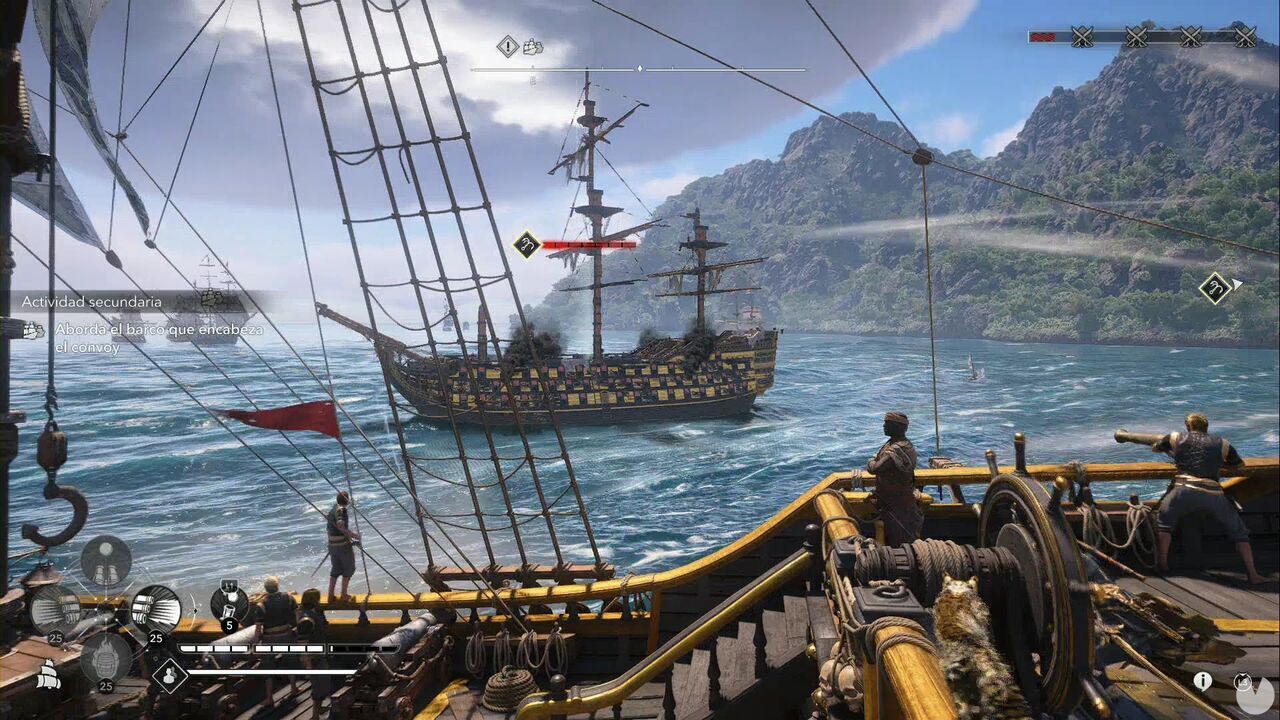
If you deal any more damage to the ship at this point, you'll sink it. Go ahead if you don't want to capture or board it. Otherwise, you need to pull up alongside it inside one of the white highlighted areas that appear on either side. The "Board" prompt will then appear. You'll now need to take out the enemy crew. Once their morale drops to zero, select "Send to Kenway's Fleet" to add the ship to your available vessels.
To send ships from your fleet on missions, you must interact with the map table found both inside the Jackdaw's captain's cabin and in the main room of the Great Inagua manor. This will open the map and display the available missions. Keep the following points in mind:
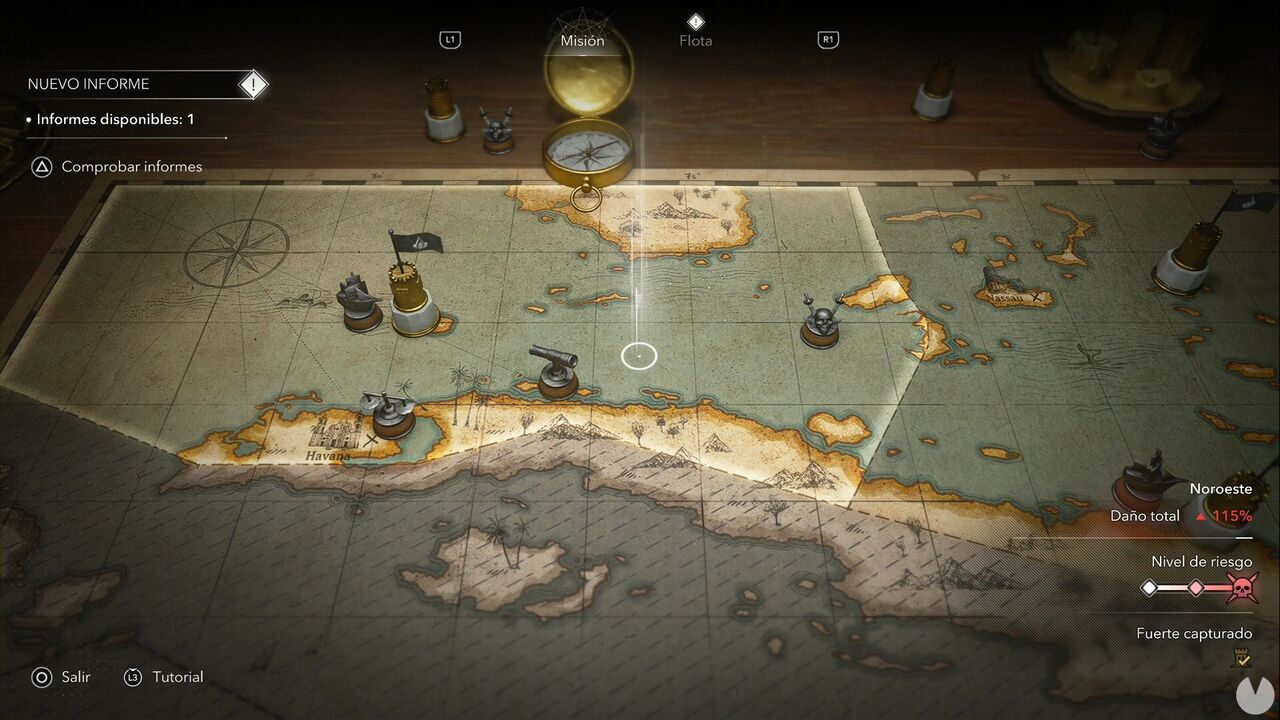
At first, you'll only be able to keep a small number of ships in your fleet at any given time. To have more ships waiting in reserve, you'll need to unlock additional berths. You can do this by simply purchasing them from the "Fleet" menu or by restoring buildings on Great Inagua. Bear in mind that there's a limit to how many berths you can buy, so restoring buildings is required to unlock some of them.
