

You may also be interested in:
As a free-to-play game, Pokémon Champions has a few initial restrictions that can be somewhat frustrating. For example, you only have three Battle Team slots by default. If you are unsure how this system works, this section of our guide explains how to obtain more slots and save additional teams to your account.
When you first start playing Pokémon Champions, your account will only have three slots available for creating Battle Teams. However, the game allows you to use up to 18 team slots in total.
Unfortunately, the other 15 Battle Team slots are locked behind a padlock, and the only way to unlock them is by spending real money in the game.
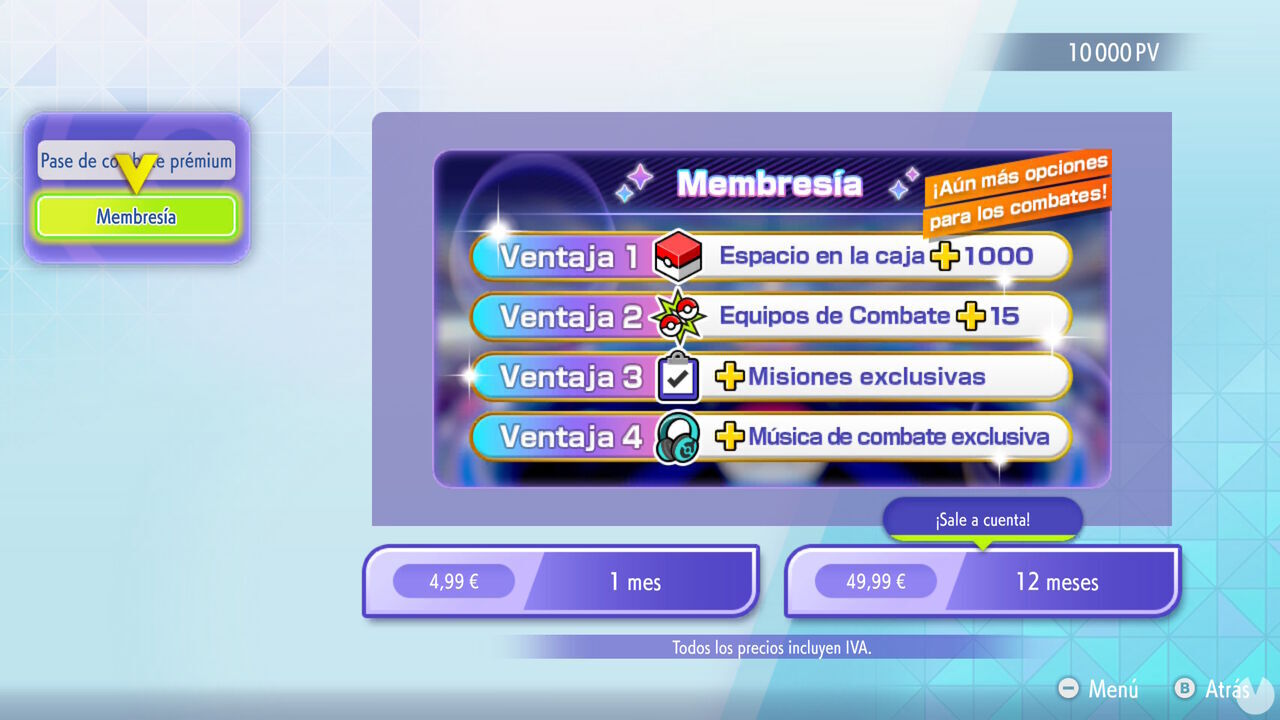
While your Membership remains active, you will have access to several exclusive benefits, including 15 additional Battle Team slots. This makes it much easier to manage and organize your teams, giving you a total of 18 available slots. Bear in mind, however, that you will lose access to the 15 additional teams if you stop paying for the Membership.
Although, as explained above, the only way to unlock additional team slots in Pokémon Champions is by spending real money, there is a free trick that is easy to overlook and lets you effectively "store" more teams than the three available by default.
This trick involves taking advantage of the Replica Teams feature. Using this feature, you can upload and share up to 10 Battle Teams in the cloud for free, then use those teams again whenever you want by loading them with their ID. In other words, you can also replicate the teams you have shared on your own account.
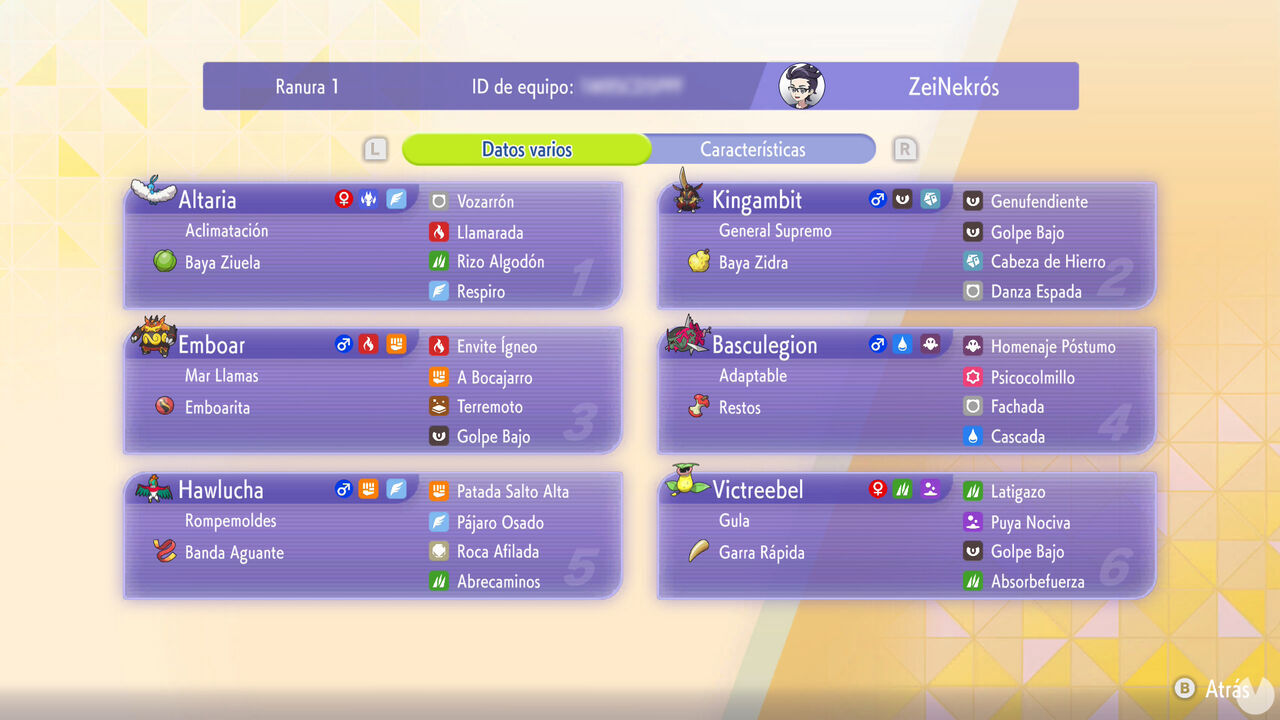
To take advantage of this feature, follow these steps:
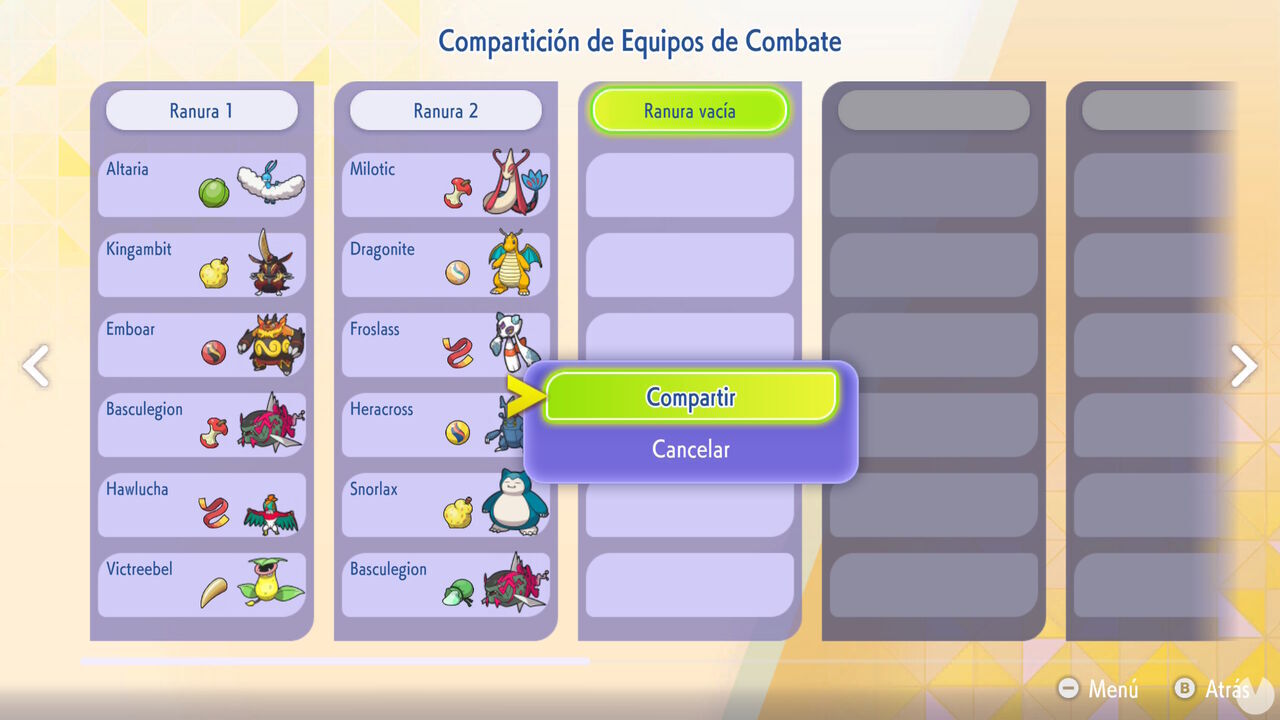
You can then return to the Replica Teams menu at any time and select the "Create Using Team ID" option. Here you will see your three default Battle Team slots and can choose one of them before entering the ID of one of your Replica Teams.
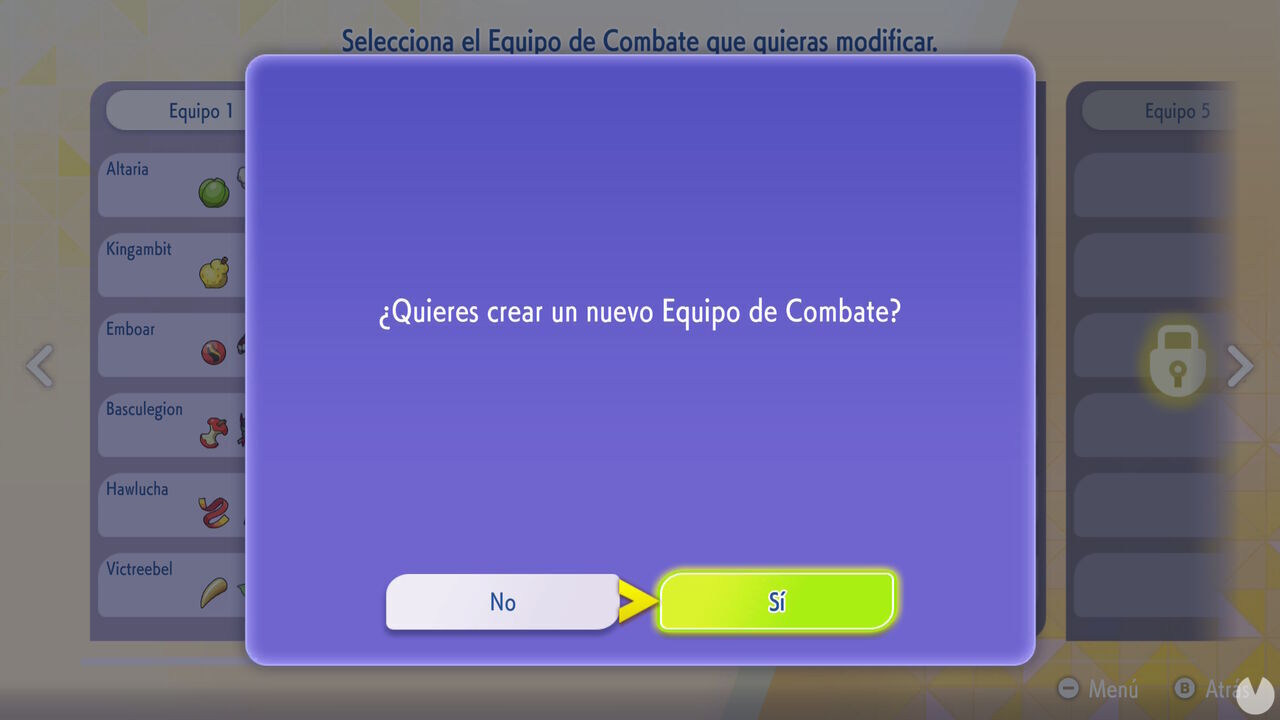
Therefore, if you previously shared a team you created, you can "reload" all of its data by using the option to create a team with an ID. Obviously, if all three of your default team slots are occupied, you will have to replace one of them to load the data. However, you can also share that team beforehand to avoid losing its information.
As you can see, this trick is extremely useful because it lets you upload and store up to 10 Replica Teams, which you can load again later by entering their IDs. Technically, this means that you effectively have access to 13 team slots for free: the three default slots and the 10 Replica Team slots.
As far as we know, Replica Teams can be stored indefinitely on your account and never expire. In addition, if you share a team and do not change the stats of the Pokémon included in it, you will not have to spend any Victory Points when you later "load" it by entering its ID, meaning that you can use it immediately. Now you know—be sure to take advantage of this trick!
