
Pokémon Champions is the new Pokémon game for Nintendo Switch and mobile devices focused on competitive turn-based battles, in the style of classic entries in the series such as Pokémon Stadium, but with one crucial difference: it is a free-to-play game that you can play completely free of charge.
If you still don't know how to download or install the game, this section of our guide will walk you through the simple steps you need to follow to download it officially and legally on every compatible platform so you can quickly start playing.
If you want to play Pokémon Champions on Nintendo Switch or Nintendo Switch 2, you need to sign in to your Nintendo Account on either console and search for the game in the Nintendo eShop to download and install it. Remember that the game is free, so you won't have to pay anything to download it:
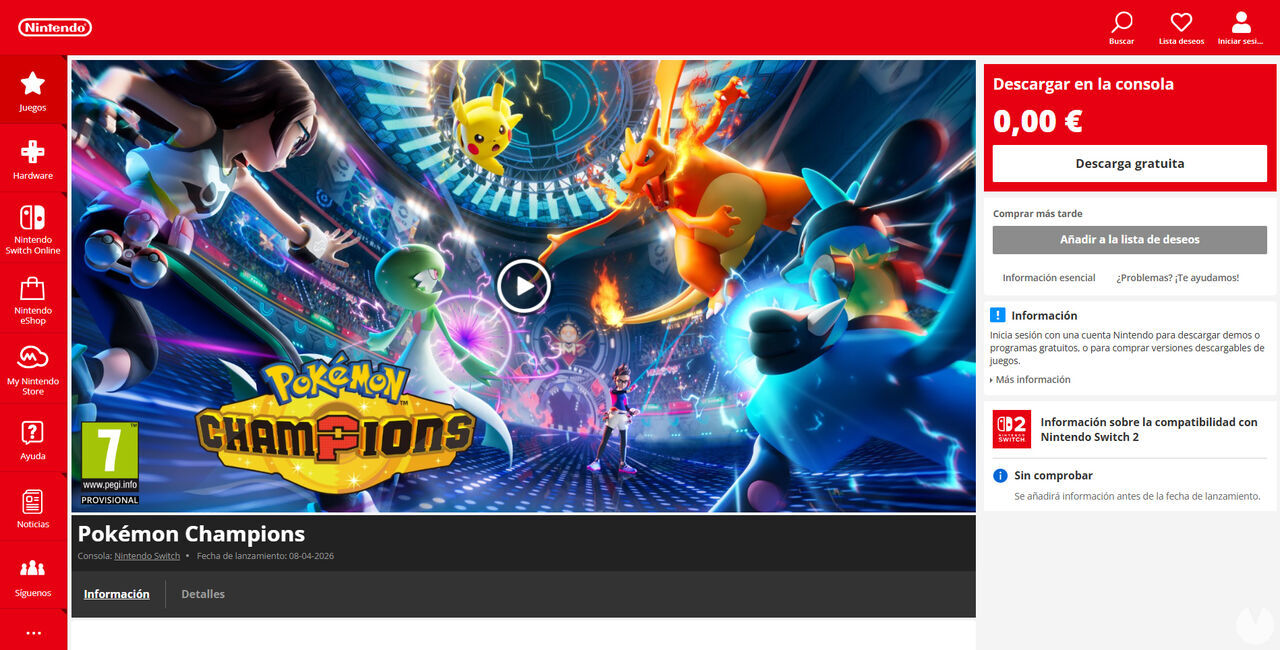
Once you have opened the game's page on the eShop, simply select the "Free Download" button to begin downloading it to your console. Don't forget that you need enough free space in the console's internal storage or on a microSD card to install it. The Nintendo Switch version requires approximately 1.8 GB, while the Nintendo Switch 2 version takes up around 2.1 GB.
Pokémon Champions was primarily designed for the original Nintendo Switch, but it is also compatible with Nintendo Switch 2. Playing it on the newer console lets you enjoy slightly sharper and more detailed graphics.
If you want to play Pokémon Champions on a smartphone, you can download the game completely free of charge on both Android and iOS devices. Below you'll find the links for each platform. Remember that the game will be available on mobile devices starting June 17, 2026.
If you have an Android device, follow these steps to download and install Pokémon Champions for free:
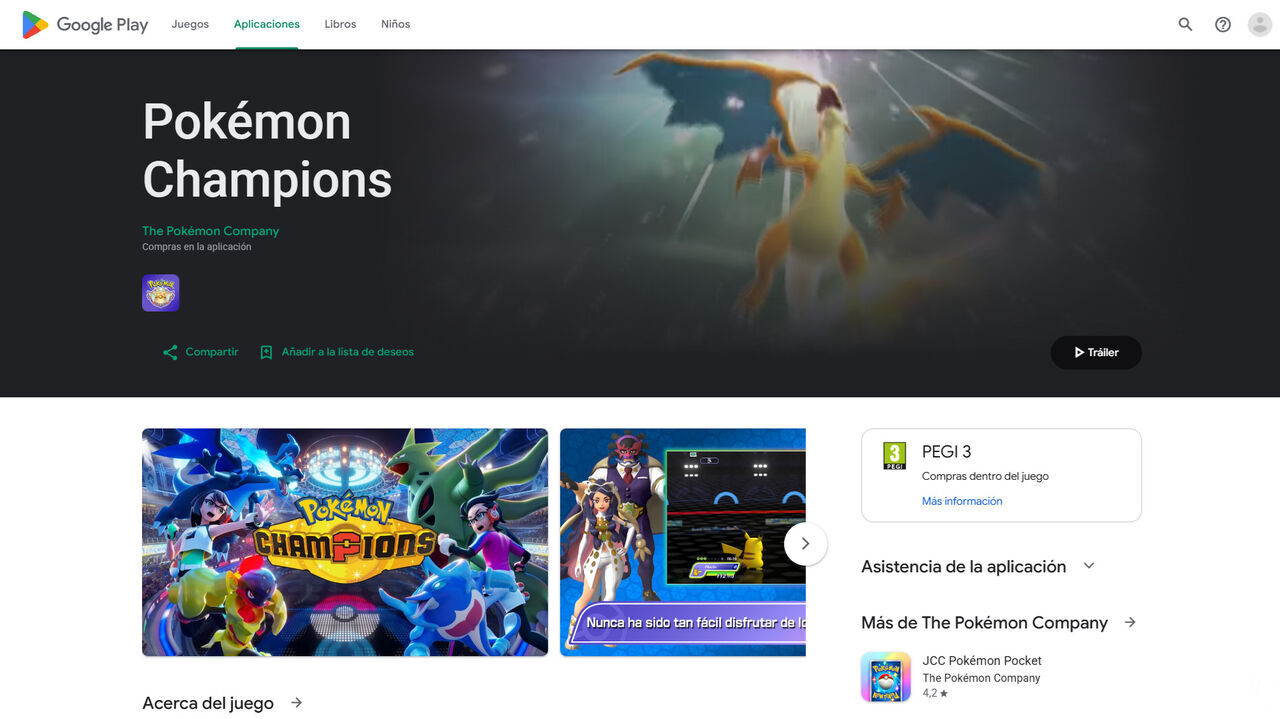
Once you have opened the game's store page, simply tap the "Install" button to begin downloading and installing it on your device. Keep in mind that you need enough free storage space to complete the installation. The Android version of the game requires approximately 2.2 GB.
If you have an Apple device running iOS, follow these steps to download and install Pokémon Champions for free:
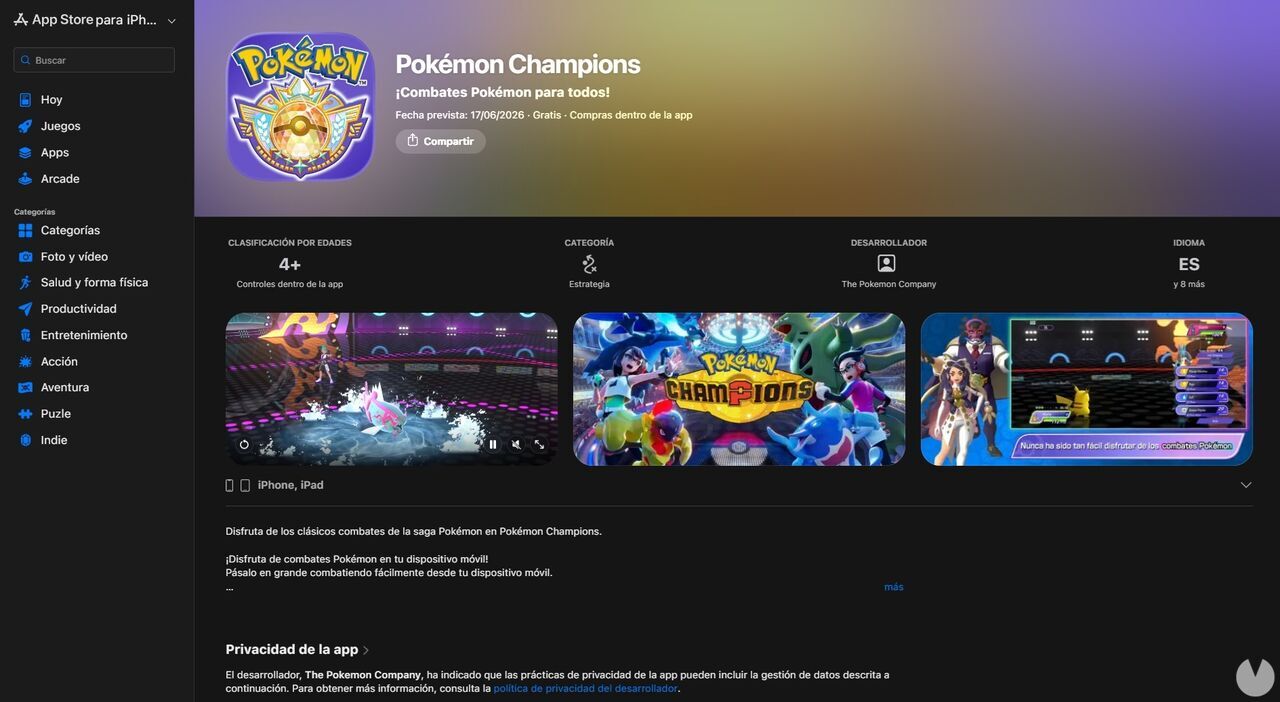
Once you have opened the game's App Store page, simply tap the "Get" button to begin downloading and installing the game on your device. Remember that the iOS version requires approximately 2.2 GB of free space.
