
Garena released Free Fire in 2018 as a completely free game for Android and iOS. In September 2021, the enhanced version with improved graphics, titled Free Fire MAX, was released.
Like many other games designed for mobile devices, both versions can also be played on a computer by following a few simple steps. Although Garena has not officially released the game for PC, Android emulators make it easy—and legal—to enjoy Free Fire or Free Fire MAX on Windows or Mac.
Below, we'll explain how to download and play Free Fire and Free Fire MAX on your computer. Remember that you can also check the minimum system requirements for playing the game on PC.
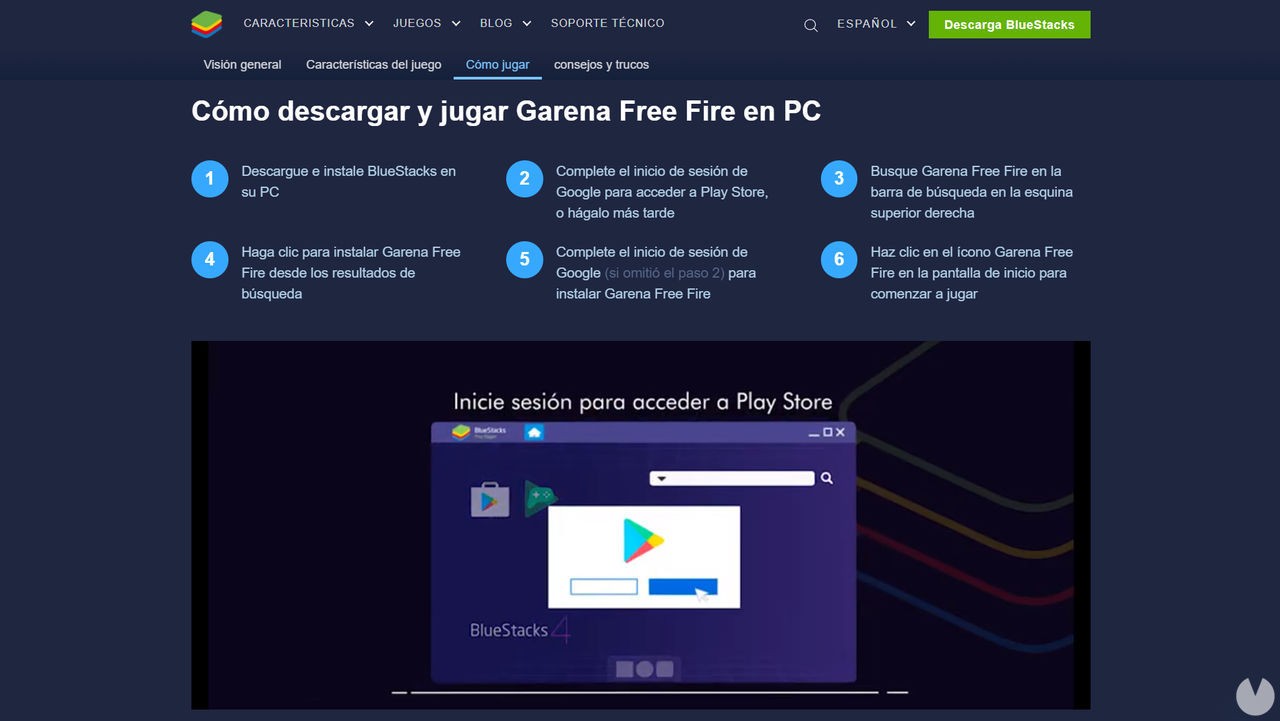
The method we recommend below uses one of the several legal emulators that allow you to install mobile apps on a computer. It is worth pointing out that playing this way will not get you banned or kicked from matches, as the emulator simply simulates a mobile device on your PC.
For this guide, we'll be using the BlueStacks emulator, which lets you play Free Fire on PC with your keyboard and mouse as the main controls. The emulator is compatible with both Windows and Mac operating systems. You could also use a similar emulator, such as the popular NoxPlayer, since the installation process is much the same.
Follow these steps to download and play Free Fire for free on PC:
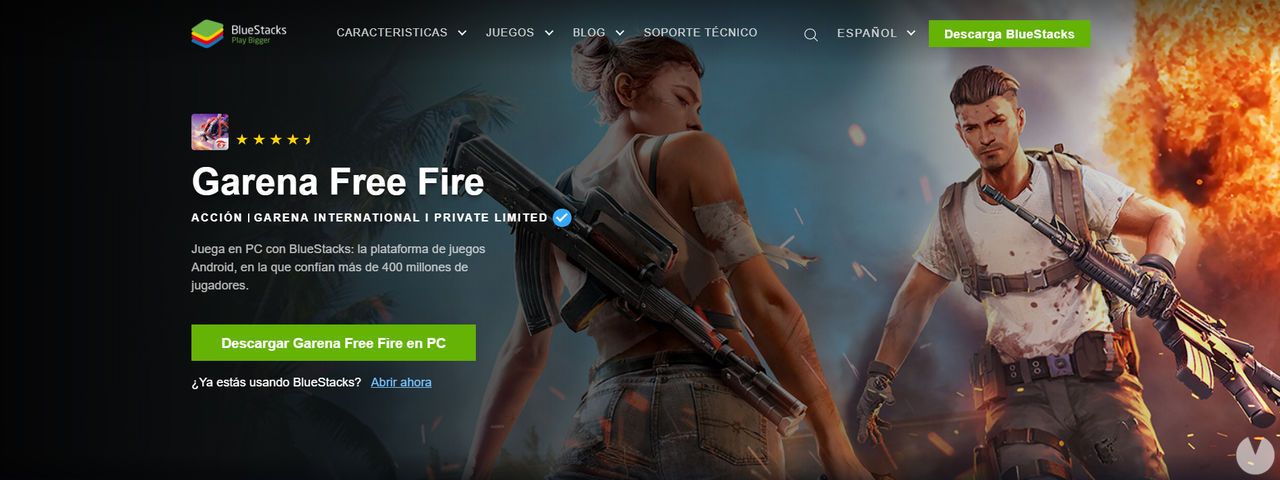
Once the game has been installed, simply click the "Open" button on the "My Games" page to launch it. The emulator will start everything up and configure the controls automatically, although you can customize them however you like and even create macros.
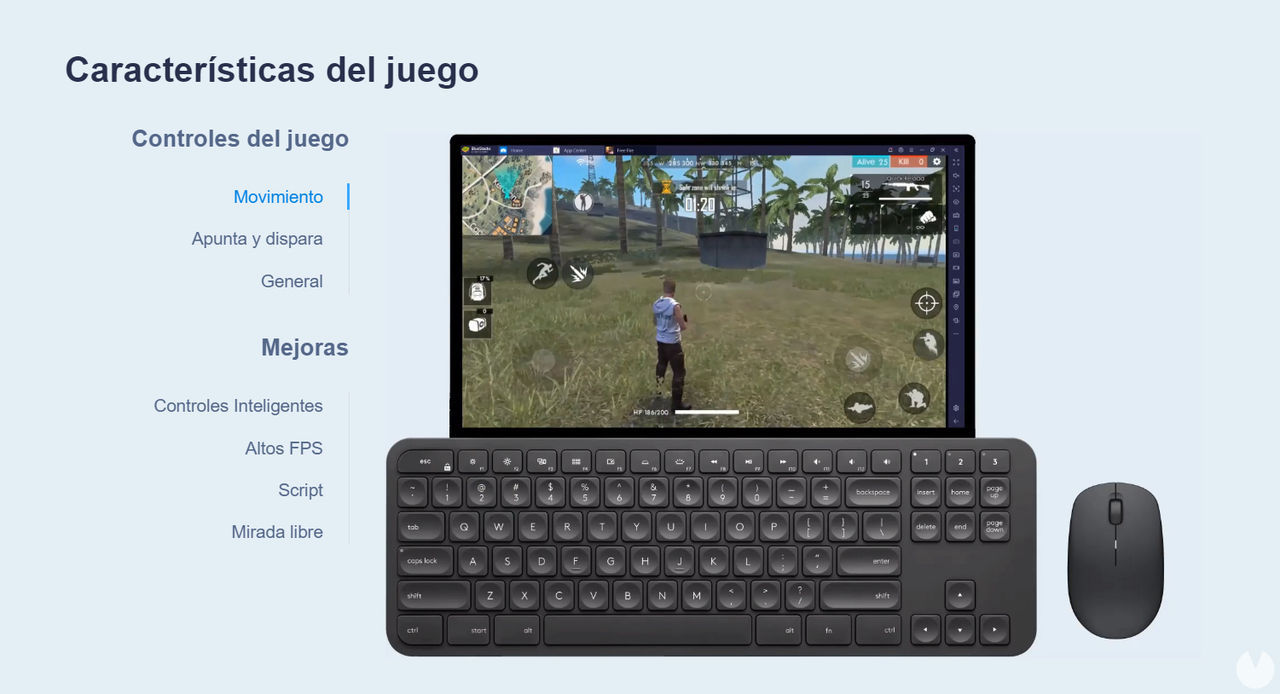
One major advantage is that if you use the same Free Fire account on both your phone and the PC emulator, all your progress will be saved. Your content and progress will remain available across mobile and PC, so you can play on whichever device suits you best at any given time.

Free Fire MAX, the enhanced version of Free Fire with improved graphics and performance, can also be emulated on computers very easily. It also features Firelink technology, which lets you sync your Free Fire account and keep all your progress, whether you play the standard version, the MAX version, or even through a PC emulator.
The steps for downloading Free Fire MAX for free on Windows and Mac are similar to those described above for the standard version. In summary, here's what you need to do:
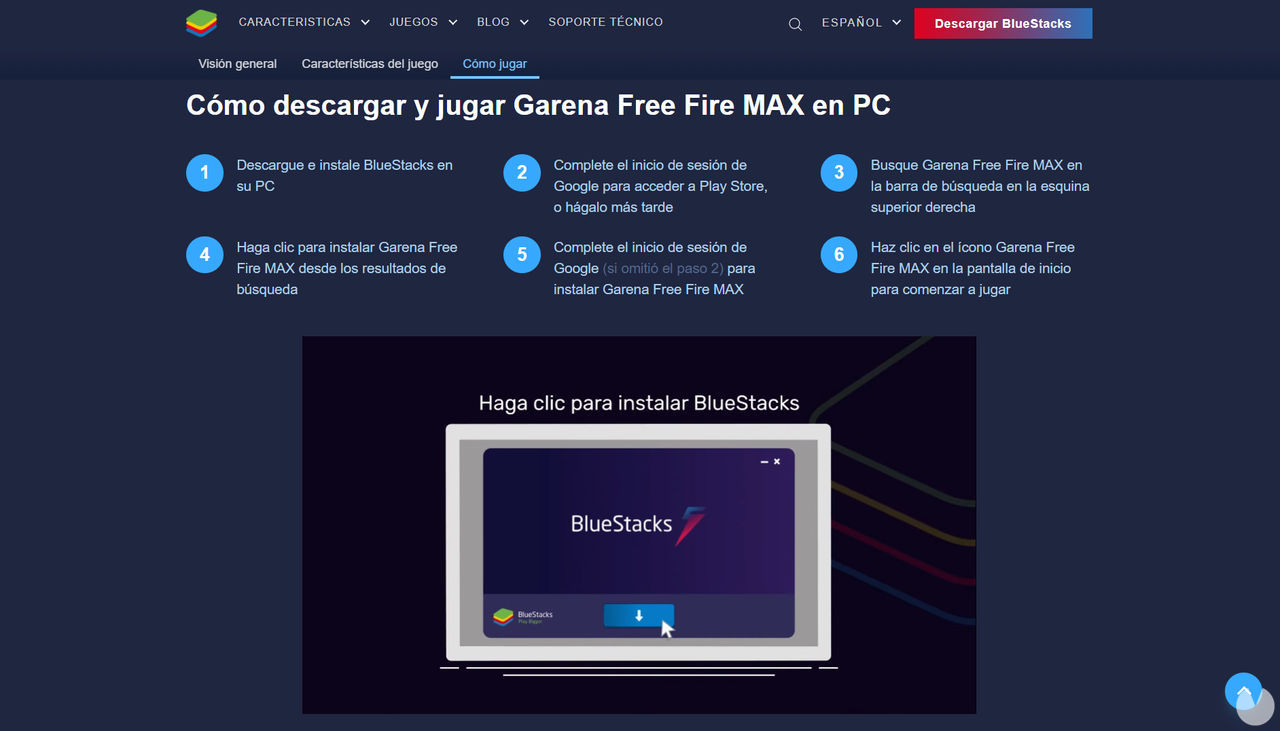
That's all there is to it. After following these steps, Garena Free Fire MAX will be installed in your PC emulator, allowing you to play it on your computer whenever you like.
Unfortunately, no, Free Fire is not officially available as a native PC game. Garena has not released a computer version, so the only legal way to play it on PC is through an emulator such as the one explained above.
It is important to stress that any program or website claiming to offer an official PC version of Free Fire is actually FAKE. You should stay well away from these downloads, as they may contain viruses or Trojans that could cause serious problems.
At the time of writing, Garena has never announced a native PC version of Free Fire and, according to the company, it is not currently part of its plans.
