
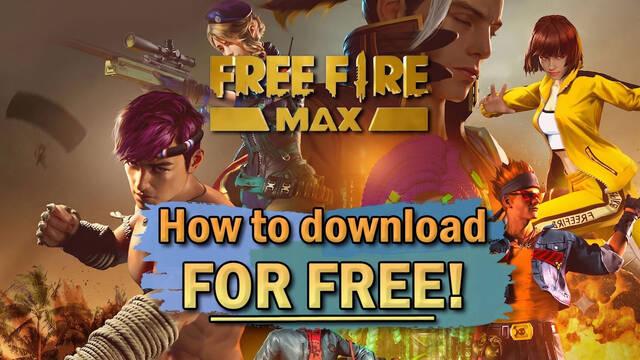
The hit Battle Royale shooter Free Fire has received an enhanced version called Free Fire MAX, which offers far more impressive and eye-catching graphics while keeping all the features that made the original game so popular.
Just like the standard version, this new higher-performance edition can be downloaded completely free of charge on Android and iOS devices. It also lets you keep using your existing account and carry over all your progress thanks to Firelink technology. So, if you're ready to make the switch and download Free Fire MAX on your device, this section of our guide will show you how to do it officially and for free.
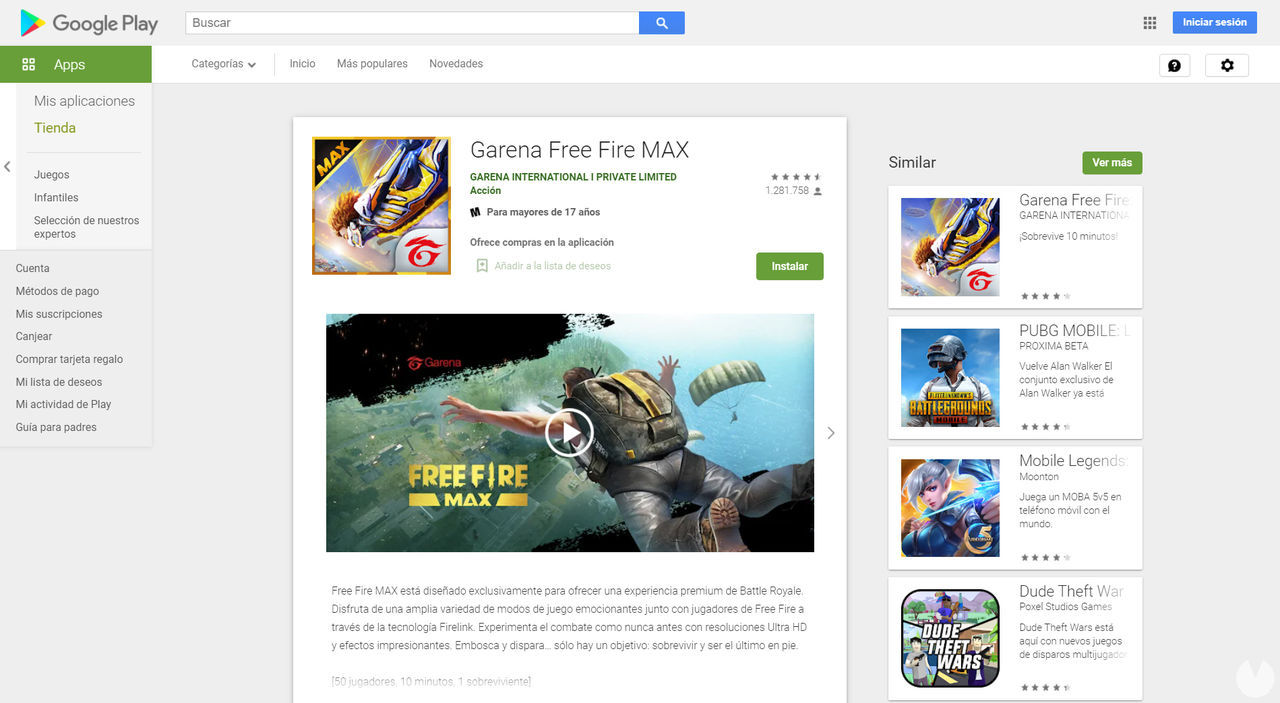
If your phone or tablet runs Android, follow these steps to download Free Fire MAX for free:
Once you're on the game's store page, simply tap the "Install" button to begin downloading and installing it on your device. Bear in mind that you'll need enough free storage space to complete the installation. The game app takes up approximately 1 GB on Android, although its exact size may vary depending on your device.
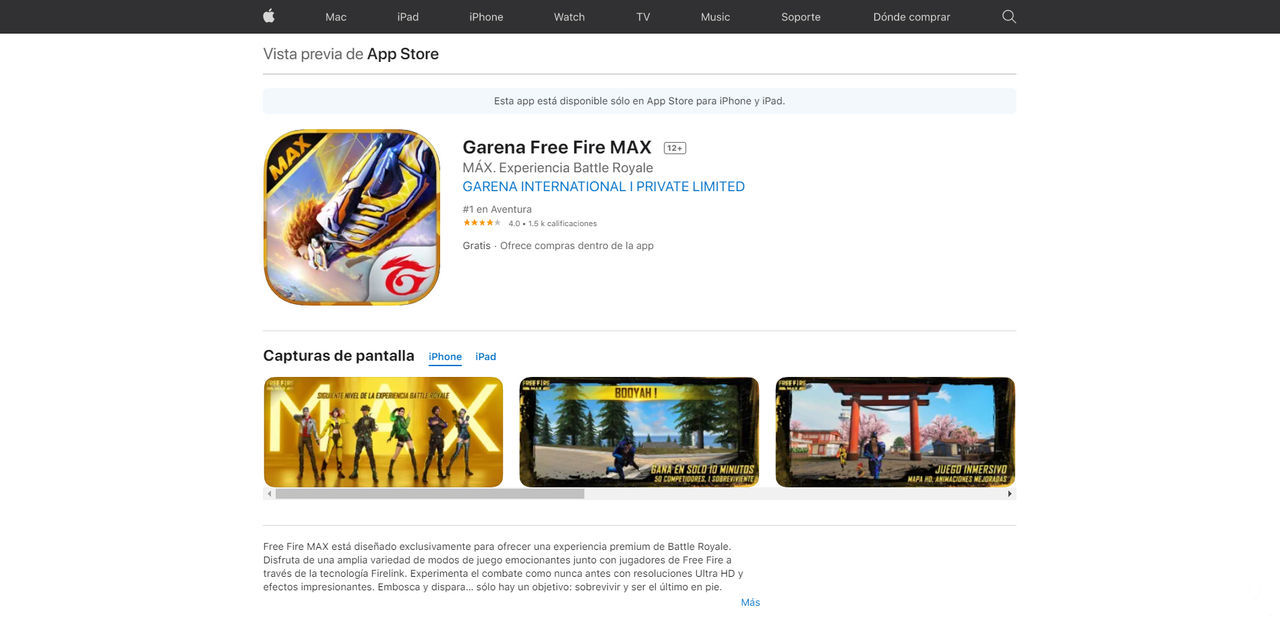
If you have an Apple device running iOS, follow these steps to download Free Fire MAX for free:
Once you're on the game's store page, simply tap the "Get" button to start downloading and installing it on your device. Remember that the app requires around 1.7 GB of free storage space on iOS. It is also compatible with iPad devices.
