
Since an update released in March 2022, Free Fire has included a major new feature: the Link system. This system allows players to unlock any character completely free of charge, without having to purchase them as they did in the past.
The Link system is exactly what you need if you want to get a character without spending any Diamonds. In this section of our guide, we'll take you through a step-by-step tutorial explaining everything you need to do to unlock free characters in Free Fire.
The Link system is a feature introduced by Free Fire that is tied to the game's characters. It allows players to unlock any character in the game for free, including both older characters and any new ones added in the future.

To use the Link system and unlock characters for free, follow these steps:
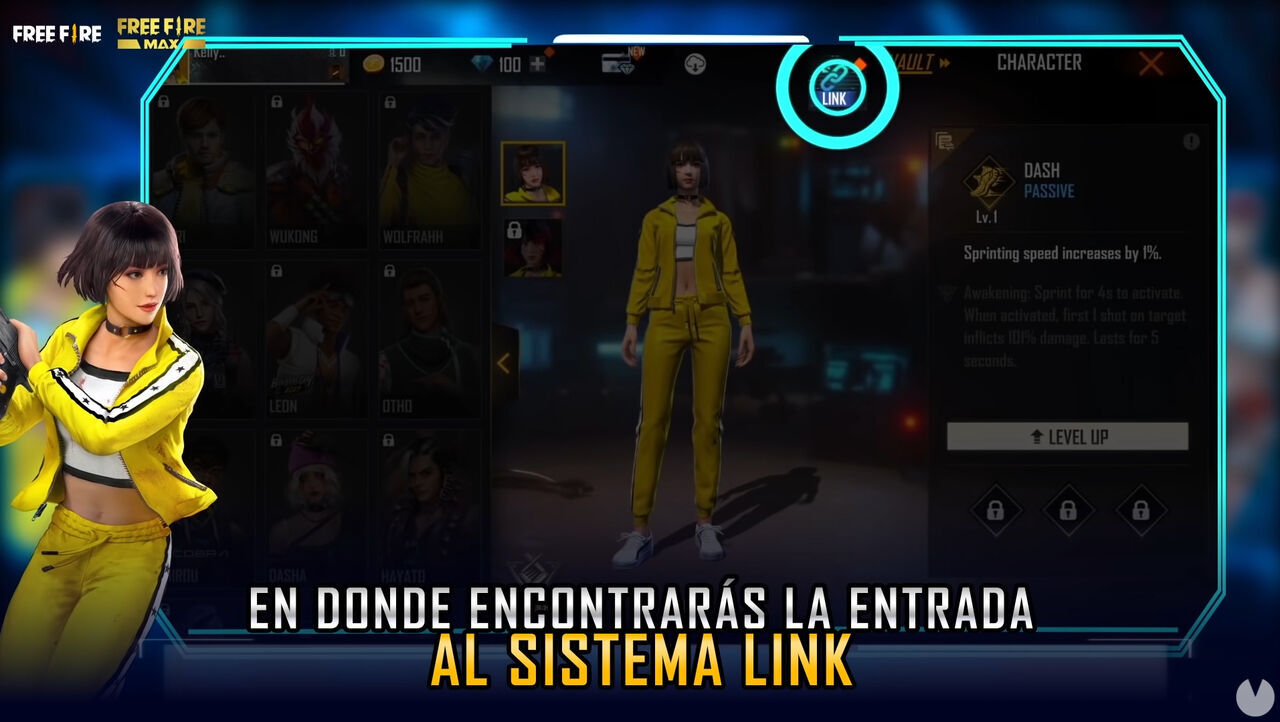
Once you have done this, the character will be connected to the Link system. The game will ask you to confirm your choice. Bear in mind that you cannot switch your linked character for 24 hours after confirming your selection.
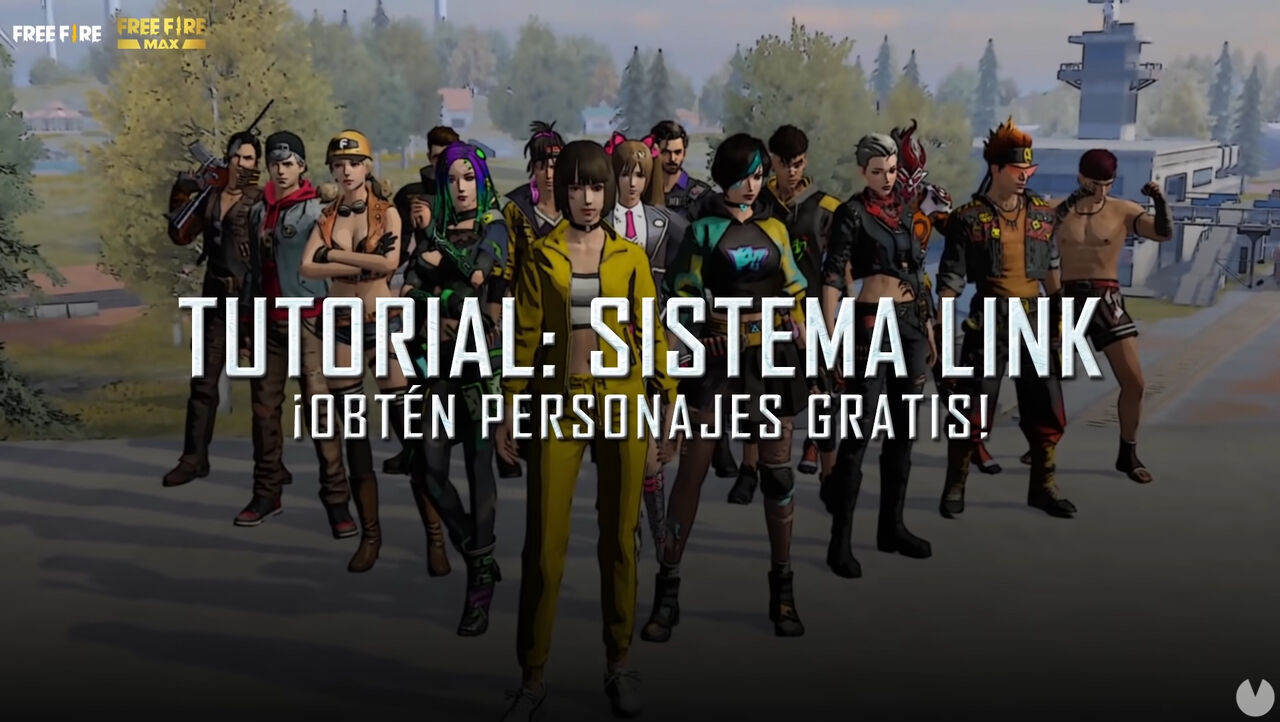
After adding a character to the Link system, all you need to do is play matches and earn enough Link Points to unlock them for free. Every character can be unlocked once you reach 13,500 Link Points.
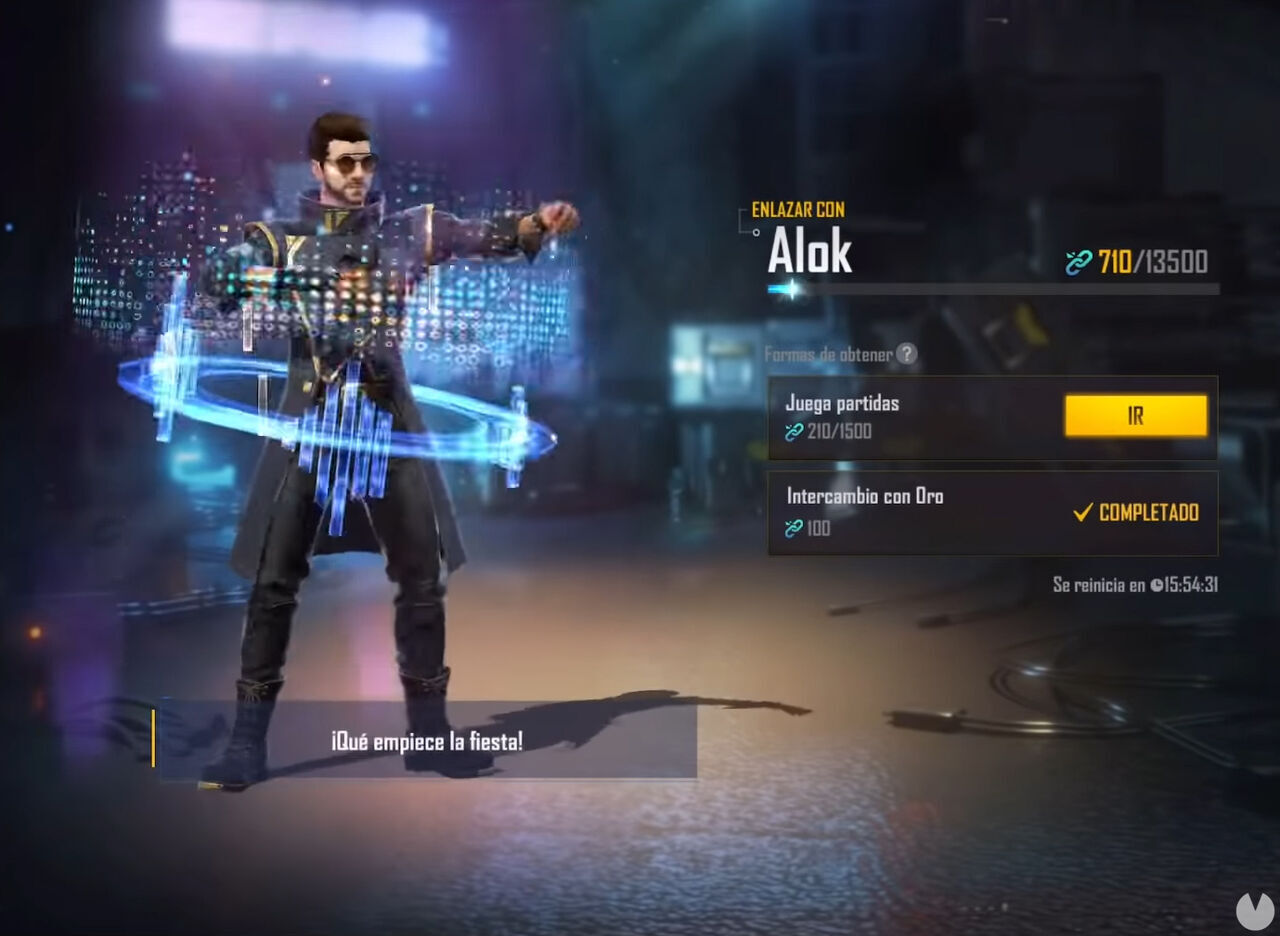
Once you reach 13,500 Link Points, you will unlock the character completely free of charge, and they will remain permanently available on your account. It really is that simple.
It is worth pointing out that the Free Fire Link system only works with one character at a time. In other words, you can only be linked to one character at once. If you link with Shirou, you will only make progress toward unlocking Shirou.
To switch between characters in the Link system, simply open the "Characters" menu and, inside the "LINK" section, choose the new character you want to link with. As long as 24 hours have passed since your previous selection, the game will allow you to make the change.
