
In this section of our guide to Roblox, we'll explain what this unique video game is and what its main features are so you can quickly understand how it works. Roblox has been around for many years, but it has managed to remain popular over time and has achieved huge download numbers among younger players.
We'll also explain how it differs from other similar games, how to download it easily, and how to take your first steps if you're interested in exploring its worlds. Ready to discover Roblox?
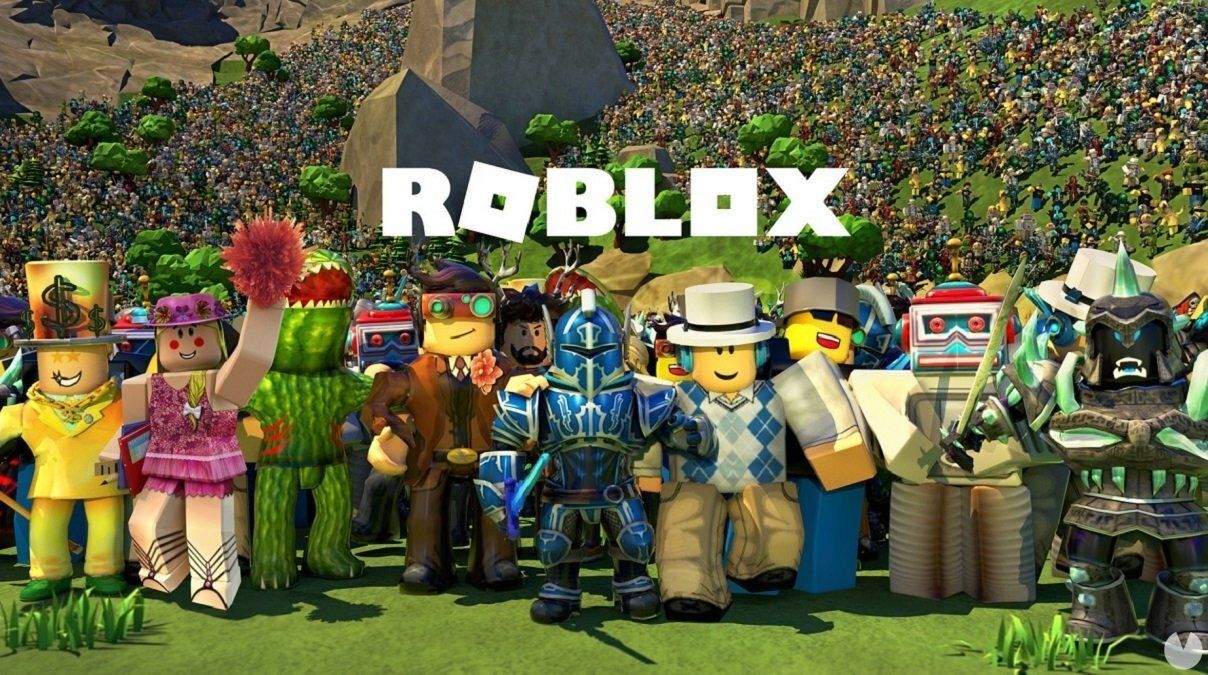
At its core, Roblox is a free massively multiplayer game based on the creation of games and worlds. It is currently available for PC, Xbox One, Xbox Series X|S, and Android and iOS mobile devices (you can find its minimum requirements and compatible devices here). In other words, players can use Roblox as a huge platform where they can enjoy other users' creations, design their own experiences, share their favorite games, chat with friends, and much more.
The first logical comparison that may come to mind when you hear about Roblox is Minecraft, another hugely successful multiplayer game in which players can work together to create worlds. However, Roblox is fundamentally different from Minecraft and many other similar titles, as it works more like a game development tool rather than simply allowing players to build worlds around the same basic mechanics. These games can have their own rules, objectives, rewards, and more.
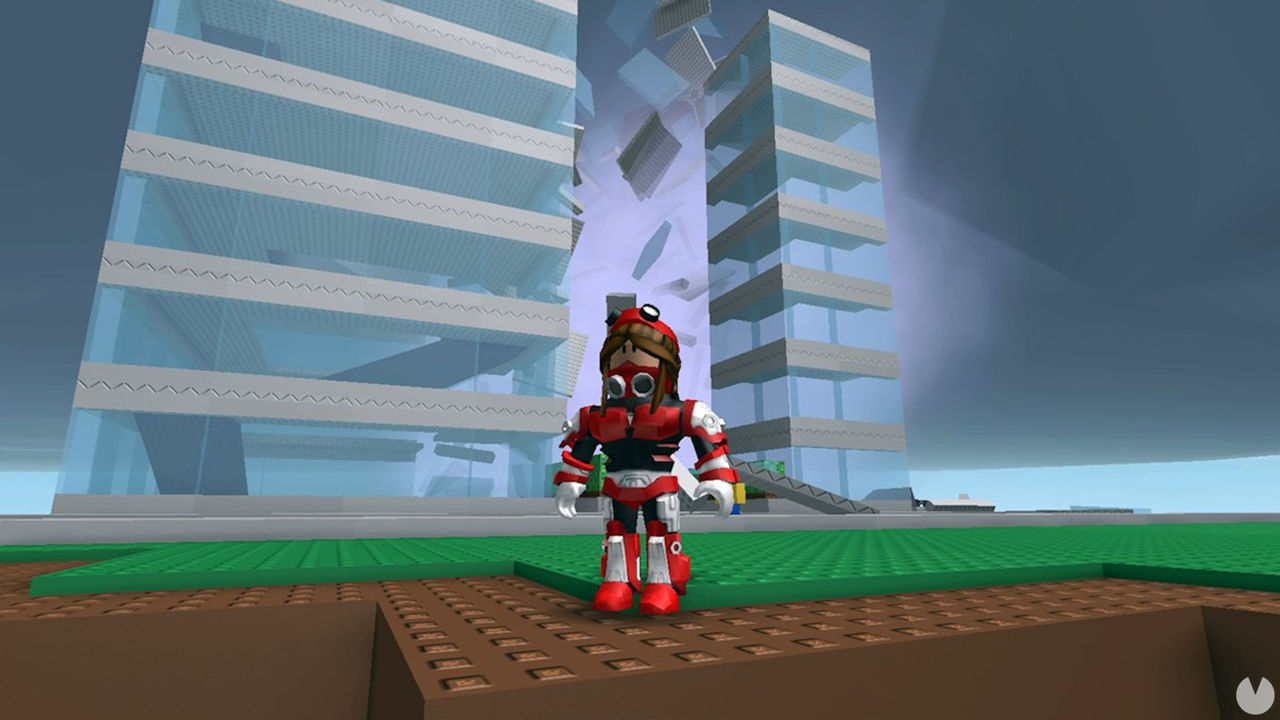
Roblox was originally known as "Dynablocks" during its beta phase and was designed by David Baszucki. It was released in 2006, although its name was soon changed to the one we know today. Broadly speaking, Roblox is:
Therefore, you could say that Roblox is more similar to a platform like Steam, except that its games are created and designed entirely from scratch by other players and fans.
Players interested in creating games can download Roblox Studio completely free of charge to design all kinds of 3D environments and experiences, including platformers, puzzle games, adventures, sports games, shooters, and much more. Meanwhile, those who simply want to have fun can explore the millions of games created by the Roblox community and discover an incredible variety of experiences.
Yes, Roblox is completely free. It is a free-to-play game, meaning that downloading it does not cost anything. You can access a huge amount of content entirely free of charge without spending any money.
However, Roblox's business model is also supported by in-game purchases. The platform has its own paid virtual currency called Robux. This currency can be used to access more exclusive content or purchase new items, clothing, and other content. The game also offers a monthly subscription that allows players to become Premium members and receive certain bonuses.
Nevertheless, anyone can create games on Roblox without spending money and enjoy thousands of experiences for free. Paid content is mainly aimed at experienced players who want to explore everything Roblox has to offer.
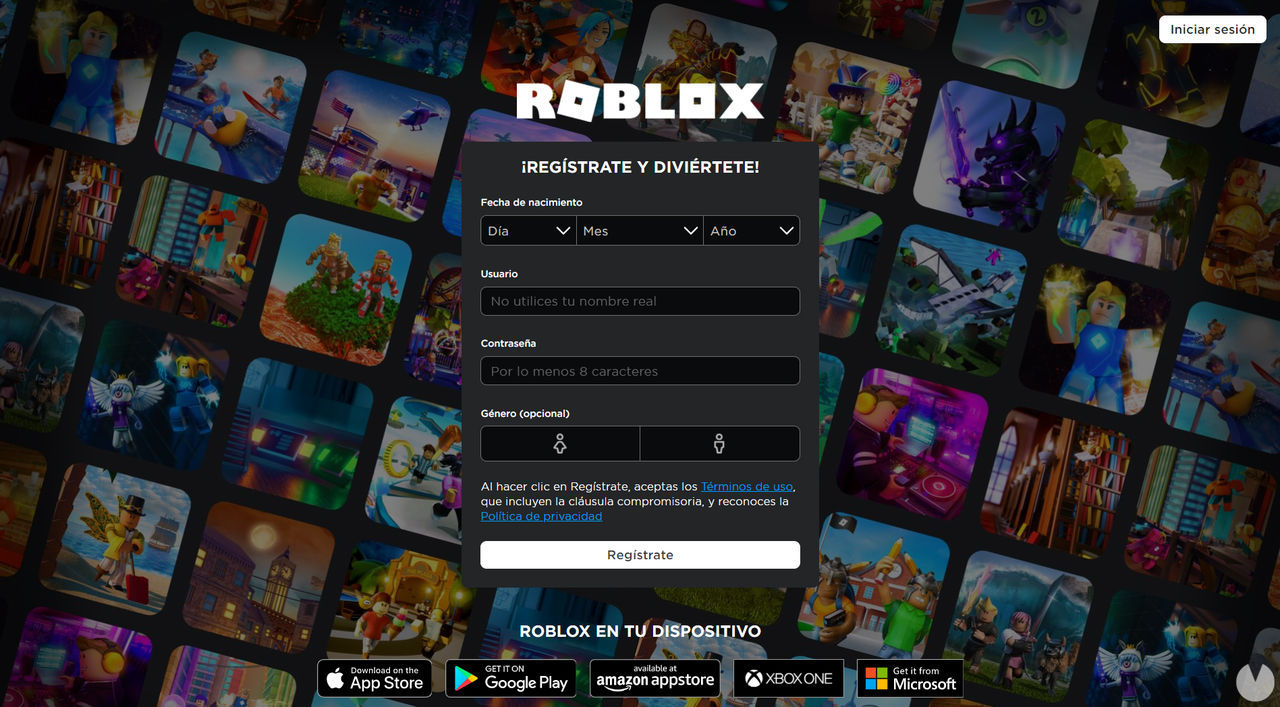
Downloading Roblox for free is very easy and only takes a few steps. For more information, you can visit the relevant section of our guide, where we explain how to get the game on each of its supported platforms. As a quick summary, here are some direct download links:
Remember that you'll need to create an account on the platform to enjoy Roblox. You do not even need to link an email address to your account at first, although doing so is recommended to avoid losing your progress and to use the same account across different platforms without any problems.
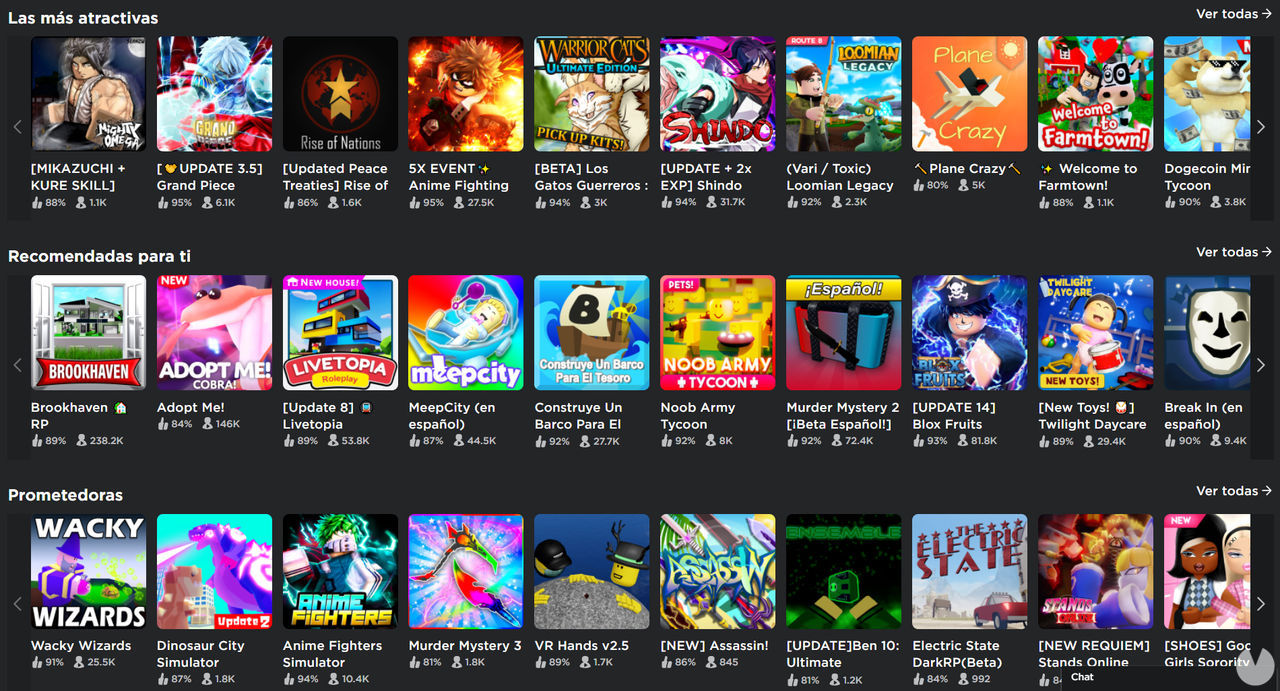
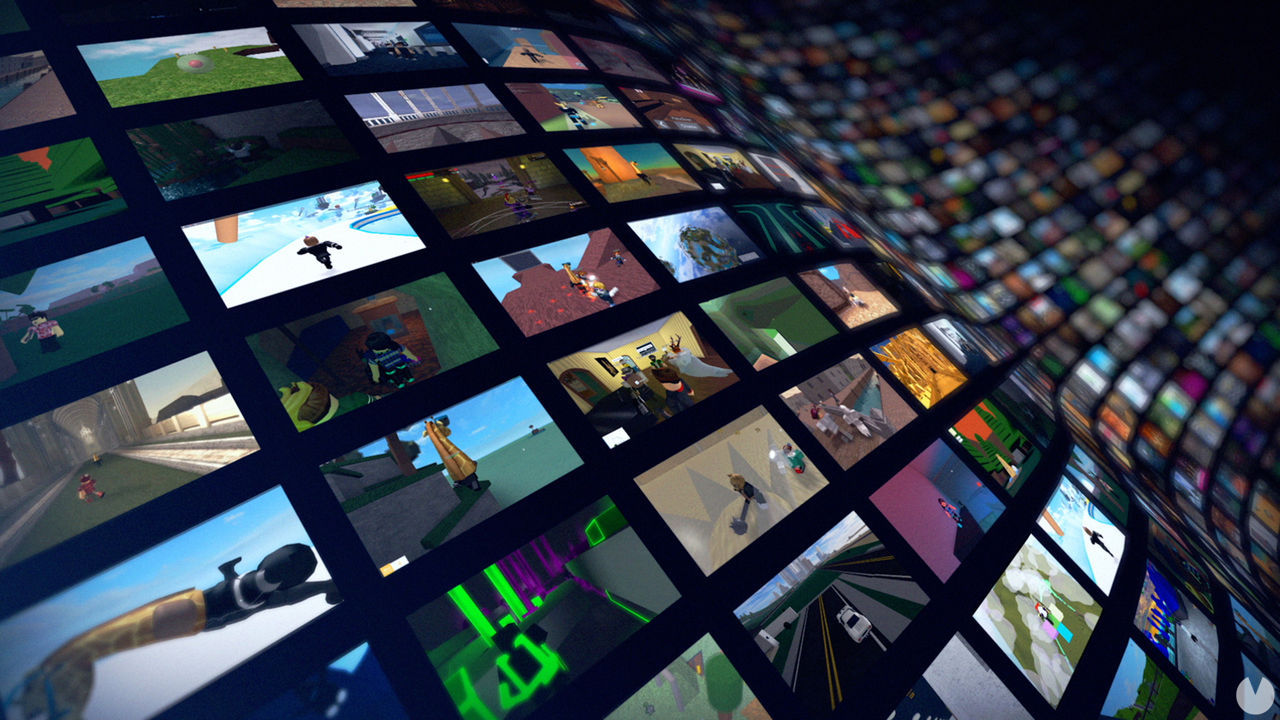
Once you enter the Roblox platform, you'll find several different menus, like the ones shown in the screenshot above. As you can see, this interface is quite similar to that of a digital storefront such as Google Play or a streaming platform such as Netflix, and it is fairly intuitive.
These are the main categories and menus available in Roblox:
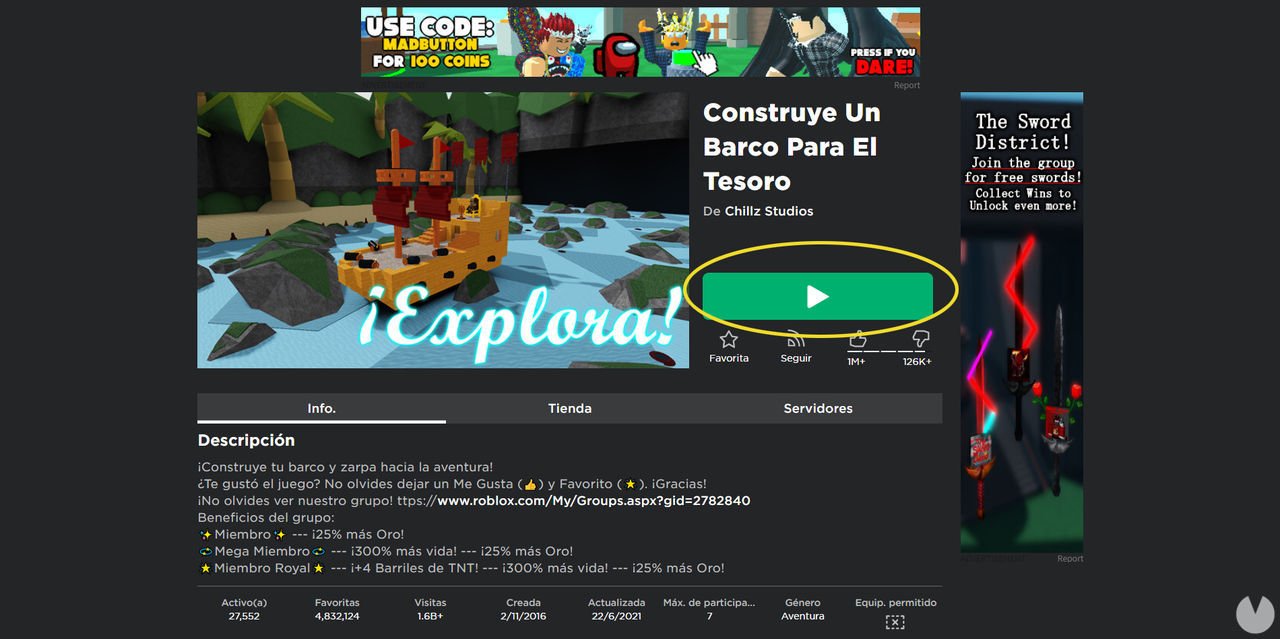
To play any game, simply open its page and click the green button with the Play icon. Bear in mind that if you see the Robux icon and a number instead of the Play symbol, access to that game is not free and you'll need to spend the indicated amount of Robux to purchase access.
Roblox has been mostly translated into Spanish, although not all of its content has been fully localized. You may come across some Roblox Studio tools in English and, of course, games created by users who speak other languages will be designed in those languages.
Even so, there is plenty of content available in Spanish, and it is relatively easy for even a young child to understand almost everything. In addition, the support website offers plenty of help in Spanish, while important sections such as settings, security, and payments are also available in Spanish.
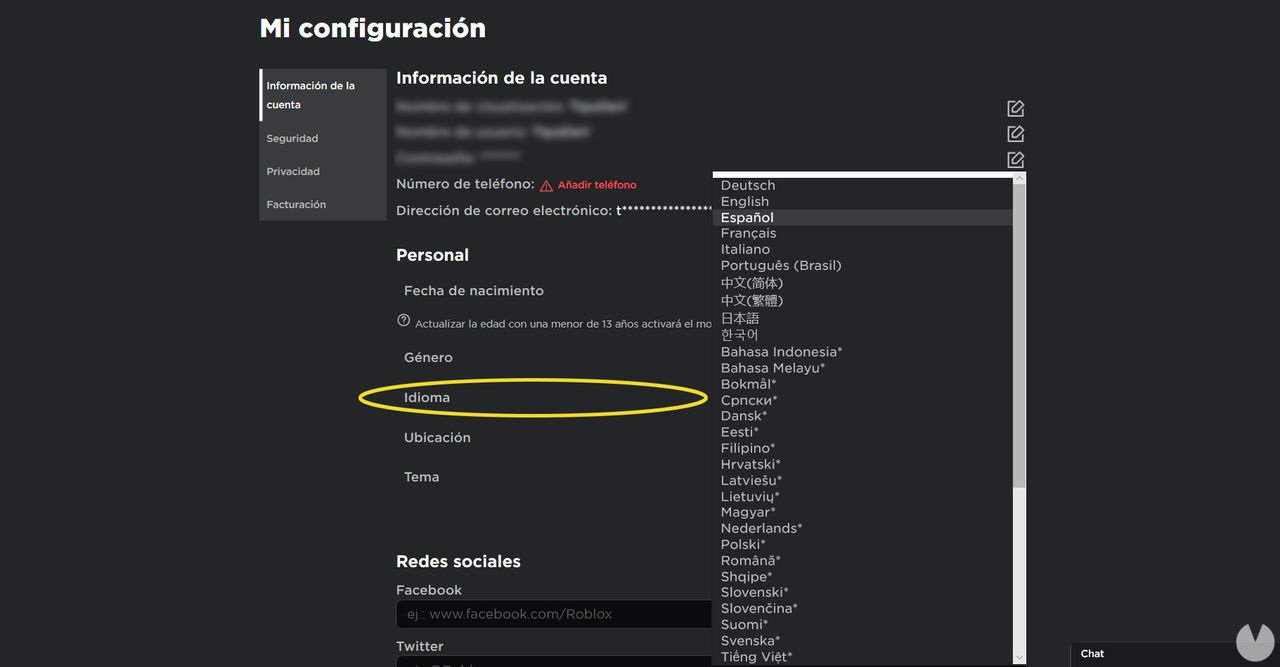
When you first sign up, the game should automatically detect your default language. However, if Roblox is displayed in English or another language instead of Spanish, you can change the language easily by following these steps:
That's it. The game should immediately switch to your selected language.
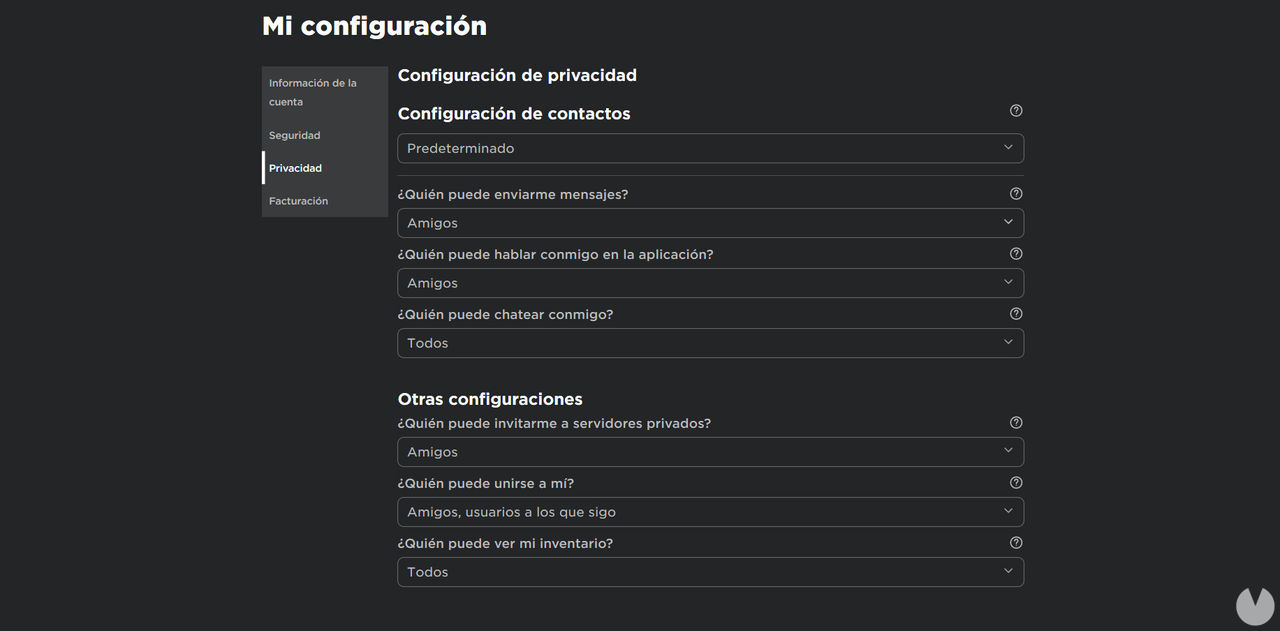
Because Roblox has a friendly, family-oriented visual style and features many entertaining games, it has attracted a huge number of underage users. As a result, many parents wonder whether Roblox is suitable for their children.
A large amount of Roblox content is aimed at children and teenagers, and there is actually no minimum age requirement to start playing Roblox.
Common Sense Media recommends Roblox for children aged 13 and older, while the company states that the game is based on the educational theory of constructivism, promoting learning, curiosity, and creativity among users in a healthy way. Roblox also automatically applies parental safeguards to accounts belonging to children aged 12 or younger.
That said, as we have already seen, the game has a paid virtual currency, and some members of its enormous community may not always behave as respectfully as they should. Therefore, parents are advised to use Roblox's parental control options to configure their children's accounts and privacy settings. If you would like more information, you can visit our Roblox guide for parents.
