
Roblox is a free-to-play world-building MMO that is currently available on PC, Xbox consoles and mobile devices or tablets running Android and iOS. If you have made it this far, chances are you want to try the game for yourself, so keep reading, because below we will show you how to download Roblox completely free on its different platforms.
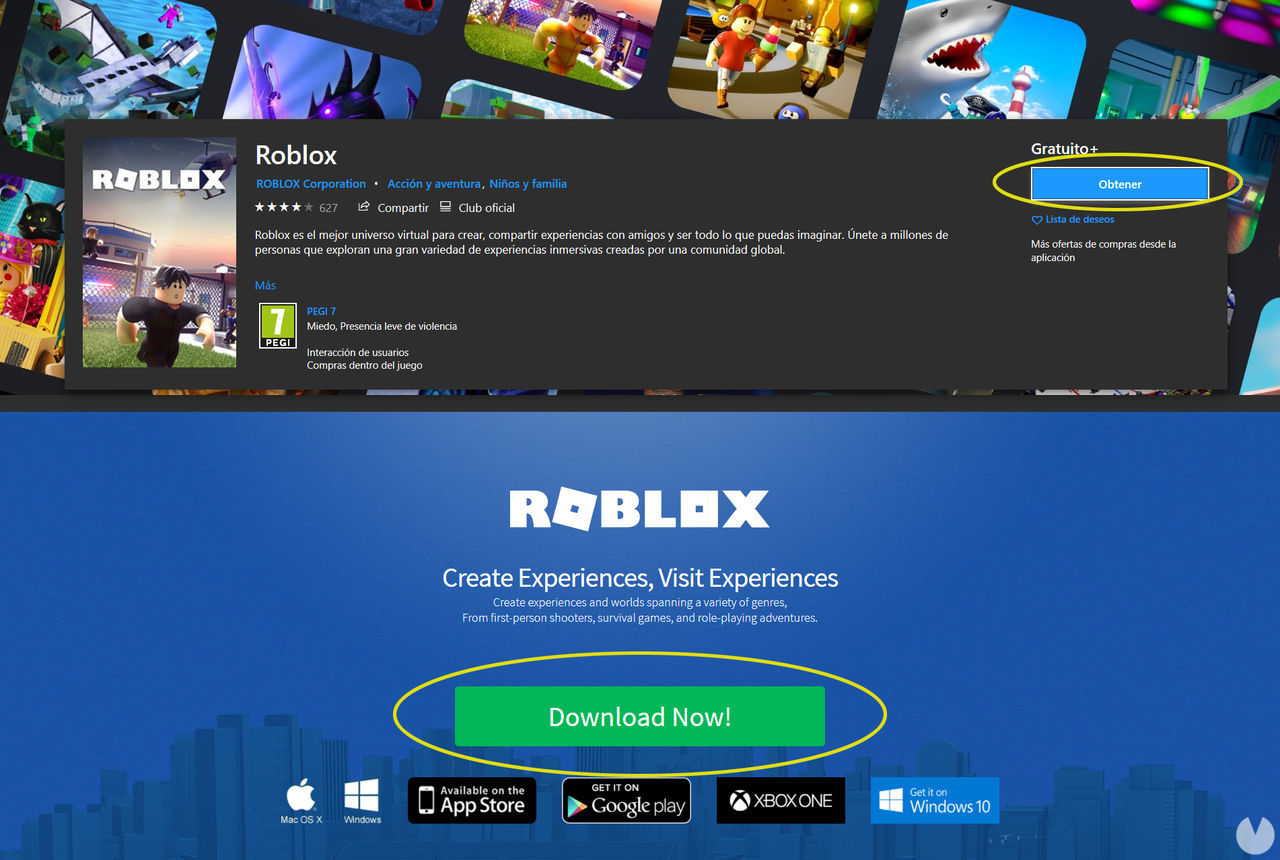
Here we will show you the steps you need to follow if you want to download Roblox for free on computers, whether you are using Windows or Mac. To download the game, you have two different options:
Since Roblox is completely free, you will not have to pay anything to get it. And because these are official links, you can relax: you will not be risking any virus downloads. Once you have downloaded the installer and followed the steps to install the game on your computer, all you need to do is create a Roblox account to start playing.
You can also install Roblox Player for free from your web browser on PC. To do this, just follow these steps:
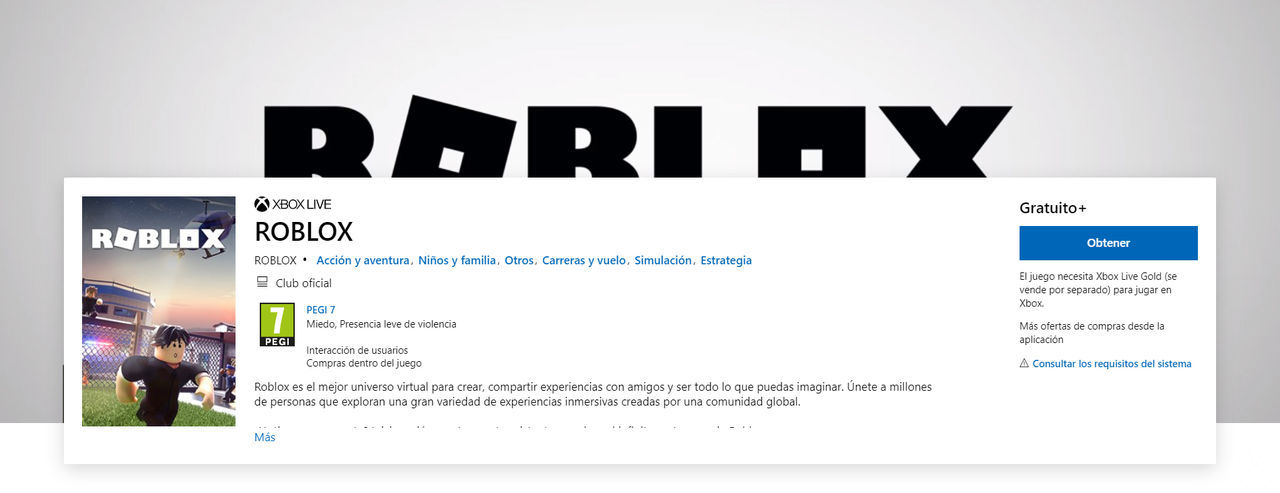
Roblox is also available on consoles, although only on Xbox family consoles, meaning there are no versions for PlayStation 4 or Nintendo Switch. This means the game can be downloaded and played for free on Xbox One and also on Xbox Series X|S.
If you have an Xbox console and want to play Roblox, the steps to follow to download the game are very simple:
Keep in mind that on Xbox, you need an Xbox Live Gold subscription to play Roblox online.
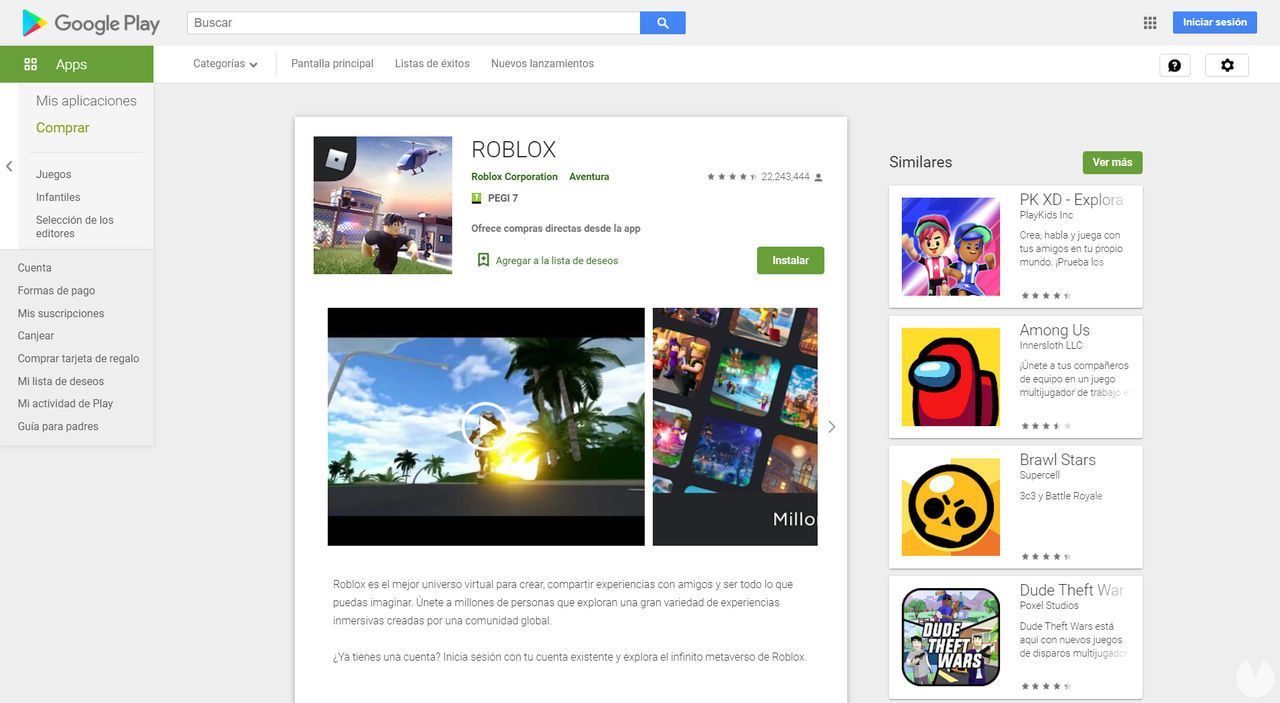
If your phone is an Android device and therefore uses this operating system, you will need to follow these steps to download and install Roblox for free:
Once you are on the game’s page, simply tap the button that says "Install" to start the download and installation on your device. Keep in mind that you need an internet connection and enough free storage space to install it. The game app takes up around 117 MB on Android.
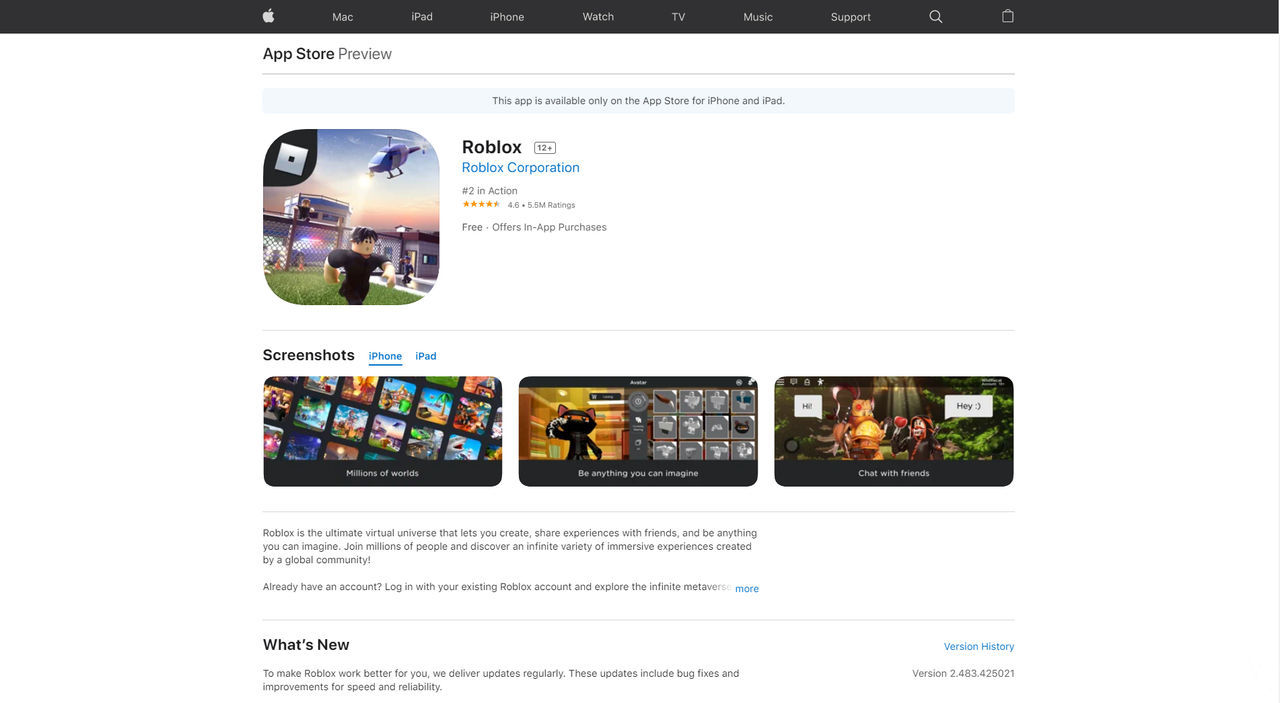
If your phone is an Apple device and therefore uses the iOS operating system, then you need to follow these steps to download Roblox for free:
Once you are on the game’s page, simply tap the "Install" button to start the download and install the game on your device. Remember that the app needs around 243.5 MB of free space on iOS. It is also compatible with iPad devices.
