
When you step into the world of Minecraft, there is one thing you need to keep in mind: there are no limits. Over the years, this game developed by Mojang Studios has grown into a colossal phenomenon where practically anything is possible. Countless players have made this world their home, creating their own adventures and stories along the way.
That is why it is impossible to offer a conventional guide, as the advice you need will depend on your level of experience. However, here at Vandal, we want to give you a guide covering the basic concepts and key points you should know when creating and exploring countless worlds. Bear in mind that the game is constantly expanding and evolving, with new features and changes still being added regularly that can have a major impact on your game. Keep these basic ideas in mind, though, and your journey should be much smoother. Take note!
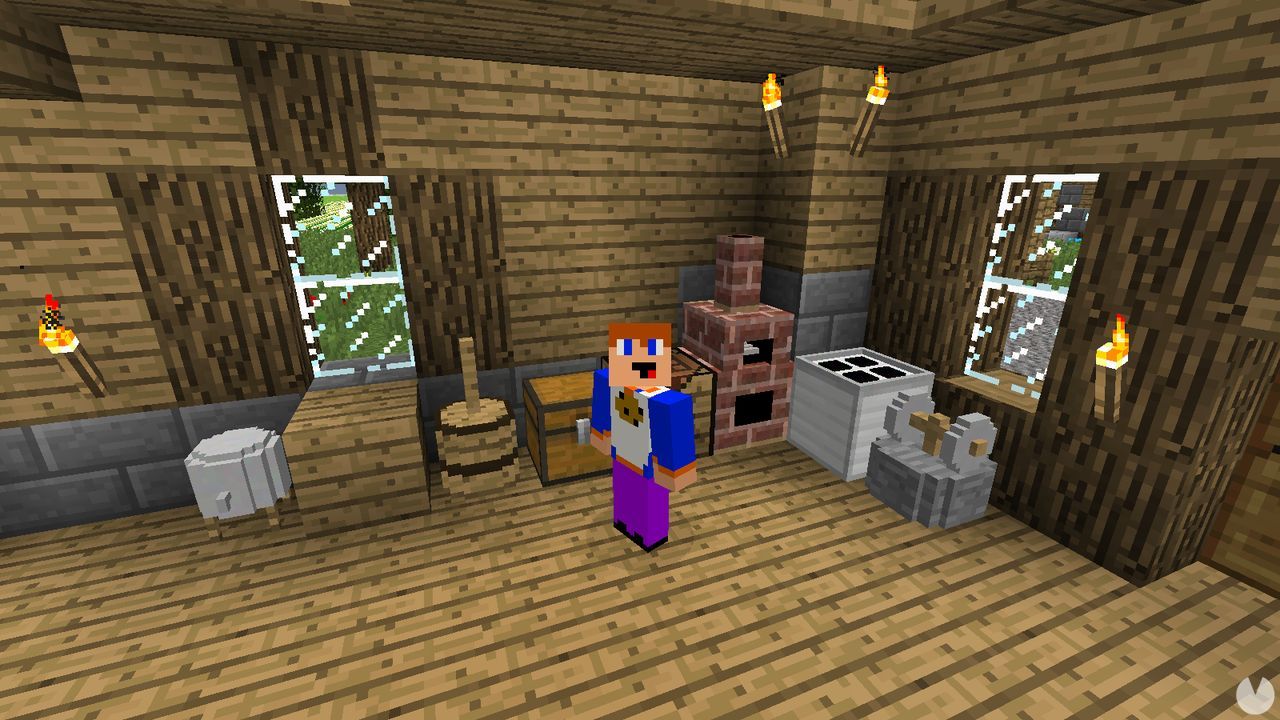
As with many PC games, some versions of Minecraft allow us to use cheats and console commands. These let you activate all the classic kinds of cheats: getting unlimited items, gold and materials, spawning enemies out of thin air, becoming invincible and more.
Just a heads-up: modding has reached such an advanced level that you may have to ask a world’s creator for commands made specifically for it!
Once you reach the main menu, we are going to assume that this is your first game and you have not created a world yet. With that in mind, we will begin with Creative Mode, the game’s sandbox mode. Do not worry about using seeds, installing mods or joining the best servers just yet. We will cover all that later.
This mode gives you complete freedom: you have unlimited resources and no enemies to worry about. It is the perfect place to familiarise yourself with the controls and learn the basics of how the world works.
Although you could start building enormous structures right away, keep things simple and learn how to make basic shelters first: a small house, a cave where you can hide and so on. Once you have learned the ropes, you can move on to bigger projects.
Bear in mind that this is not the full Minecraft experience. It is simply a way to understand how the game’s world, structure and building systems work. It is an important first step, but you should not get too used to everything being this easy. Above all, it will help you understand just how few limits there are to your imagination.
Once you have mastered the basic controls, it is time to begin the real adventure in Survival Mode.
Things work differently here compared to Creative Mode, mainly because of the presence of hostile creatures and NPCs. However, you can disable hostile enemies by opening the options menu and lowering the difficulty to Peaceful.
Of course, this is not how the game was originally intended to be played, but it is a useful option if you want an easier start while gathering enough resources. You can change the difficulty at any time.
Gathering materials to make items is a fundamental part of the game. The materials available depend on the type of area you are exploring. In Minecraft, these areas are known as biomes, and some of their differences are fairly obvious.
For example, a very small island biome will offer few resources, a desert will not have much to gather, a forest will provide plenty of wood and a mine will contain ores.
When mining ores, remember that the pickaxe you use will affect how long it takes to break each block. You will also need several units of the same material to create a mineral block. Ores can also be turned into ingots, which are what you will actually use to craft many other items.
There are countless materials you can gather to craft items and, above all, portals, but these are some of the most important:
Obsidian requires a little more explanation than the other materials, as you need to meet certain conditions before you can collect it. First of all, you need a Diamond Pickaxe to break and collect it. Other ores can be mined with different pickaxes, although the time required will depend on the pickaxe’s quality. Obsidian, however, can only be collected with a Diamond Pickaxe.
Obsidian can occur naturally, in which case you can simply mine it. However, there is also a way to create it yourself, which is the most common method.
From the very beginning, you will need to craft items, armour, weapons and tools to progress through your adventure. The first thing you should do is make a Crafting Table, which you will then use to craft other items.
To make a Crafting Table, open the crafting section of your inventory and arrange four wooden planks in a square.
From this point on, you will use the Crafting Table to make the most important tools and items. It is a very visual and, to some extent, logical process. For example, you can craft a sword by placing a stick in the bottom-centre slot of the table, then placing two pieces of your chosen material above it. In other words, you are creating the hilt and the blade. To make a pickaxe, place two sticks vertically down the centre to form the handle, then arrange three pieces of material horizontally along the top row to make the head.
There are countless recipes for making all kinds of useful items that will help you on your journey.
Minecraft includes a hunger system as part of its survival mechanics. Your character needs to eat regularly to avoid starving.
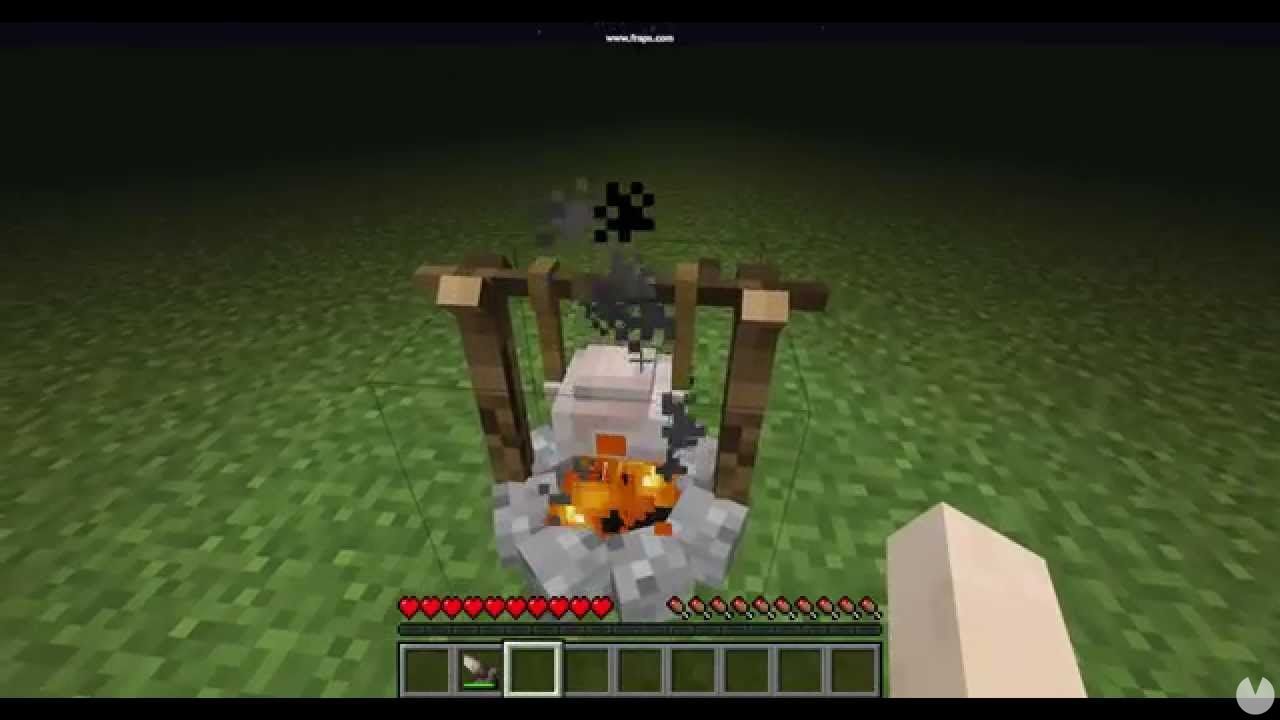
Before you can cook anything, you need to craft a Furnace. Check the recipe guide linked above to find out how to make one. Once you have it, you can begin cooking food:
The first thing you need to do is decide whether you want to play in Creative or Survival Mode. We have already explained the differences: Survival is the "real" game, while Creative gives you complete freedom and removes the danger posed by enemies. Now it is time to generate your world.
Once you have mastered the controls and basic concepts, it is time to explain what a Seed is and how to use one. Here you can find everything you need to know about Seeds.
Now that you have created your world, we are going to assume that you are playing in Survival Mode. If you are playing in Creative Mode, you already have access to everything and can do whatever you like.
Once you are ready, you will need to explore the world in search of portals leading to the Nether and the End, your ultimate destination. Of course, you should continue upgrading your equipment, gathering resources and expanding your shelter along the way. There are literally endless things to do, and the exact possibilities will depend on the world you are exploring.
Every generated world is divided into three different dimensions:
You will always need portals to travel between them. Nether Portals take you to and from the Nether, while an End Portal takes you to the End.
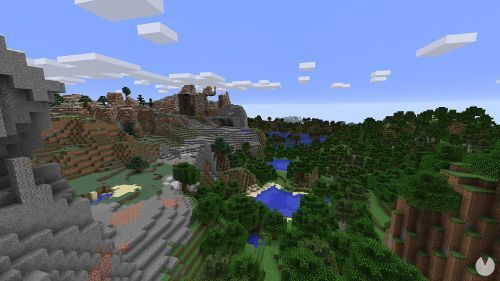
The Overworld is the dimension where most of your adventure will take place. Regardless of the world you generate, this is essentially the "normal world."
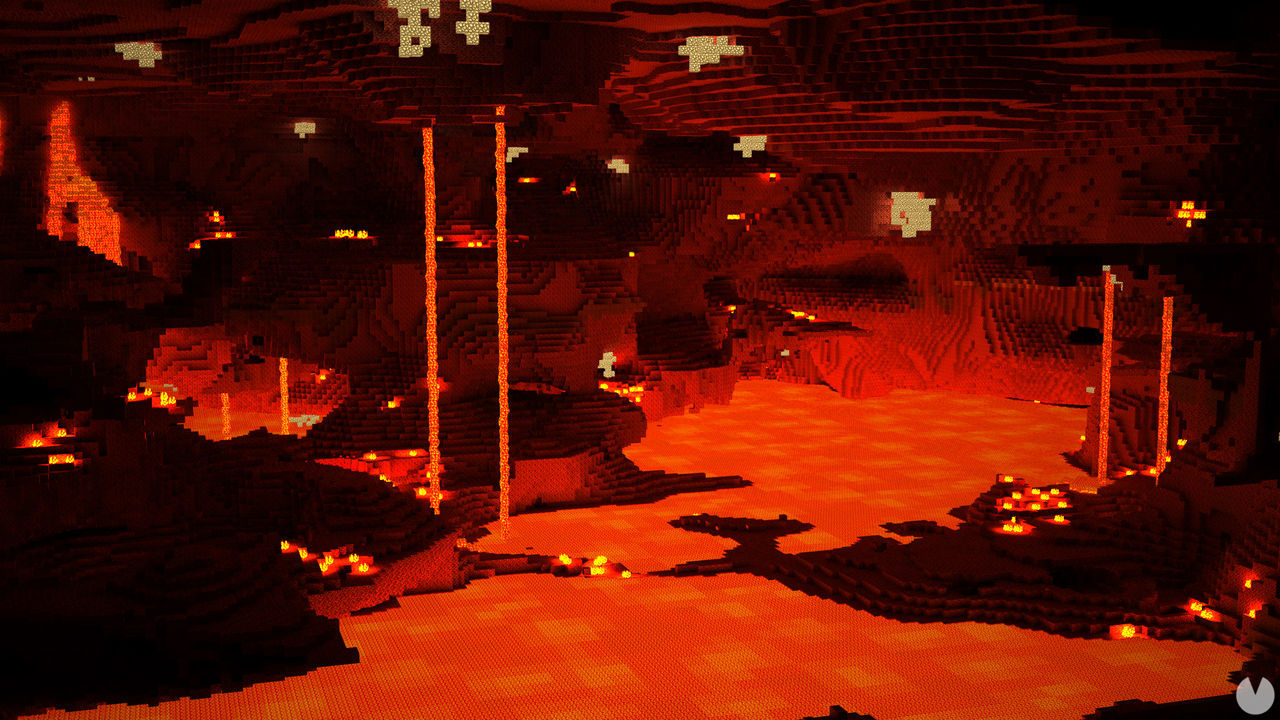
The Nether is a dangerous place filled with rivers of lava and powerful enemies. Besides gathering the unique resources found there, the main reason to visit the Nether is that it allows you to travel much faster. This fast-travel method works because every block travelled in the Nether is equivalent to eight blocks in the Overworld.
To reach this dimension—and leave it again—you need to find or build a Nether Portal. These are black frames with a rippling purple surface in the middle. If you cannot find one and want to build your own portal, you will need at least 8 blocks of obsidian.
To leave the Nether, you will need to find another portal there or build one yourself. Remember that when you emerge, the distance travelled in the Overworld will be equivalent to the number of blocks travelled in the Nether multiplied by eight.
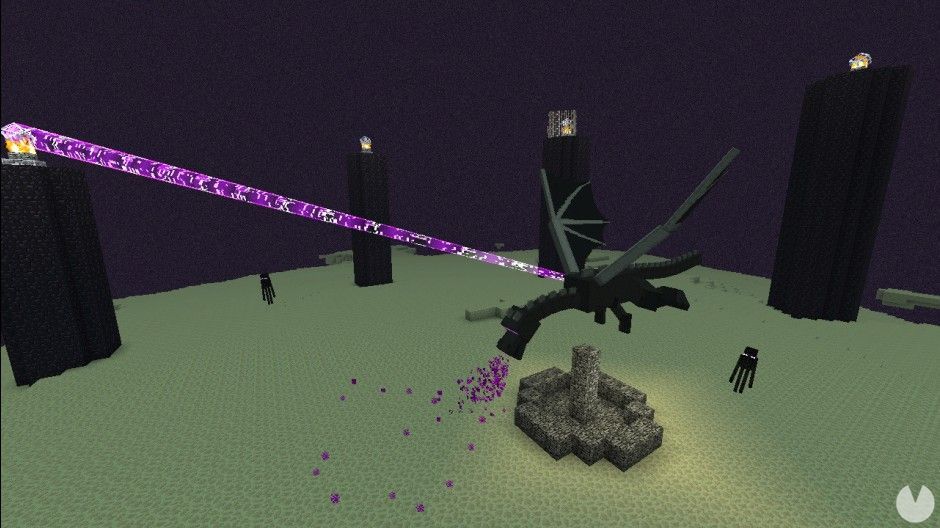
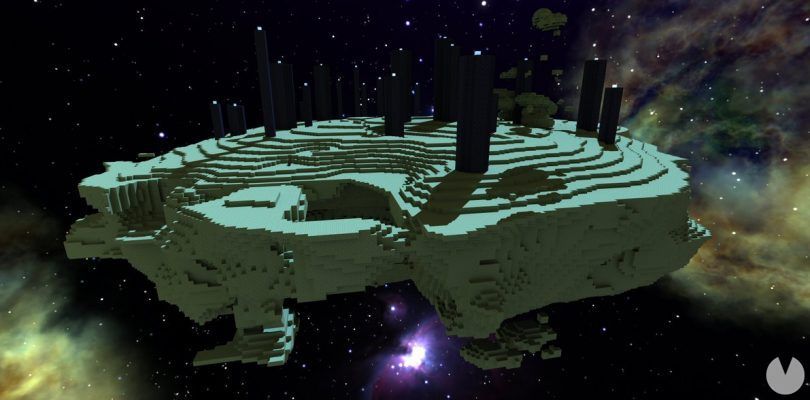
As its name suggests, the End represents the "ending" of Survival Mode. To reach it, you need to find an End Portal, which in this mode will appear inside one of the Strongholds found throughout your world. You will have to explore until you locate one. These structures are fairly easy to recognise, as they resemble altars and are usually found above pools of lava inside Strongholds.
There is not much to see in the End. It is a desolate, empty dimension where the Ender Dragon, the game’s "final boss," awaits. Bear in mind that the dragon can pass through almost any block, launch poisonous projectiles and attack you directly. On the plus side, if it hits other creatures that have reached the End, they will become hostile towards the dragon, which you can use to your advantage. The Ender Dragon can also be healed by nearby End Crystals unless you destroy them.
You cannot leave the End unless you die or kill the dragon, which activates the exit portal. Using the exit portal will always generate an End Gateway near the place where you appear.
Finally, to round off our guide, here is a selection of frequently asked questions, along with their answers and solutions. If you are new to Minecraft, these should come in very handy:
