
One of the biggest attractions of Roblox is its free game creation tool, known as Roblox Studio. Any video game enthusiast can jump straight into this application and start designing and developing their own games, which can later be published on Roblox for everyone to enjoy.
If you're wondering how to get started creating games in Roblox, which steps you need to follow, or what you should know before getting to work, this section of our guide provides the essential information and answers you need to begin creating your own Roblox games.
Note: bear in mind that this is not a complete guide to game development and programming from scratch. Here, we only answer some common questions about creating games in Roblox.

Roblox Studio is Roblox's game creation tool. In other words, Roblox games are not created directly from the main Roblox platform. Instead, you need to use a separate application called Roblox Studio.
Roblox Studio is available for PC (Windows and Mac) and is a completely free program that you can download by following these steps:
Once Roblox Studio is installed, all you need to do is launch the application and sign in with the same account you use for Roblox. From there, you can start creating your own games.
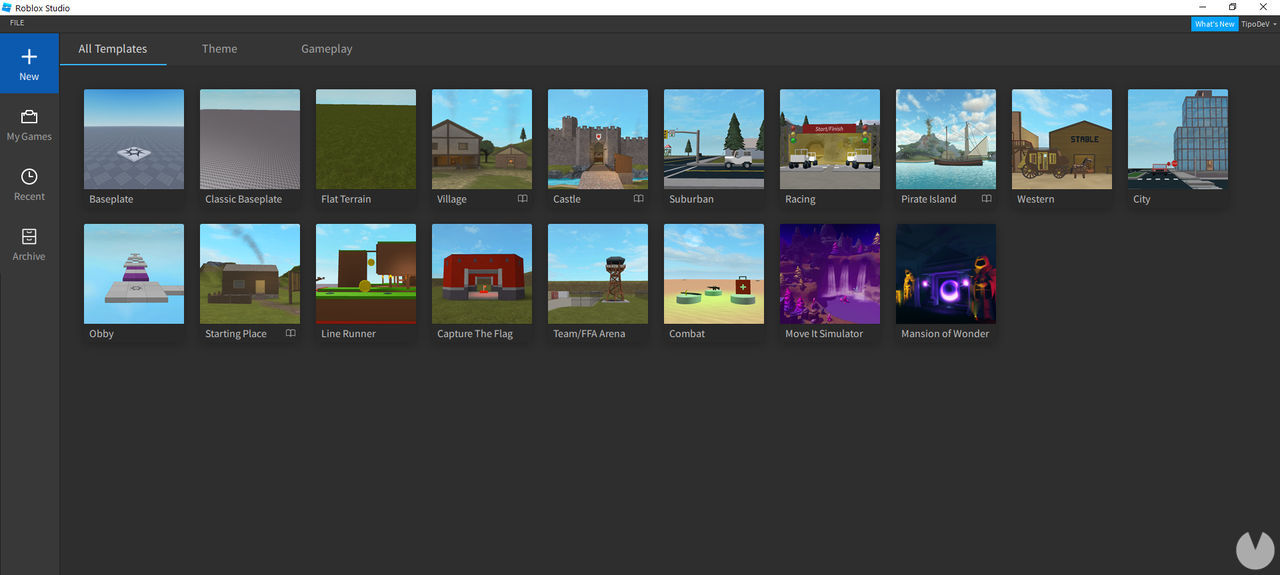
When you open Roblox Studio for the first time, you'll see a straightforward interface that automatically displays a menu containing several templates, like the one shown in the image below. These templates can be very useful if you want to begin with a solid foundation. However, if you would rather start from scratch, you can click the "FILE" tab and then select "New" to create a completely new game.
Bear the following in mind when using Roblox Studio:
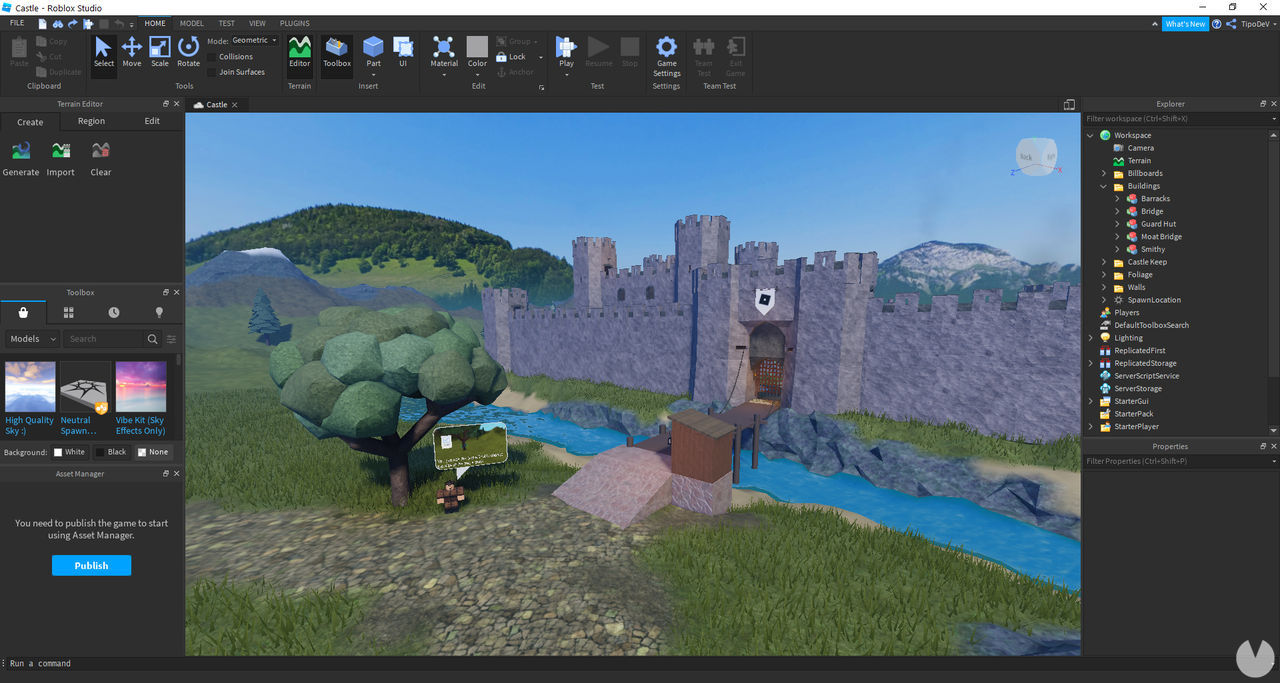
If you need help or support while using Roblox Studio, you can press the F1 shortcut key.
Let's suppose you've finished creating a Roblox game and can't wait for other players to enjoy it and share their opinions. How can you publish your games on Roblox? It's very easy: simply follow these steps.
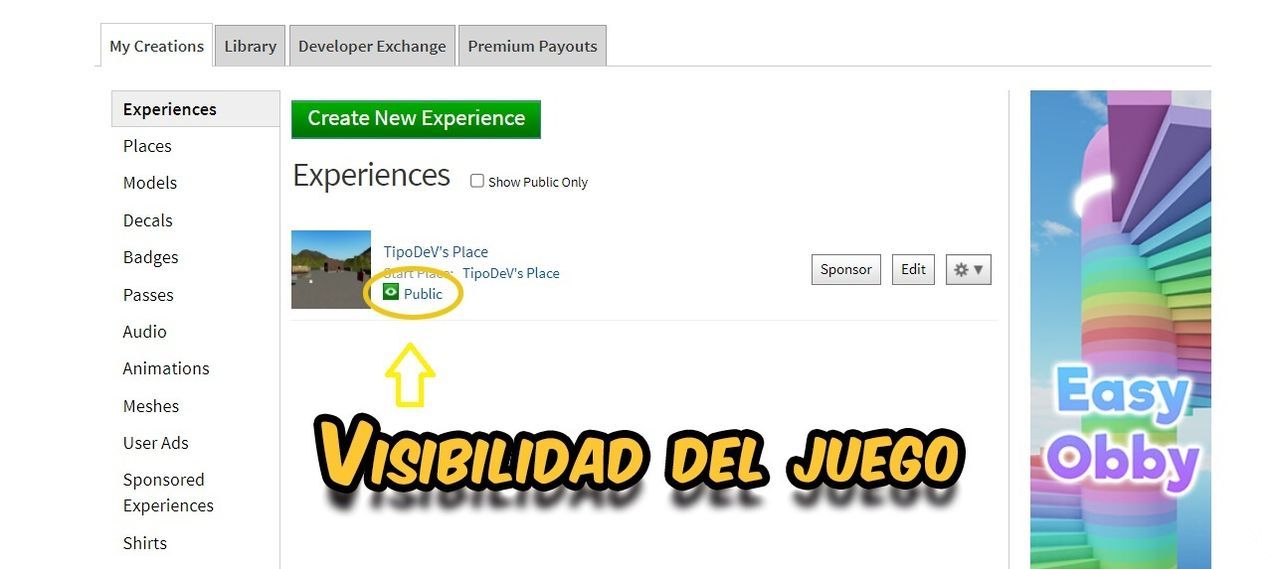
Your game's visibility will most likely be set to public by default.
You can also configure your game's visibility from Roblox Studio. From the software's main menu, open the "My Games" tab and hover your cursor over your game. Then click the three-dot icon and select "Configure Game". You will automatically be taken to the public or private visibility settings in your browser, where you can choose the option you want.
While creating a game, you can also press the "Alt + P" keyboard shortcut to publish it on Roblox.
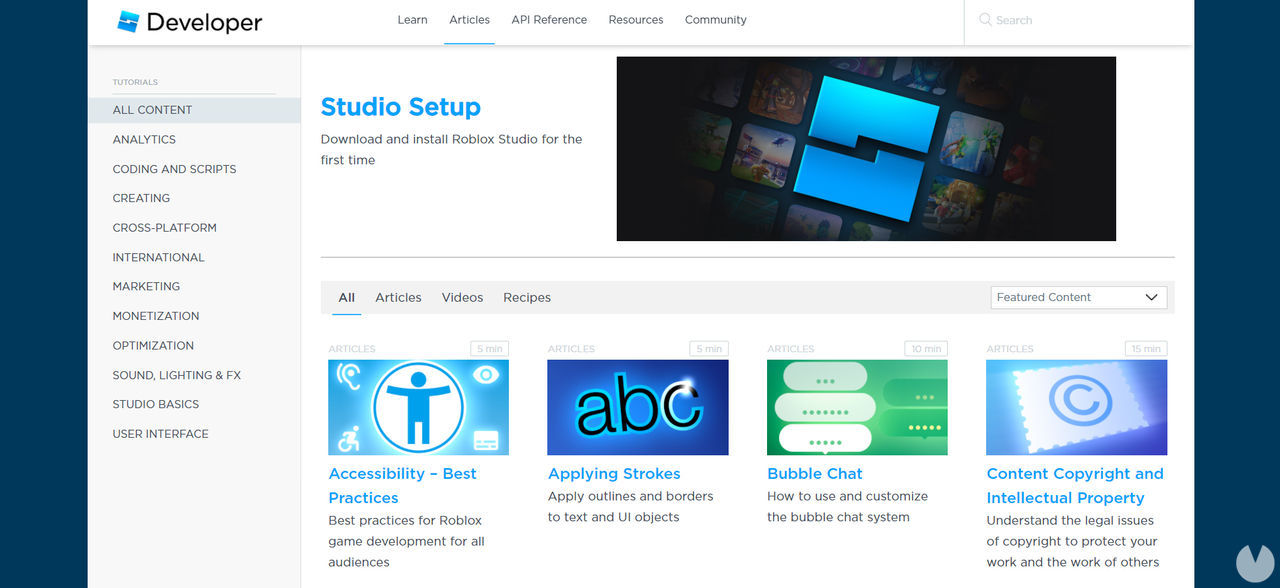
There are thousands of extremely useful tutorials across the internet that can help you learn how to create games in Roblox. Many experienced users are happy to share their programming knowledge, and one of the best ways to learn is by watching video tutorials, as they are usually intuitive and easy to follow.
If you want to follow official Roblox tutorials for creating games in Roblox Studio, you can use either of these resources:
It is worth noting that these official videos and articles are entirely in English. However, you can also easily find plenty of Spanish-language tutorials on YouTube created by fans and other members of the community, as well as guides on other websites. A few quick Google searches should help you find some excellent tutorials.
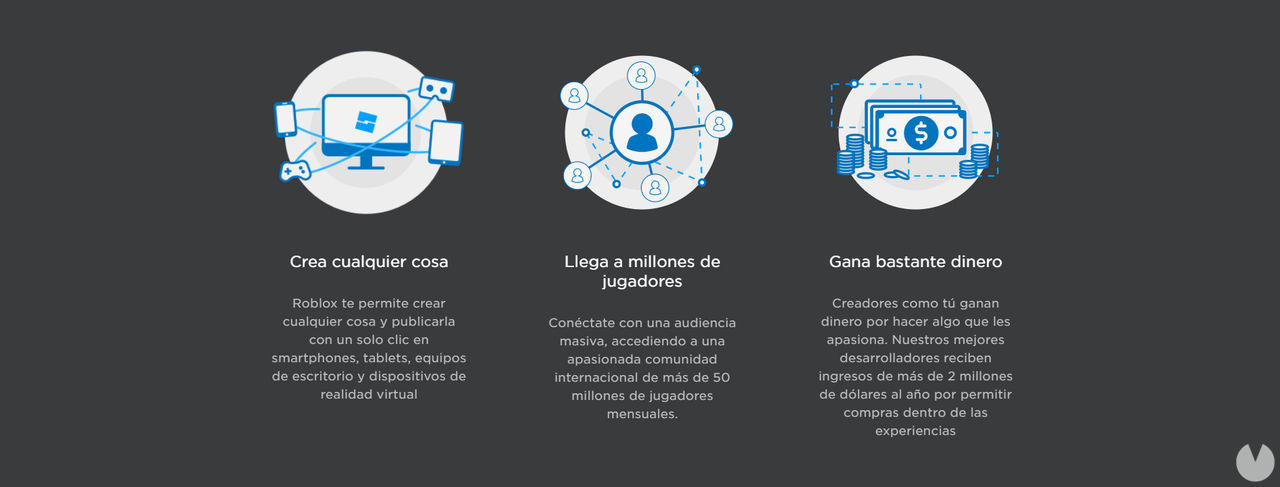
Did you know that you can earn real money from the games you create in Roblox? It is entirely possible, and many enthusiasts actually make a living by developing games that become popular.
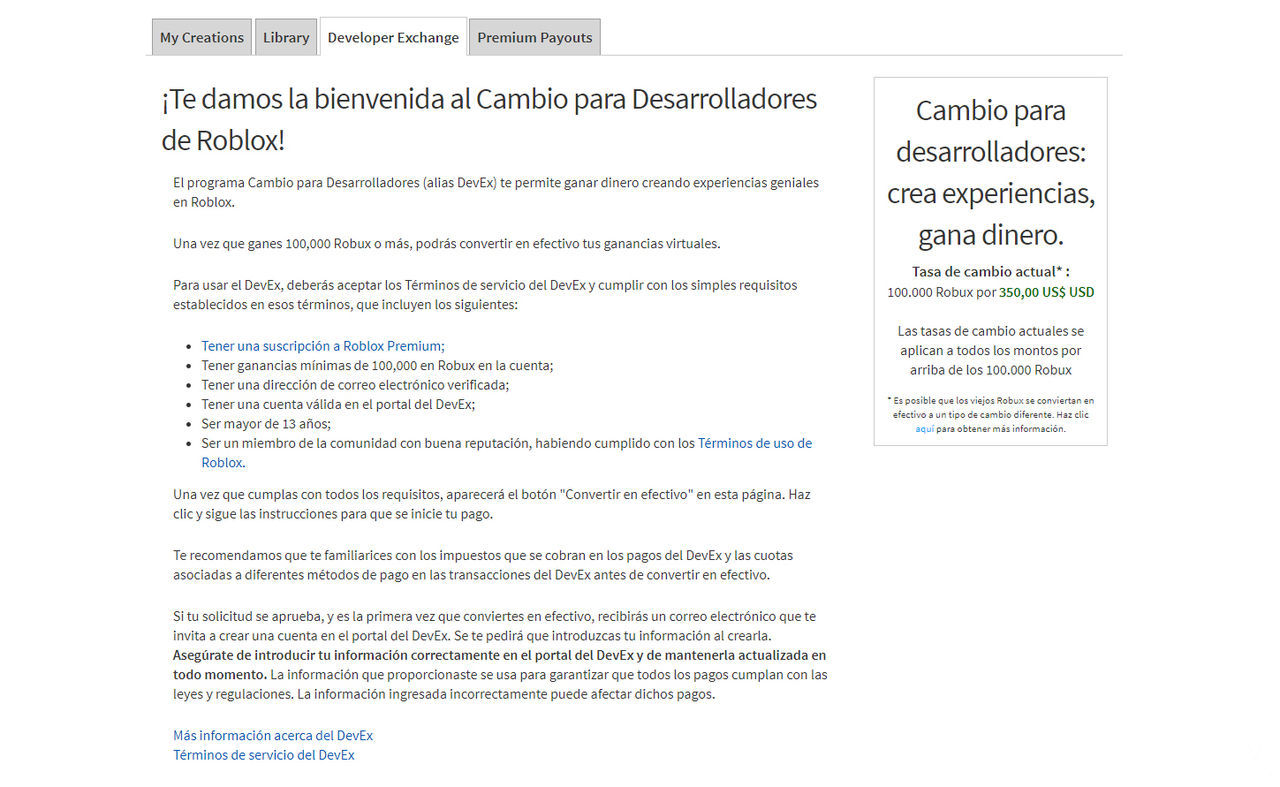
You can make money on Roblox by joining DevEx, short for the Developer Exchange Program. Members and affiliates of this program can earn money by creating and publishing games on the Roblox platform. However, before you can join the program, you must meet a number of requirements.
These are the requirements for joining DevEx:
If you meet all these requirements—or believe you can meet them—and are interested in applying to the DevEx program to make money on Roblox, visit this official Roblox Support page for all the details. Good luck!
