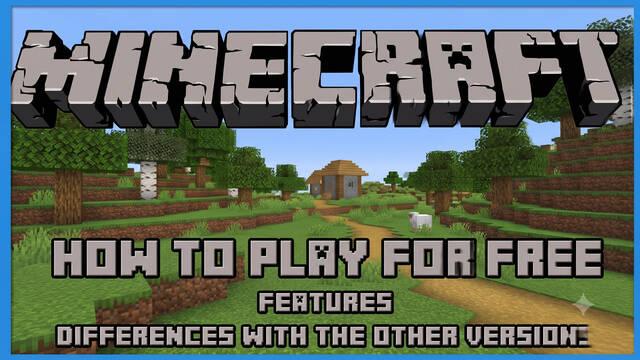
Here’s how you can play Minecraft completely free in your browser. No, it isn’t piracy—there’s a completely free version available to everyone.
César Rebolledo · Published: 19 Jul 2026, 17:56
There are several ways to download or tryMinecraft for free, but if you really want to start playing as soon as possible, the browser version of Minecraft is probably what you’re looking for. This version only requires an internet connection, with no downloads or complicated world setup, making it the perfect way to try the game.
Your browser must support WebGL or WebRTC (don’t worry—they’ll let you know as soon as you launch it if you can’t play. Virtually all major browsers are compatible).
Once you’re there, you’re all set. Just launch the game and enjoyMinecraft Classic.
Remember that you can also download several demo versions that are closer to the full game.
Features and differences compared to other versions
First of all, this is the Classic version—the original 2009 release.
This means that there are only 32 blocks. It also uses the original interface, has several bugs and doesn’t support most cheats. In short, it’s an extremely limited experience.
You can’t save your progress either. It’s really just something to mess around with for a while.