Don't want to use Minecraft's default skins? Find out how to legally download alternative skins and use them in your games.
Vandal Staff · Published: 9 Aug 2026, 17:29
Minecraft is a game with extensive customization options. One of these allows you to use skins to change your character's appearance. To do this, you'll need to take into account whether you're playing on PC, mobile, or console, obtain the skin file, and then find out where to upload it.
Here's what you need to do to use skins in Minecraft:
How to use skins on PC
Visit The Skindex, where you can find skins based on almost anything you can imagine—even Fortnite skins!
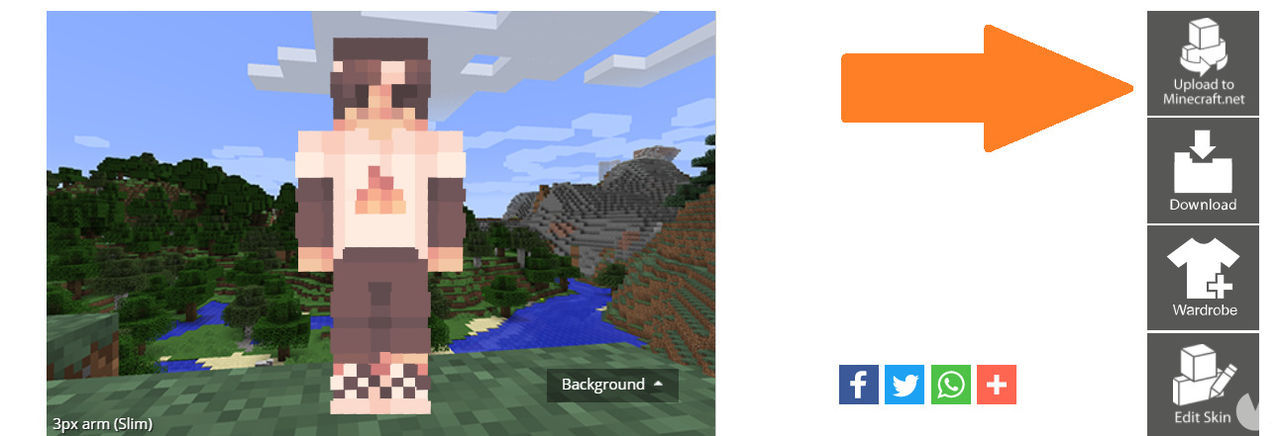
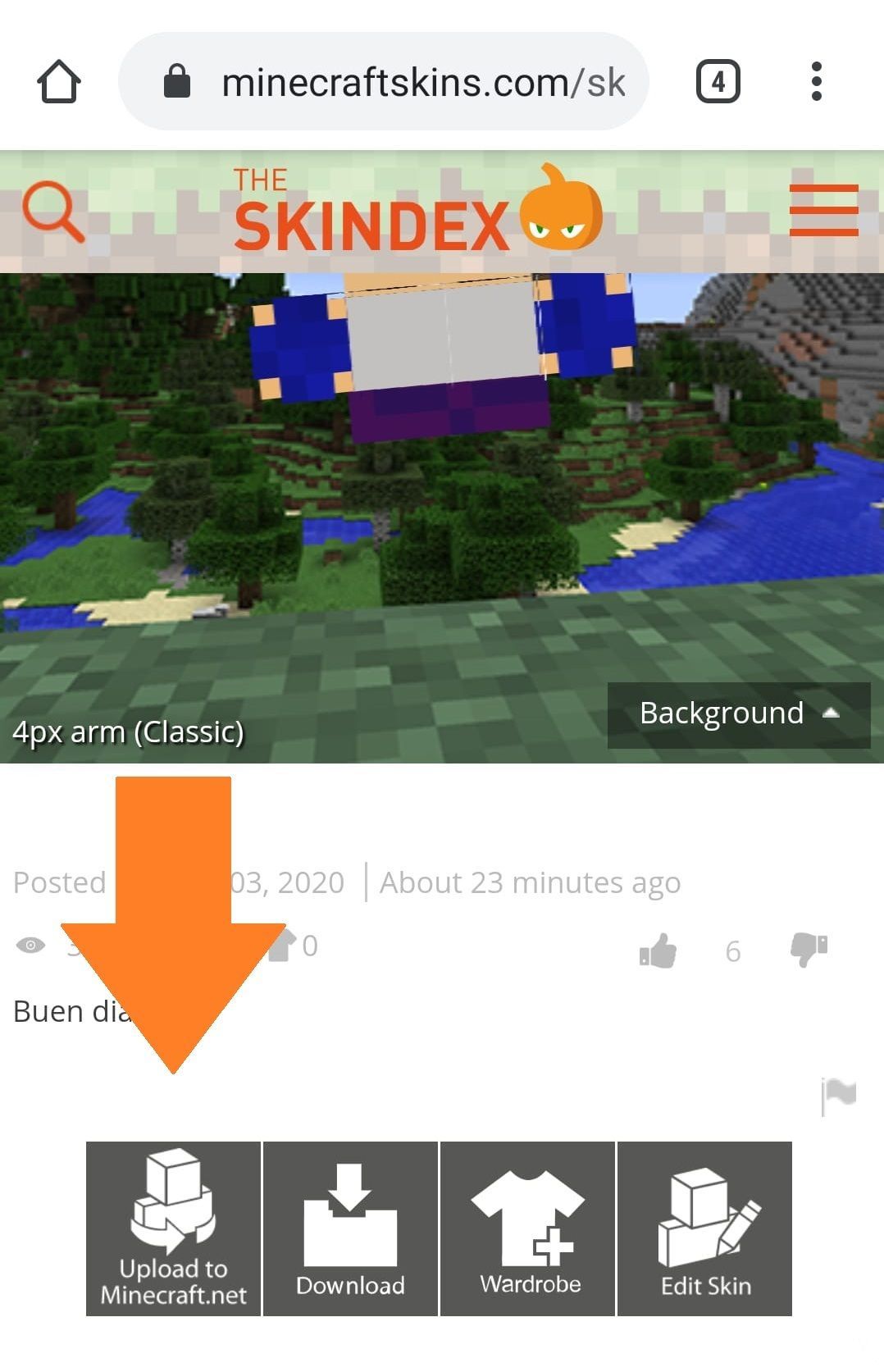
Select "Upload to Minecraft.net" in the upper-right corner of the drop-down menu. You'll need to be signed in to your Minecraft account.
Follow the instructions and you're all set. You'll now be able to use the skin in the PC version of the game.