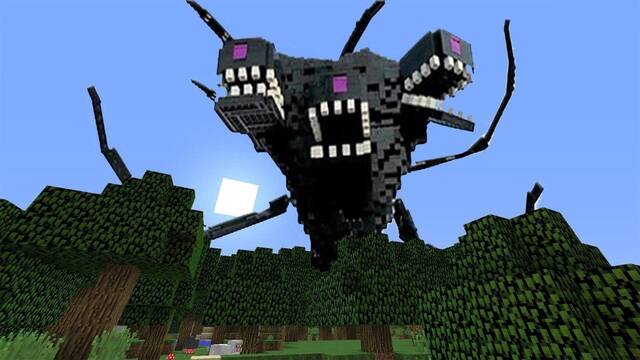
Here’s how to install Minecraft mods and unlock even more possibilities in this already massive, record-breaking hit.
Installing mods is one of the most interesting aspects of Minecraft, just as it is with many PC games. However, you can't simply install them straight away, and in some cases it may not even be possible. Here's everything you need to know about how to install mods in Minecraft.
Remember to make a backup before installing any mod for the first time, just in case. Check the instructions for the platform you play on to find out how to back up your apps.
How to install mods on PC or Mac
- First of all, this method does not work with the Windows 10 versions.
- Install Minecraft Forge.
- Find and download a mod. There are countless websites available, so simply search Google for something you're interested in.
- Launch the game.
- In the top-right corner of the game launcher, you should see the "Game Directory" button. Depending on your version, you may see a ☰ button instead. Clicking it will display several options, including the one mentioned above.
- Open the "Mods" folder inside the "Game Directory." If the folder doesn't exist, create a new one with that name.
- Copy, or cut and paste, the mod file you downloaded into the "Mods" folder.
- Close both the folder and the game launcher.
- Launch the game again and select "Profile", next to the "Play" button. A list of options will appear, including "Minecraft Forge", which you need to select.
- The next time you launch the game, it will load with your installed mods.
- If you want to remove a mod, simply delete it from the "Mods" folder in the game directory.
How to install mods on iPhone
The process is much easier on iPhone:
- Open the App Store and download the MCPE Addons app. You'll need to enter your password, of course.
- Open the app.
- You can browse for mods using the available categories or search for something specific with the app's built-in search bar.
- Download the mod you want. You may have to wait for an ad to finish, as the app is free and supported by advertising.
- Install all the mod files.
- You can launch the game directly from the MCPE menu with the mods installed, but there's still one more step.
- Create a new world, look at the bottom-left corner of the screen, and select Resource Packs / Behavior Packs, depending on what you downloaded. You'll see all your downloaded mods there. Simply select the ones you want to use and press Play to load them.
How to install mods on Android
- Enable downloads from unknown sources. Check your device's instructions if you're not sure how to do this.
- Download the BlockLauncher app from the Google Play Store.
- To download mods, visit the MCPEDL website.
- Simply use the website's search bar or category list to find and download a mod.
- Open BlockLauncher.
- At the top of the screen, you'll see a wrench icon for the options menu. Open it and select Manage ModPE Scripts. Make sure this option isn't switched off.
- You'll see a + button in the bottom-right corner. Tap it and select "Local Storage" and then "Download" from the menu that appears. You can then load the mod files you downloaded.
- Now create a new world, and it will load with the mods installed.
How to install mods on Windows 10
Mods are not available in the Windows 10 version of the game.
How to install mods on consoles
Mods are not available in the console versions of the game.