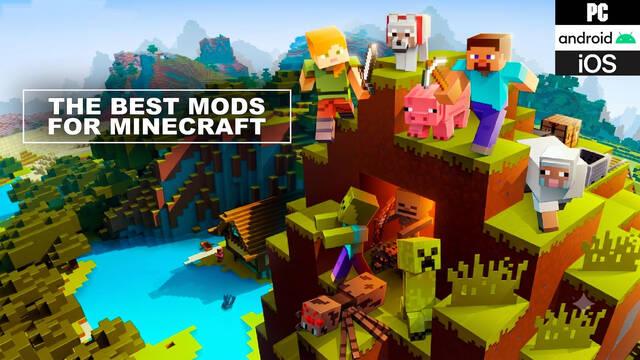
We’ve picked the 70 best free Minecraft mods, from gameplay-changing additions and graphical upgrades to new items, maps, and creatures.
If Minecraft already offers almost endless possibilities, mods take things even further. Mojang Studios' creation and survival game allows players to add user-created content through external tools to change its gameplay or graphics, or add new elements such as items, materials, crafting recipes, and much more. In fact, the company is so supportive of mods that it has even created some of its own.
However, although Minecraft is available on a wide range of platforms, only some of them support mods, including PC, iOS, and Android. That's why this article will focus on these three systems. First, we'll explain how to install Minecraft mods on each one, and then we'll pick out some of the best mods available online.
How to install Minecraft mods on PC, iOS, and Android
There are several ways to install mods in Minecraft, depending on whether you're playing the classic Java Edition or have moved on to the Bedrock Edition. With the former, the most common methods involve using external programs to add files to the game. On PC and Mac, the most popular option is Minecraft Forge, although it is only available for versions prior to Windows 10. On iOS, players commonly use Addons Pro PE for Minecraft, while Block Launcher is one of the most widely used options on Android.
However, newer versions of the game, including Minecraft Windows 10 Edition and Minecraft Pocket Edition (version 0.16 and above), introduced a new way to install mods directly without using third-party software. Below you'll find Mojang's official instructions for installing mods in Minecraft, as published on its website:
How to install Minecraft mods on Windows 10
- Open Minecraft for Windows 10.
- Download the mod file.
- If the file downloads as a '.zip' file, rename the extension to '.McWorld' or '.McPack'.
- Go to the folder where you downloaded the file.
- Open the file and the mod should launch in Minecraft.
How to install Minecraft mods on Android
- Open the Minecraft app.
- Download the mod file to your Android device.
- Open the Settings app and select 'Storage > Explore' at the bottom. If your device doesn't include a file manager, you can install one such as CX File Explorer.
- Select the folder where you saved the file, usually 'Downloads'.
- Select the file and the mod should launch in Minecraft.
How to install Minecraft mods on iOS
- Open Minecraft.
- Tap the mod file you want to open.
- Your device will ask whether you want to open the file with Minecraft.
- Tap 'Open in Minecraft'. This will launch Minecraft using your selected file.
In all three cases, opening a '.McWorld' that contains mods will automatically launch the game in that world with the mods already enabled. Similarly, if you open a '.McPack', a pop-up notification will confirm that the pack has been successfully imported. From then on, it will be available when editing worlds under the 'Behavior Packs' or 'Resource Packs' tab, depending on the type of mod you installed.
Best Minecraft mods for PC, iOS, and Android
Gameplay mods
- All the Mods 8: If you don't want to spend ages digging through mod websites, this collection includes features from many of the biggest and most popular mods, along with some lesser-known but equally interesting ones.
- Quark: A mod that adds loads of small features, from new Japanese-style blocks to new animals and even an emote menu.
- Valhelsia 3: Another mod collection, this time designed to appeal to every kind of player, from decorators and builders to engineers and explorers.
- RLCraft: This popular modpack, which bundles several mods together, gives Minecraft a far more realistic feel. So realistic, in fact, that its creators promise you'll die much more often than in the regular game.
- Minecolonies Immersed: This mod adds realistic sounds and spoken dialogue to settlements, making the game more immersive by replacing the usual grunts.
- Miners Advantage: One of the community's most widely used mods, as it improves mining with a wide range of useful features. It also enhances several other parts of the game.
- Botania: This mod is ideal for anyone who wants to expand Minecraft's technological and magical possibilities. It also adds new flowers, plants, items, and materials that can be used with these systems.
- Vampirism: As the name suggests, this mod adds vampirism to the game. Vampires won't just appear as hostile creatures: you can become one yourself and take advantage of a unique skill tree.
- Xaero's Minimap: One of the many minimap mods available for Minecraft, and perhaps the community's favorite thanks to its versatility.
- Serene Seasons: This mod adds seasons to Minecraft. Vegetation, weather, colors, and more will change depending on whether it's spring, summer, fall, or winter.
- WaterBreathing: Want to explore the ocean depths without worrying about oxygen? This mod lets you breathe underwater, but there's a catch: you won't be able to breathe normally on the surface.
- Wall Jump: As its name suggests, this mod lets you jump off vertical walls, giving you more ways to move around the world.
Crafting and building mods
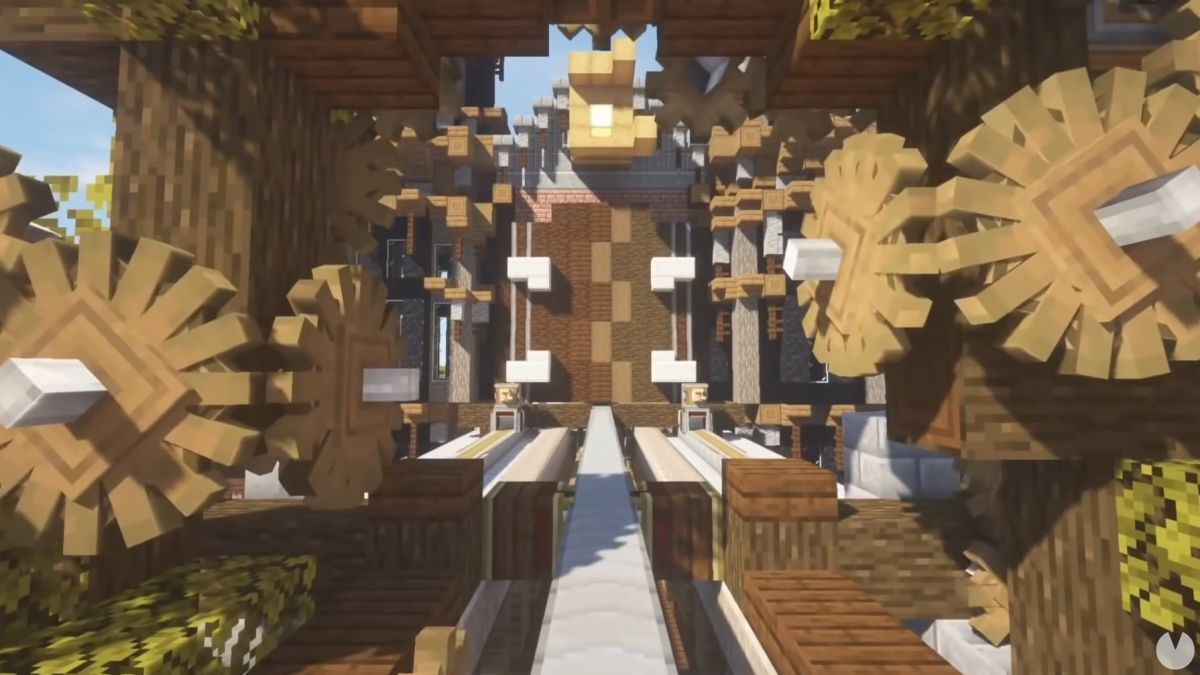
- Create: An ambitious mod that adds a huge selection of tools and components for freely building impressive automated contraptions.
- Actually Additions: A comprehensive pack that adds useful gameplay items, including more tools and food, new storage and transportation options, and much more.
- SkyFactory 4: The latest version of a popular mod that adds technology, magic, and a complete range of automated processes.
- Just Enough Items (JEI): If you're tired of memorizing or constantly looking up crafting recipes, this mod solves the problem by adding a contextual menu that shows you which materials are needed to make every item.
- Storage Drawers: This mod is a crafter's dream, adding shelves and drawers for storing materials, with each one clearly displaying what it contains.
- Uncrafted: A mod that lets you craft blocks and items normally available only through Creative Mode, such as command blocks, mob spawners, chainmail armor, mob heads, cobwebs, obsidian, and ore blocks.
- Blue Power: This mod adds new technological possibilities to the game, including machines, cables, and transportation systems.
- Tool Belt: A mod that lets you craft a tool belt and quickly access your tools through a new radial menu.
Map and adventure mods
- Medieval MC: A huge modpack that gives Minecraft a fresh medieval feel with new dimensions, character origins, professions, enemies, magic, and much more.
- Biomes O' Plenty: This mod adds more than 50 new biomes to the game across both the Overworld and the Nether, along with new plants, flowers, trees, and even building blocks.
- Europe Map: The entire continent of Europe recreated in Minecraft at a scale of 1:100. Similar projects are available for other parts of the world, including the United States.
- Atum 2: Return to the Sands: This mod creates a new dimension inspired by Ancient Egypt. It includes nine biomes, new creatures, new animals to tame, dungeons and ruins to explore, and much more.
- OceanBlock: A massive modpack that challenges you to explore the oceans and uncover their secrets across more than 500 quests. Its features include having to find a diving suit before you can venture underwater.
- Mage Quest: This mod lets you explore an arcane world filled with magic, mystical secrets, dangerous spells, and forbidden knowledge. It includes Fastcraft, a mod that improves Minecraft's performance, although it can be disabled.
- The War of the Worlds: The classic alien-invasion story recreated in Minecraft. The Martians are coming, and you'll have to survive—with hiding underground probably being your best bet.
- Roguelike Adventures and Dungeons: As its name suggests, this mod introduces roguelike mechanics to Minecraft.
- SevTech: Ages: An unusual mod that adds historical progression to the game, keeping certain materials hidden until others have been unlocked to simulate technological development through the ages.
- Farming Valley: Fancy something similar to Stardew Valley or Harvest Moon? This mod brings that kind of gameplay to Minecraft.
- Decimation: If you'd prefer something more violent, this mod challenges you to survive a full-blown zombie apocalypse in the style of World War Z.
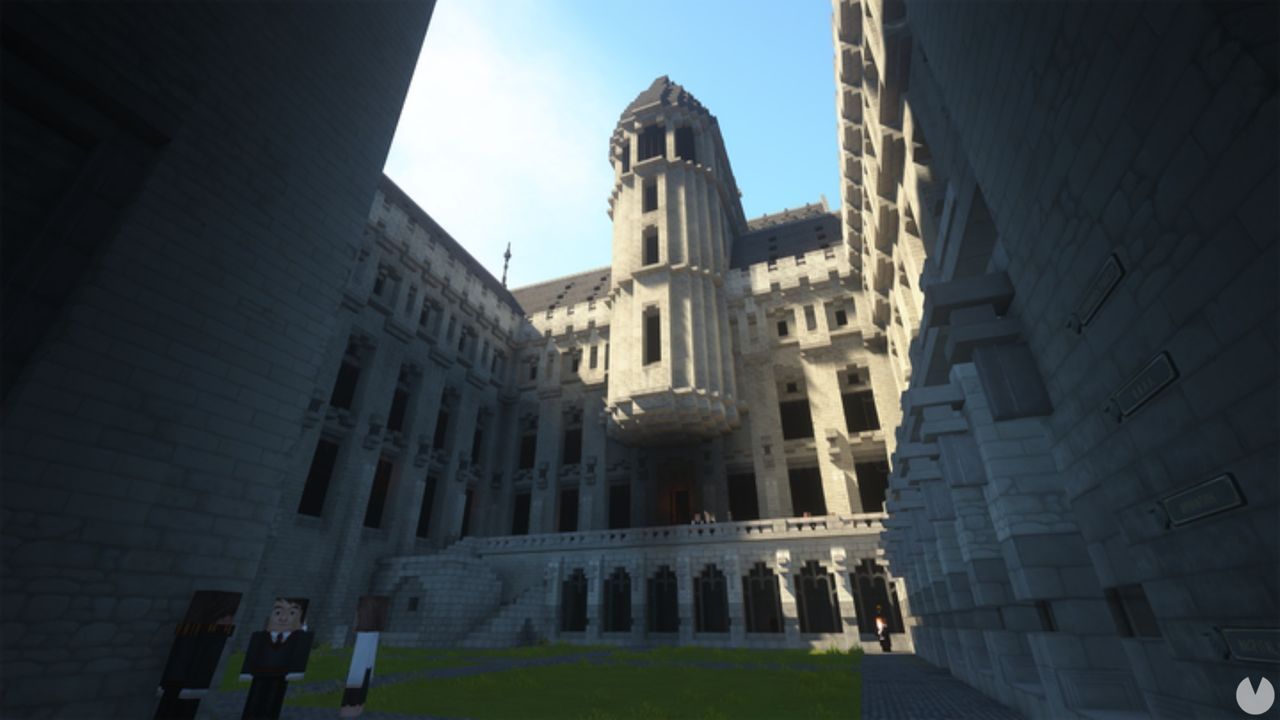
- Witchcraft and Wizardry: After seven years in development, this mod recreates the world of Harry Potter in Minecraft, complete with loads of activities, locations, spells, and characters.
- Safari World: This mod lets you visit an adventure-filled world populated by animals. It includes 35 species in their natural habitats, each with its own unique audio recordings. You can use a safari bus or buggy to explore the world while studying and helping its animals—or fleeing predators such as panthers, lynxes, and cheetahs.
- Forever Stranded: If you enjoy survival games, this mod is for you. It challenges you to stay alive on a hostile planet after your spaceship crash-lands there.
- Twilight Forest: This mod lets you travel to a new dimension filled with dungeons and bosses featuring unique mechanics.
- Astronaut Training Center: This fun learning experience lets you discover what it's like to travel beyond Earth or drive a Mars rover. It includes more than a dozen lessons and four unique skins.
- The Twist Labs: This mod lets you experience a mysterious adventure alongside a friend. It all begins when your character goes to sleep and wakes up the next morning in a strange world.
- Pixelmon Modpack: What can we say about one of the game's most famous mods? It essentially recreates the Pokémon games with their original creatures, battles against NPCs, and much more. This version is a pack containing everything you need to start playing.
- Illemana Defense: Anyone looking for a serious challenge can try this mod, which takes you to a fortress that must be defended against waves of interdimensional monsters.
Graphics-enhancing mods
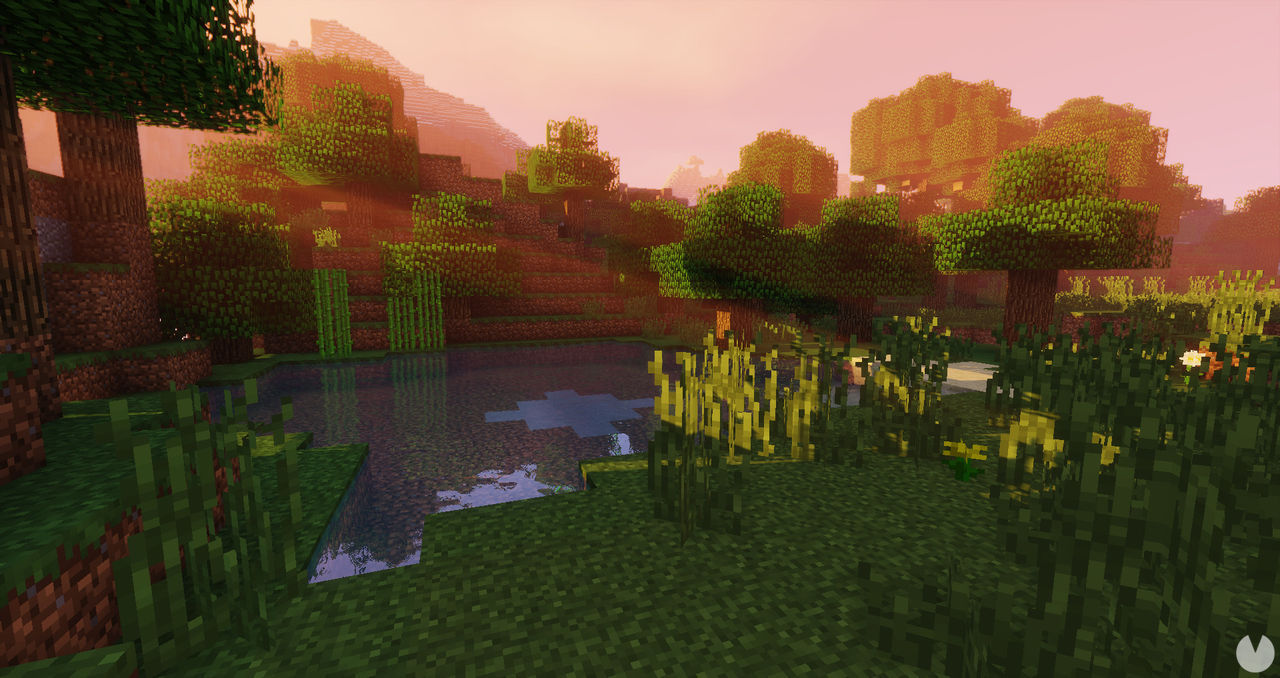
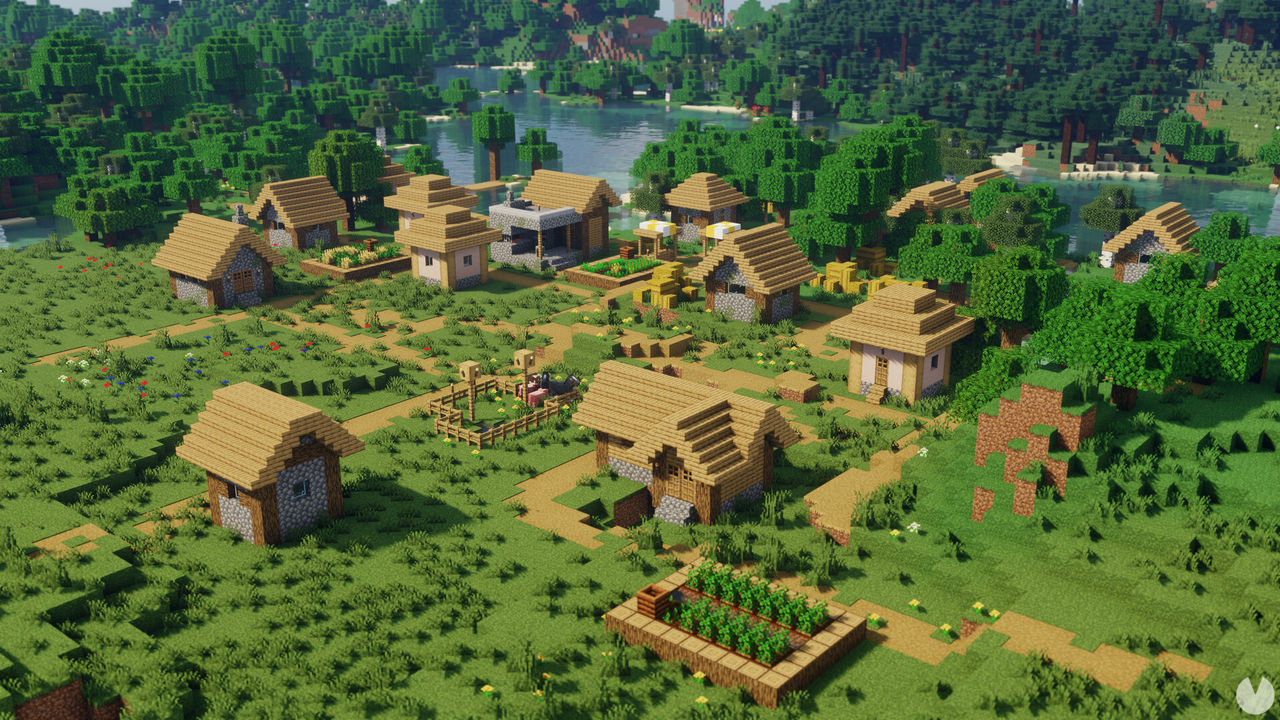
- Chocapic13's Shaders: If you have a powerful PC, this mod may be just what you're looking for. It upgrades the game's graphics to create breathtaking landscapes and impressive lighting effects.
- Vibrant: This shader collection offers several visual presets suited to different computers, meaning you can use it on both powerful PCs and more modest machines.
- SEUS: Although this mod includes plenty of graphical enhancements, it's particularly recommended for anyone looking to give the game's water a more realistic appearance.
- Classic Texture Pack: Minecraft's textures have improved over the years, but this mod lets you bring back the classic look if that's what you prefer.
- Color Blindness Resource Pack: This mod makes Minecraft more accessible to players with color vision deficiencies by adapting the game's colors to different types of color blindness.
- No Cubes 1.0: What would Minecraft be without cubes? This still rather unstable mod experiments with a completely different visual style, replacing the game's familiar blocks with more realistic terrain.
- BetterFps: When talking about graphics upgrades, we usually think about visual quality, but smooth performance matters too. This mod improves Minecraft's frame rate through several options designed to remain as compatible as possible with other mods.
- Draconic Evolution: This mod adds powerful items, armor, and weapons to the game, as well as new energy systems and a whole host of additional features.
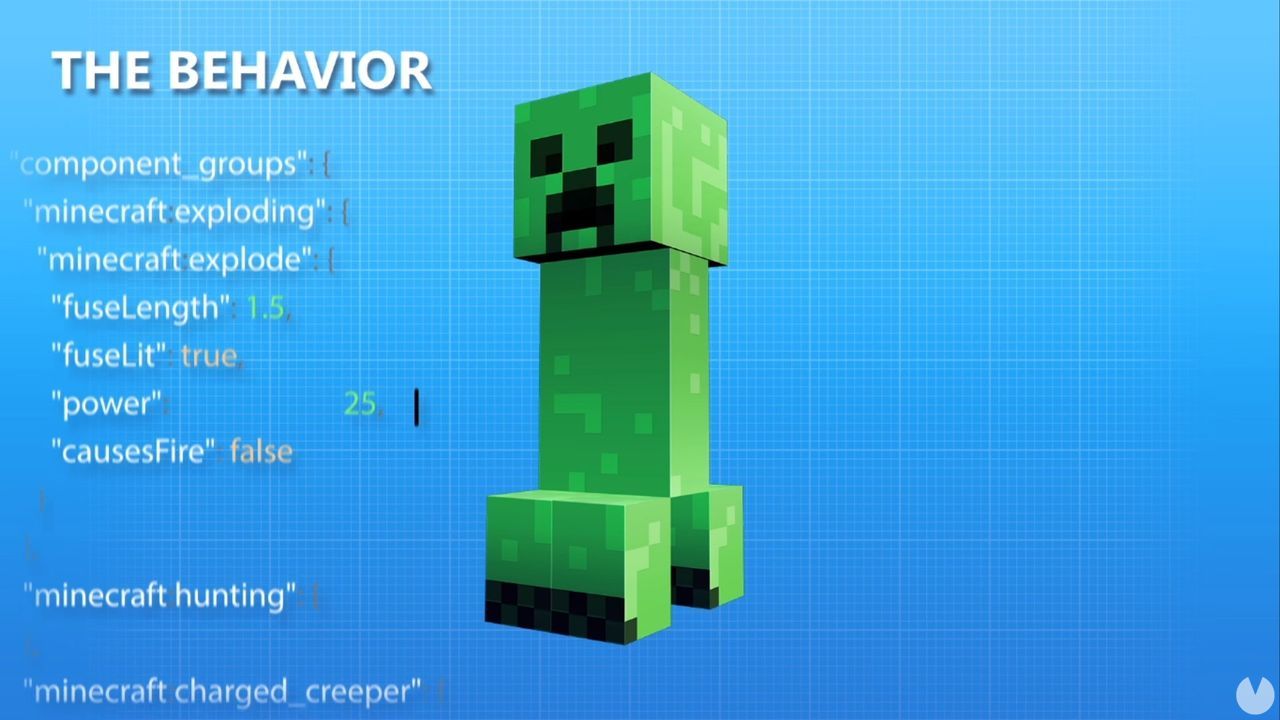
- Nuclear TNT: This replaces regular TNT with an atomic bomb, making the explosion far more powerful and setting the surrounding area on fire.
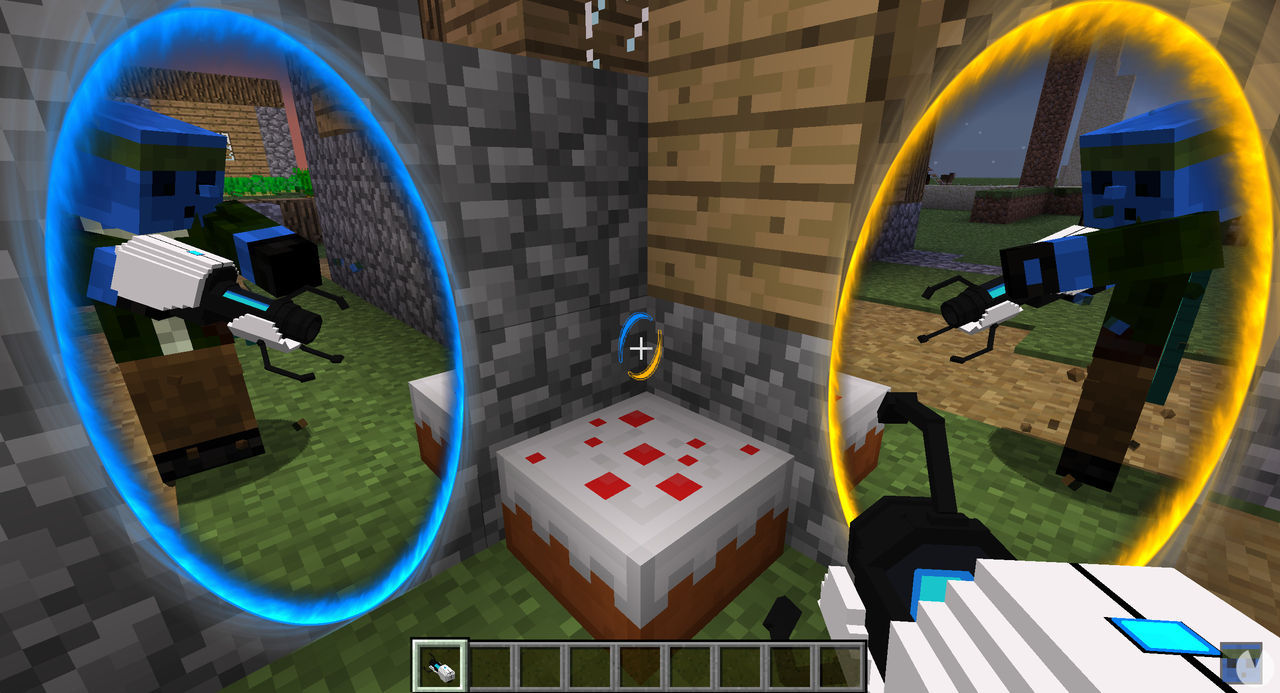
- Portal Gun: A portal gun for Minecraft, along with several other teleportation-related items.
- Advanced Hook Launchers: If you'd prefer a more realistic but equally entertaining way to get around, this mod adds grappling hooks with realistic physics.
- Spartan Shields: As the name suggests, this mod adds new types of shields to the game.
- MrCrayfish's Furniture: Minecraft's default furniture and decorative items can get a little boring after a while, so this modern-style decoration pack is ideal for sprucing up your settlements without clashing with the game's original look.
- Artifacts: Sitting somewhere between an item mod and an adventure mod, this pack challenges you to find its artifacts inside dungeons, as they cannot be crafted.
- Awesome Swords & Armors: Replaces every weapon and set of armor in the game with a unique new design.
- Just a Raft Mod: Adds new wooden rafts to the game. They aren't boats, just simple rafts made from logs.
- Dog Armor: An add-on that lets you equip your dog with armor, making it tougher and allowing you to ride it like a mount.
- Grappling Hook Mod: A fun and useful mod that lets you craft a grappling gun for climbing and swinging around with its own rope physics.
- Mining Gadgets: Bored of mining with the same old tools? This mod lets you extract resources with new gadgets ranging from robots to lasers. Mining has never been this much fun.
- Miner's Helmet: Isn't it strange that Minecraft doesn't have mining helmets? This mod not only lets you craft one, but also uses dynamic lighting to illuminate underground tunnels. It even works underwater.
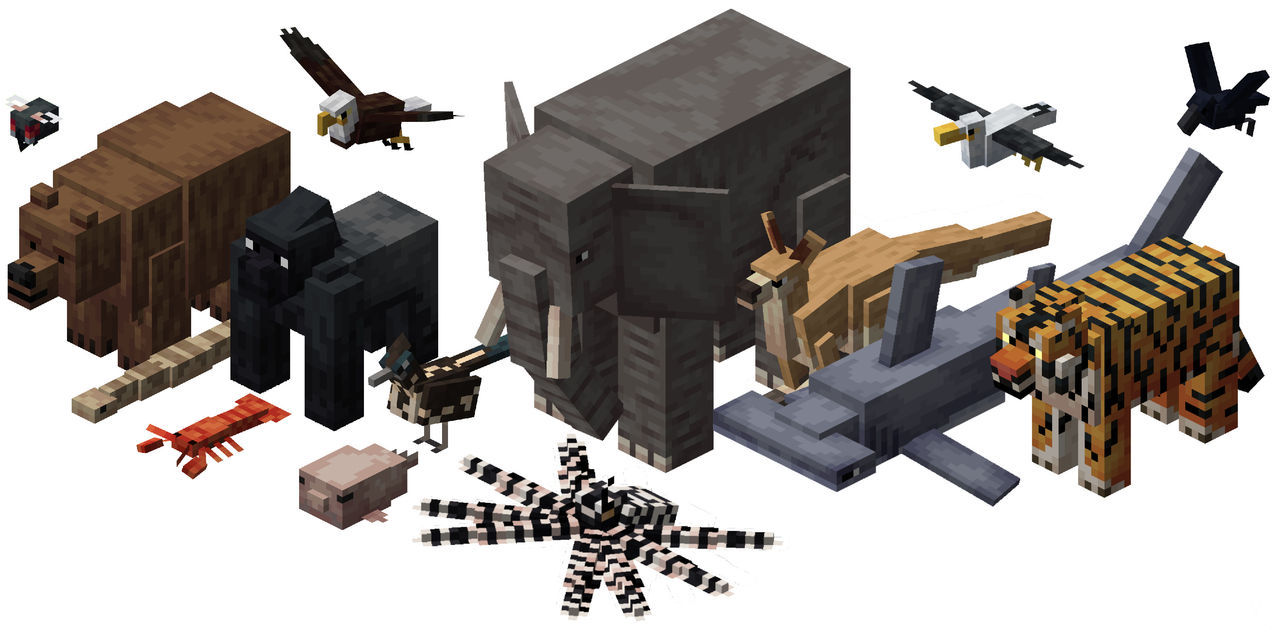
Creature, monster, and animal mods
- Alex's Mobs: A collection of 53 new creatures, both real and fictional. It's one of the most popular creature mods because its designs fit so naturally with the original game.
- LotsOMobs: One of the largest creature packs available. It receives regular updates that expand Minecraft's wildlife with both animals and other kinds of creatures. Its latest update added 45 new mobs.
- Animalium: A mod that introduces several new animal species, ranging from piranhas to wild dogs—and they're all aggressive. It also adds new items such as clothing, tools, and food.
- Familiar Fauna: One of the most widely used animal mods, adding a good number of new creatures to the game, from deer to snails. Unfortunately, its creators are no longer updating it, so it is only available for older versions of the game.
- Mowzie's Mobs: Similar to the previous mod, but focused on hostile creatures. It features a broad selection of monsters, from carnivorous plants to yetis, each with its own unique behavior.
- Genetic Animals: Tired of seeing the same old animals? This mod introduces a basic genetic system for cows, chickens, pigs, sheep, rabbits, and llamas that can generate hundreds of millions of variations.
- The Farlanders: This mod expands the selection of Ender creatures by adding thirteen new types, some hostile and others friendly.
- Aquaculture 2: Adds more than 30 new types of fish, along with new fishing rods, bait, fishing tools, and a range of craftable items, weapons, and armor.
- Ice and Fire: This mod overhauls the game's dragons with new designs and powers. It also gives them more realistic spawning rules, with each type of creature appearing in its own biome.
- Waddles: If you love penguins, this is the mod for you. It adds these charming birds to the game, complete with realistic sound effects. They can appear in any icy biome.
- Doggy Talents: This mod lets you teach Minecraft's dogs 19 new tricks and also adds new items such as beds and collars in different colors.
- Rats: As the name suggests, this mod adds rats to the game. These rodents aren't merely decorative, either, as they can be trained to join your team.
Quality-of-life mods
- Clumps: A mod that groups experience orbs together to reduce lag. It also makes collecting them faster and easier.
- Mouse Tweaks: This mod replaces the default mouse controls with more convenient options that make crafting easier.
- AppleSkin: This mod provides more detailed information about your character's hunger and the food you eat.
- Nature's Compass: This mod is extremely useful when you're trying to find a particular biome, as it gives you a compass that points you in the right direction.
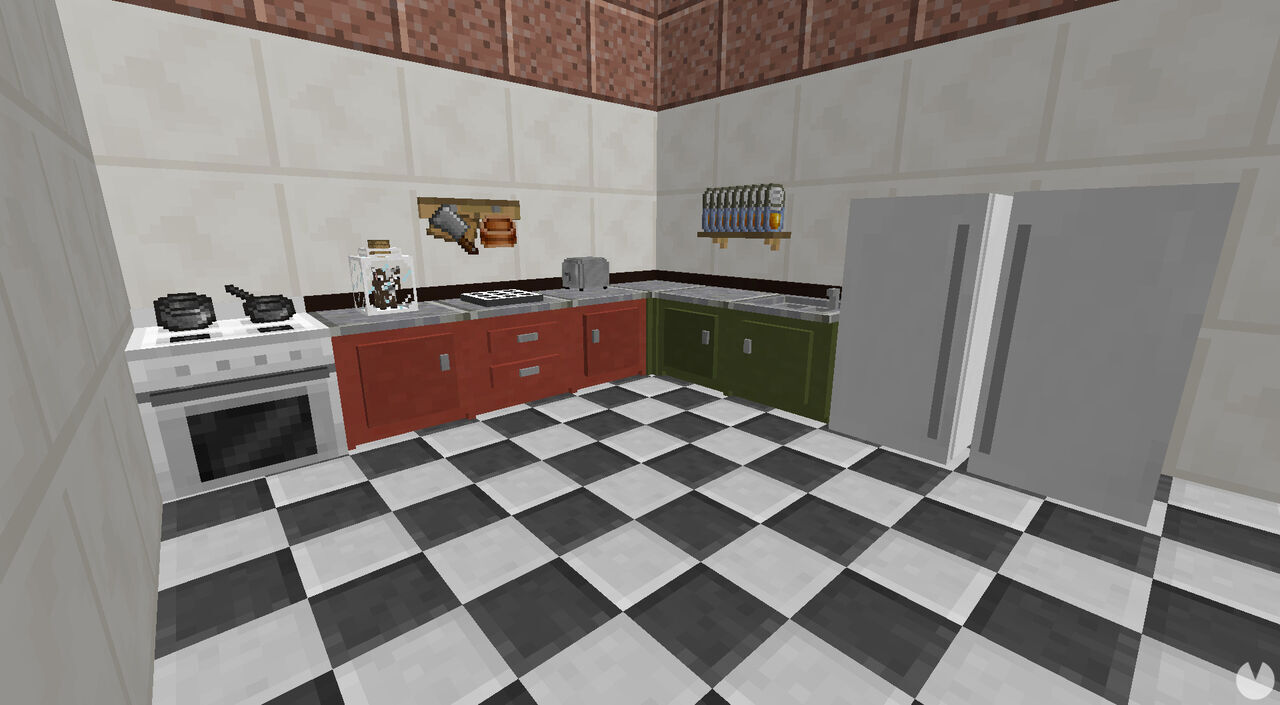
- Cooking for Blockheads: A mod that improves cooking with features such as recipes based on the ingredients currently in your inventory.