Vandal
Minecraft: How to Play Split-Screen (PlayStation, Xbox, Switch...)

Minecraft: How to Play Split-Screen (PlayStation, Xbox, Switch...)

Want to play Minecraft with your friends in split-screen co-op? Follow these simple steps to set it up easily on any console!
Daniel González · Published: 19 Jul 2026, 16:56

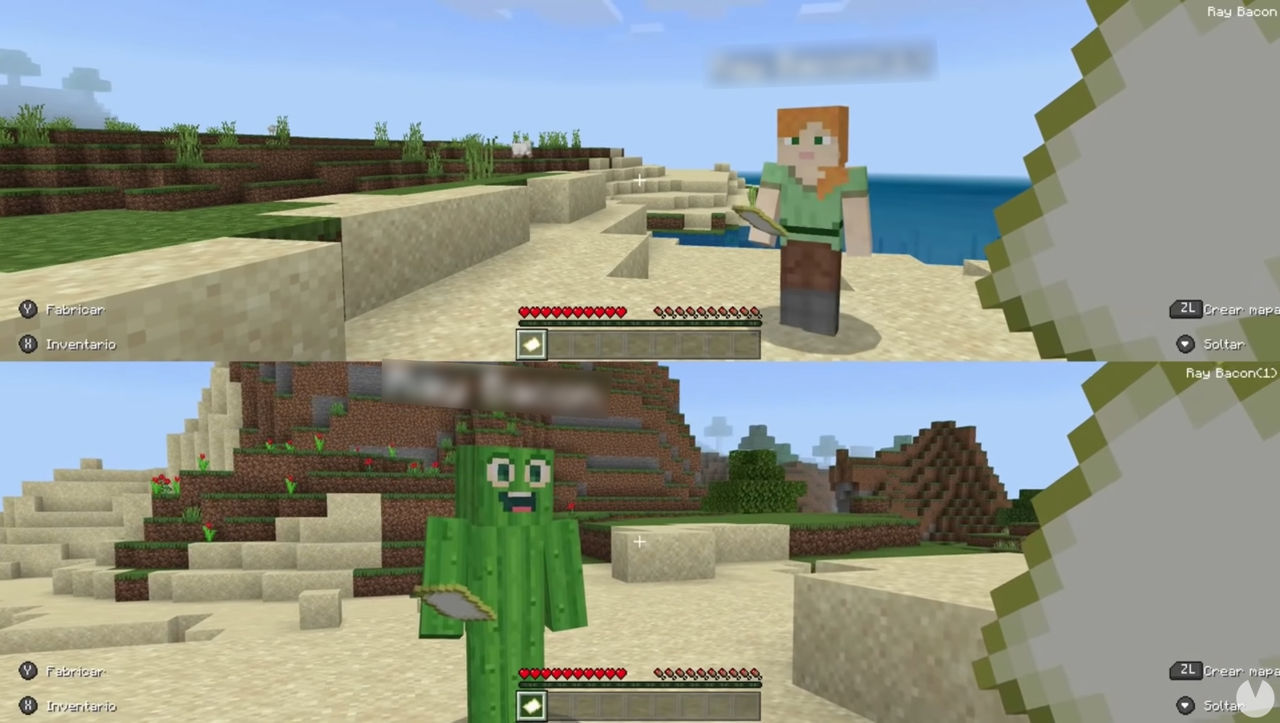
Minecraft, one of the most successful games of all time, can now be played in split-screen mode with friends. This option wasn't available when the game first launched, but given how much it has grown, it wouldn't make sense not to have it nowadays. Even so, plenty of players probably have questions about how to enjoy local co-op in Minecraft.

Don't worry, because you've come to the right place. In this section of our complete guide, we'll walk you through the steps required to set up split-screen mode in Minecraft so you can play on any console.

Requirements for playing in split-screen mode

Minecraft: Requirements for playing in split-screen mode

Before explaining how to play Minecraft with friends in split-screen mode, there are a few requirements you need to know about.

Supported editions

First of all, Minecraft's split-screen option is only officially and natively supported by the console versions. These include:

  • Minecraft Bedrock Edition: available on Nintendo Switch, PlayStation 4, and Xbox One (as well as on PS5 and Xbox Series X|S through backward compatibility).
  • Minecraft Legacy Edition: available on Xbox 360, PlayStation 3, and Wii U.

Unfortunately, the PC version of Minecraft doesn't officially support split-screen mode, so you won't be able to play this way on a computer. Your only alternative is to try using various mods, but setting them up can be a hassle and isn't recommended.

720p resolution

It's also worth noting that split-screen mode on consoles is only available if you're playing Minecraft on a TV with a resolution of at least 720p. To do this, you'll need to set your console's video output to match your TV's resolution. This is very easy and can usually be done by going to Settings > System > Console Settings > Display.

Minecraft: How to play in split-screen mode

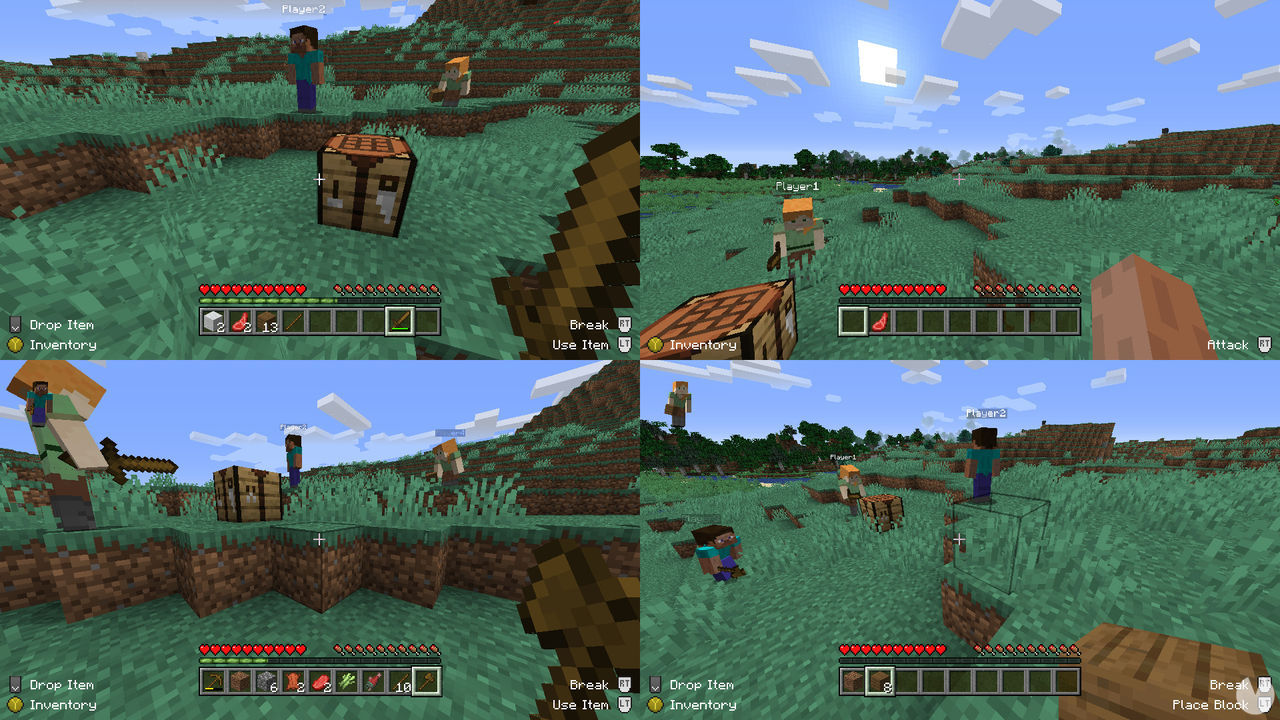
Minecraft supports split-screen play on consoles both locally (offline) and online, with up to four players at the same time. Here's how to set it up:

How to play local split-screen

To play Minecraft in local split-screen mode on your console—that is, without an internet connection—follow these steps:

  • Open Minecraft and select Play. Now create a new world or load an existing one.
  • On the next screen, uncheck the online/multiplayer game option. Set the difficulty, then load the world.
  • Once you've entered the world, connect the second player's controller to the console.
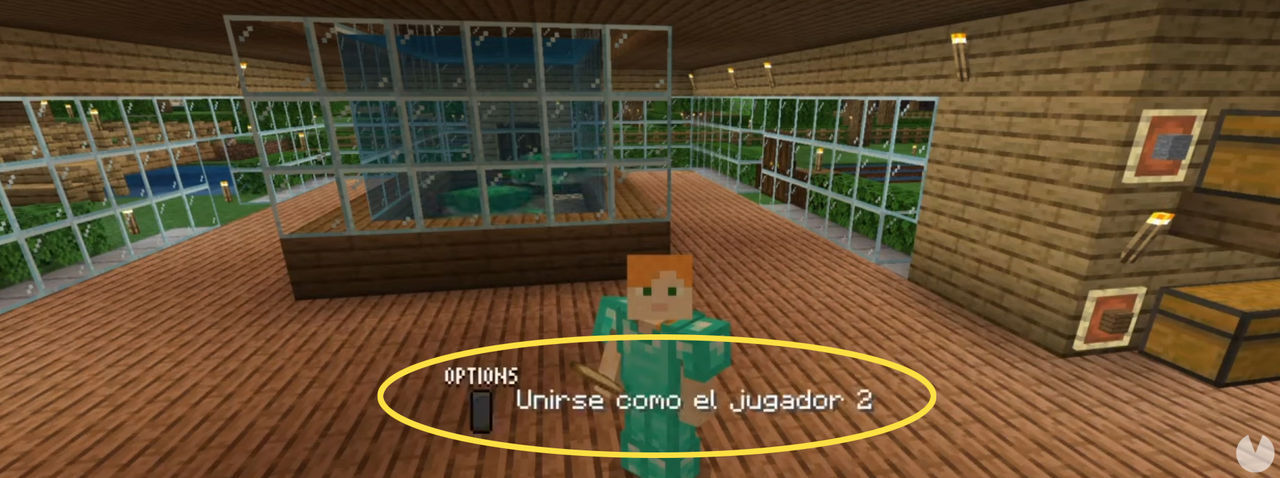
  • The game should now detect the second controller and tell you which button to press to add the second player (for example, "Options" on PlayStation or "Menu" on Xbox).
  • Select the second player's user account to sign in.
  • The second player should then immediately join the Minecraft world, and the screen will be divided.
  • You can connect up to two additional controllers and two more accounts to play with four players in split-screen mode at the same time.
Minecraft: How to add players in local split-screen mode

How to play split-screen online

The steps in this section will allow you to play Minecraft in online split-screen mode, letting you share your games with other players using the online features. This option is only available on PlayStation and Xbox consoles and can be enabled as follows:

  • First, turn on your console and open your main profile to launch Minecraft.
  • From the main menu, select Play and either load an existing world or create a new one.
  • On the next screen, make sure to check the online game option. Set the difficulty, then load the world.
  • A sign-in window will then appear on the screen. At this point, guest players using the console can join the game with their respective controllers if they wish.

Keep in mind that, to use the online features, all users must be subscribed to the relevant PlayStation or Xbox online service. Guest accounts can only join while the world is loading, whereas accounts subscribed to an online service can join at any time after connecting to the game.

Latest updates about Minecraft

Minecraft: The 20 Best Skins to Download Right Now
Minecraft · 9 Aug 2026, 17:34
Discover the best Minecraft skins available right now. Turn Steve into anything you want with our recommendations and enjoy your next adventure in style.
Minecraft: How to Download and Use Skins
Minecraft · 9 Aug 2026, 17:29
Don't want to use Minecraft's default skins? Find out how to legally download alternative skins and use them in your games.
Minecraft: How to Find Diamonds and Crafting Recipes
Minecraft · 9 Aug 2026, 17:27
Discover the easiest and most common ways to find diamonds in Minecraft, as well as all the items you can craft with this valuable material.
Minecraft: How to Build an End Portal and Reach the Ender Dragon
Minecraft · 9 Aug 2026, 17:11
Find out how to build an End Portal and reach the Ender Dragon in Minecraft, the final boss you'll face on your adventure.
Minecraft: How to Download and Try It for Free
Minecraft · 9 Aug 2026, 17:07
Find out how to download and try Minecraft for free, so you can decide for yourself whether the full game is worth buying.
Minecraft Games: How Many Are There and What's the Difference?
Minecraft · 9 Aug 2026, 17:04
Did you know Minecraft isn't just about building? The franchise features several different types of games. Find out what they are and how they differ.
Minecraft: LauncherFenix, TLauncher, and Cracked Servers
Minecraft · 9 Aug 2026, 17:02
Here's what you should know about these Minecraft-related terms... or rather, why we won't be telling you much about them.
Frequently Asked Questions in Minecraft
Minecraft · 9 Aug 2026, 16:59
What is TLauncher? How do you create a cracked server? What are the best servers? How do you get a saddle? We answer Minecraft's most frequently asked questions.
MINECRAFT: How to Play for Free in Your Browser
Minecraft · 19 Jul 2026, 17:56
Here’s how you can play Minecraft completely free in your browser. No, it isn’t piracy—there’s a completely free version available to everyone.
Minecraft: How to Install and Use Forge for Mods
Minecraft · 19 Jul 2026, 17:54
Learn how to download and install Forge for Minecraft, an application that lets you run the many mods available for the game.
Minecraft: How to Find Axolotls and Tame Them Easily
Minecraft · 19 Jul 2026, 17:52
We show you where to find axolotls in any Minecraft seed, their traits and benefits, and how to tame and breed them.
Minecraft System Requirements for PC (Minimum and Recommended)
Minecraft · 19 Jul 2026, 17:42
Check the minimum and recommended Minecraft system requirements for PC, including CPU, RAM, graphics card, storage space, and Java versions.
Best Minecraft Mods for PC, iOS, and Android
Minecraft · 19 Jul 2026, 17:40
We’ve picked the 70 best free Minecraft mods, from gameplay-changing additions and graphical upgrades to new items, maps, and creatures.
How to Install Minecraft Mods on PC, Mac, Android, and iPhone
Minecraft · 19 Jul 2026, 17:37
Here’s how to install Minecraft mods and unlock even more possibilities in this already massive, record-breaking hit.
How to Find Villages in Minecraft
Minecraft · 19 Jul 2026, 16:54
Minecraft’s inhabited locations let you trade with NPCs, so knowing where to find them is essential. Here’s how to locate villages, temples, and castles.
Best Minecraft Houses for Beginners: Essential Tips and Tricks
Minecraft · 19 Jul 2026, 16:52
Just started playing Minecraft and not sure how to build a house? Don’t worry—here are the best tips and designs to help you build your first home with ease.
Minecraft: Best Servers to Play On (2026)
Minecraft · 19 Jul 2026, 16:51
These are the best Minecraft servers currently available for all kinds of players. If you’re looking to have a great time, we highly recommend checking them out!
MINECRAFT | All Potions and How to Make Them
Minecraft · 19 Jul 2026, 16:44
Here are all the potions available in Minecraft, including their recipes, how to brew and upgrade them, and the effects and benefits they provide.
ALL Minecraft Cheats and Commands
Minecraft · 19 Jul 2026, 16:42
(UPDATED) Want to make things even easier than simply using Creative Mode? Here are all the Minecraft cheats you can use to get anything you want.
BEST Minecraft Seeds (2026)
Minecraft · 19 Jul 2026, 16:34
(UPDATED!) We’ve rounded up the best Minecraft world seeds and explain how the system works so you can start your adventures in incredible landscapes.
Minecraft: Creation, Launch, Success, and Legacy
Minecraft · 19 Jul 2026, 16:27
Discover Minecraft’s creation, launch, global success, chronology, community creativity, spin-offs, current state, and lasting legacy.

More about Minecraft

Minecraft
Everything you need to know before exploring the world of Minecraft. Don’t begin your adventure without learning how the game works. Discover the best tips and tricks!
Flecha subir